
Key Takeaways
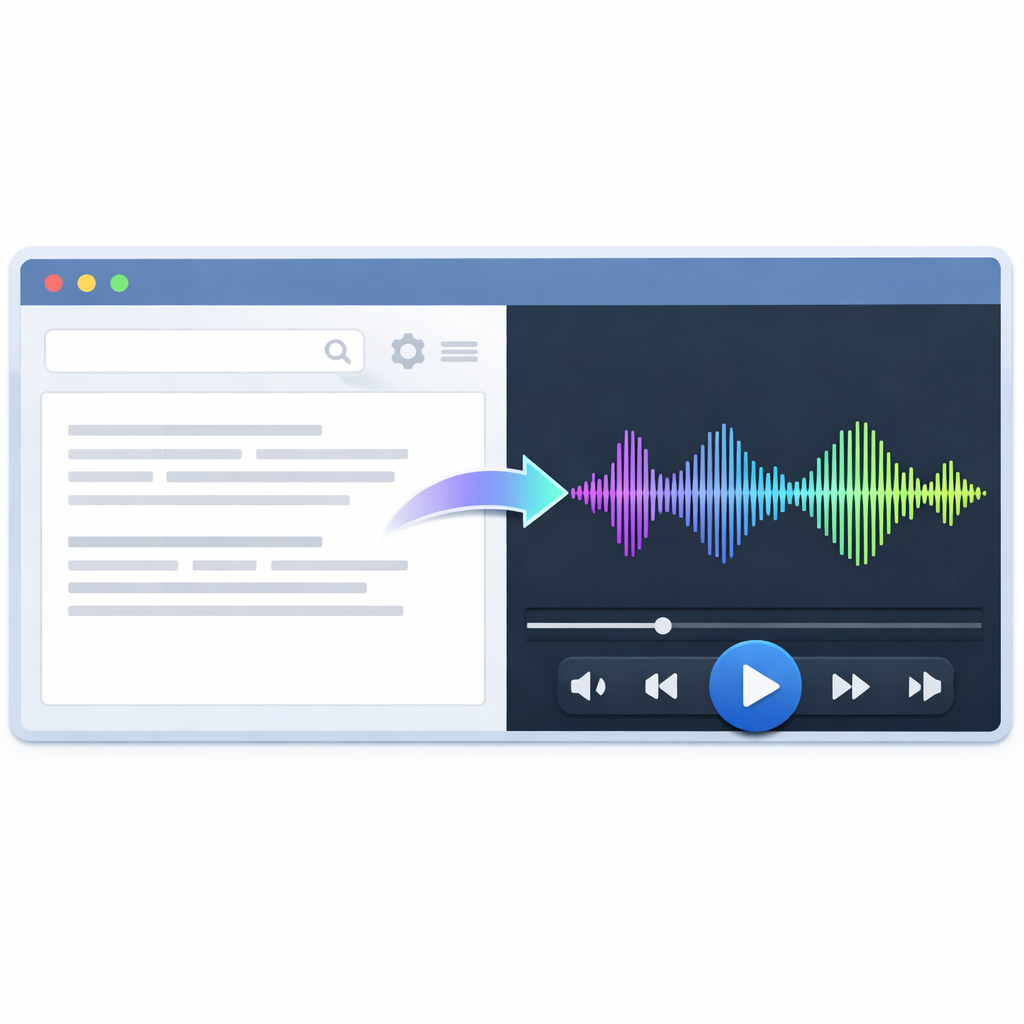
- Text to speech helps teams create voiceovers for ads, lessons, demos, support content, and more.
- The best tools sound natural because they offer clear pacing, strong pronunciation, emotion controls, and voice variety.
- Teams save time because they can edit a script and regenerate audio in minutes.
- Revoicer stands out for its browser-based workflow, realistic voices, emotional delivery options, and broad language support.
- When choosing a platform, focus on workflow, licensing, scalability, and fit for your content goals.
AI Voiceover Guide
Text to Speech for Realistic AI Voiceovers
Published: April 2026
Text to speech is no longer just a basic accessibility feature. Today, it helps marketers, educators, authors, support teams, and creators turn scripts into polished audio fast. That matters when content changes often and deadlines are short.
Why trust this guide: We reviewed current text to speech workflows, compared common production bottlenecks, and referenced public sources such as NIST, W3C, and Wikipedia’s speech synthesis overview. We also looked at Revoicer’s positioning and common use cases for teams that need scalable voice production.
Text to Speech: What It Is and Why It Matters
What Is Text to Speech?
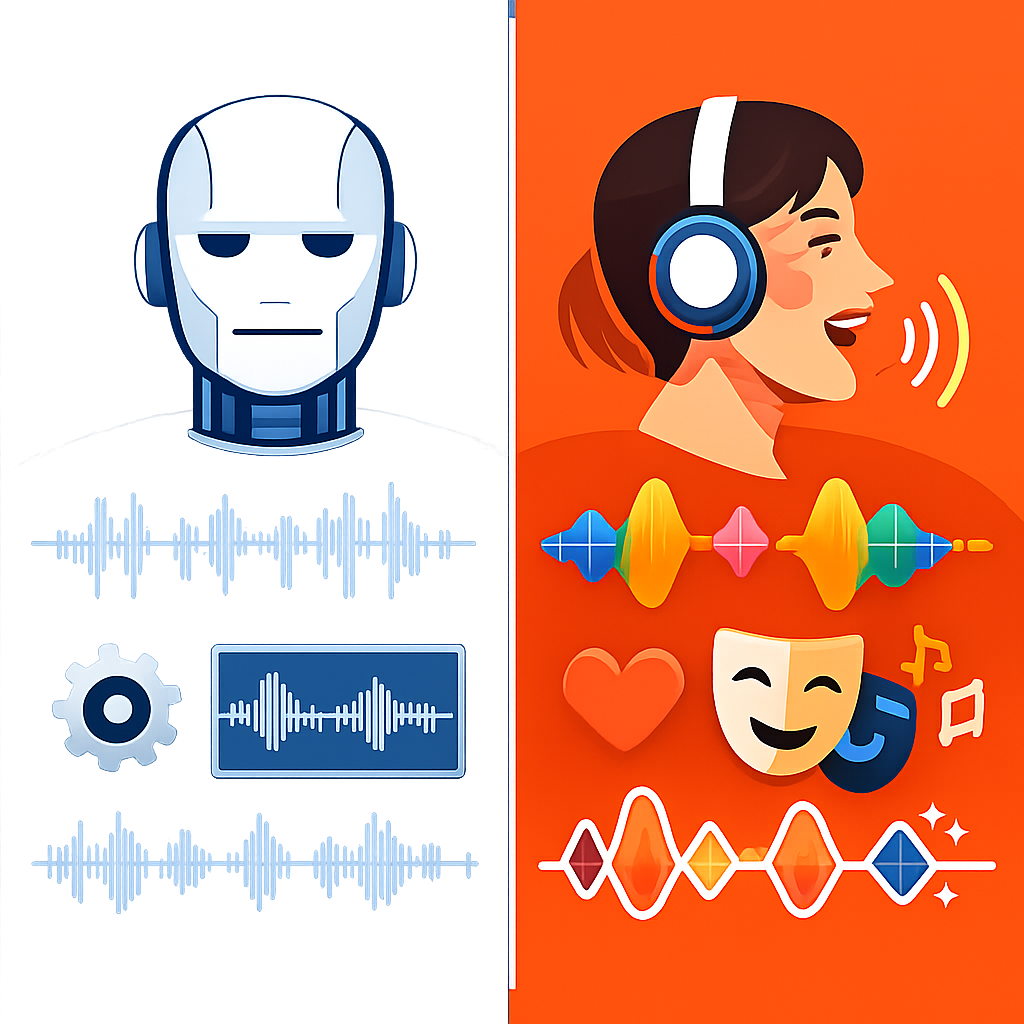
Text to speech is software that turns written words into spoken audio. Older systems often sounded stiff. Newer AI systems sound smoother because they use better pronunciation, pacing, and speech patterns.
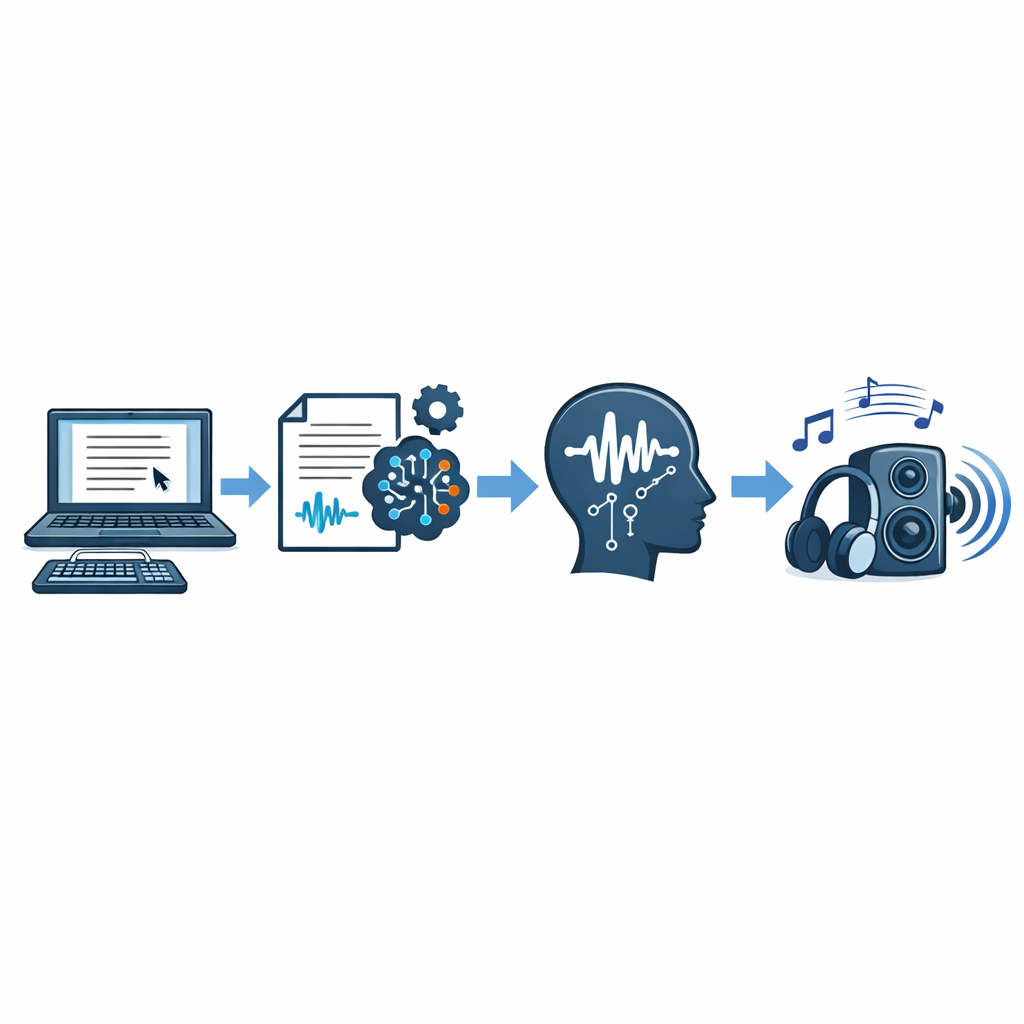
The workflow is simple:
-
Paste or write your script. This could be ad copy, a lesson, a support message, or a product demo.
-
Choose a voice. Good tools let you pick language, accent, speed, and sometimes emotion.
-
Generate and export. You can then use the audio in videos, courses, apps, or podcasts.
If one line changes, you can update the audio right away instead of booking another recording session.
Why Text to Speech Is Growing Across Industries
More teams now build audio into normal content work. People listen while commuting, walking, working, or studying. That shift has made voice useful for much more than accessibility.
According to the W3C, audio alternatives can improve access and flexibility for many users. That helps explain why text to speech is now common in education, publishing, product design, and marketing.
Want to hear how realistic AI voiceovers can sound in a real workflow? Explore voices and see whether Revoicer fits your content process.
Who Benefits Most From Text to Speech Software
For Marketers, Educators, and Content Teams
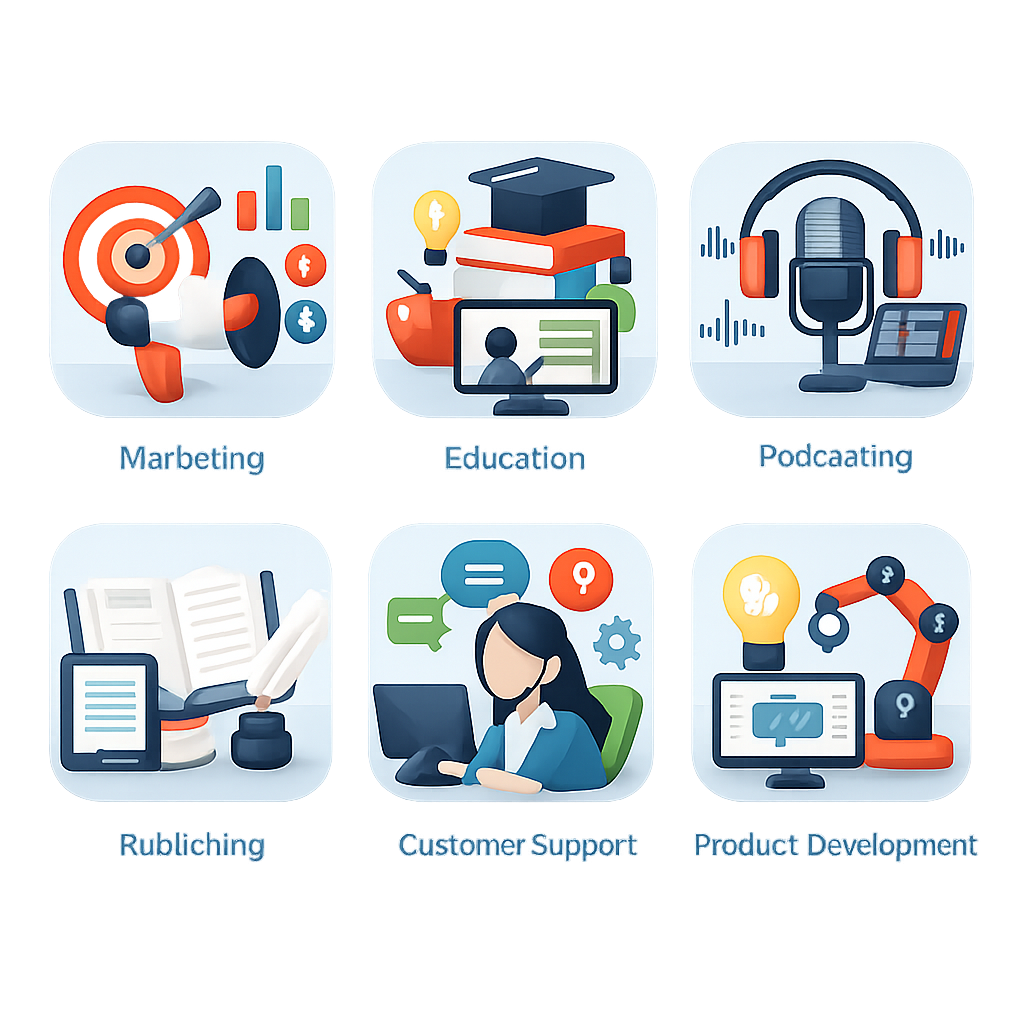
Marketing teams often need to test new offers, hooks, and calls to action quickly. Text to speech helps them update voiceovers without waiting on studio time. That is useful for ads, landing page videos, and social content.
Educators and training teams benefit from consistency. A course with one stable voice feels more polished. It is also easier to update when lessons, policies, or product details change.
- Marketers: Faster ad testing, easier revisions, and lower production costs.
- Educators: Clear lesson narration, accessibility support, and simpler course updates.
- Content teams: Reliable audio for explainers, webinars, videos, and internal content.
For Authors, Podcasters, and Product Developers
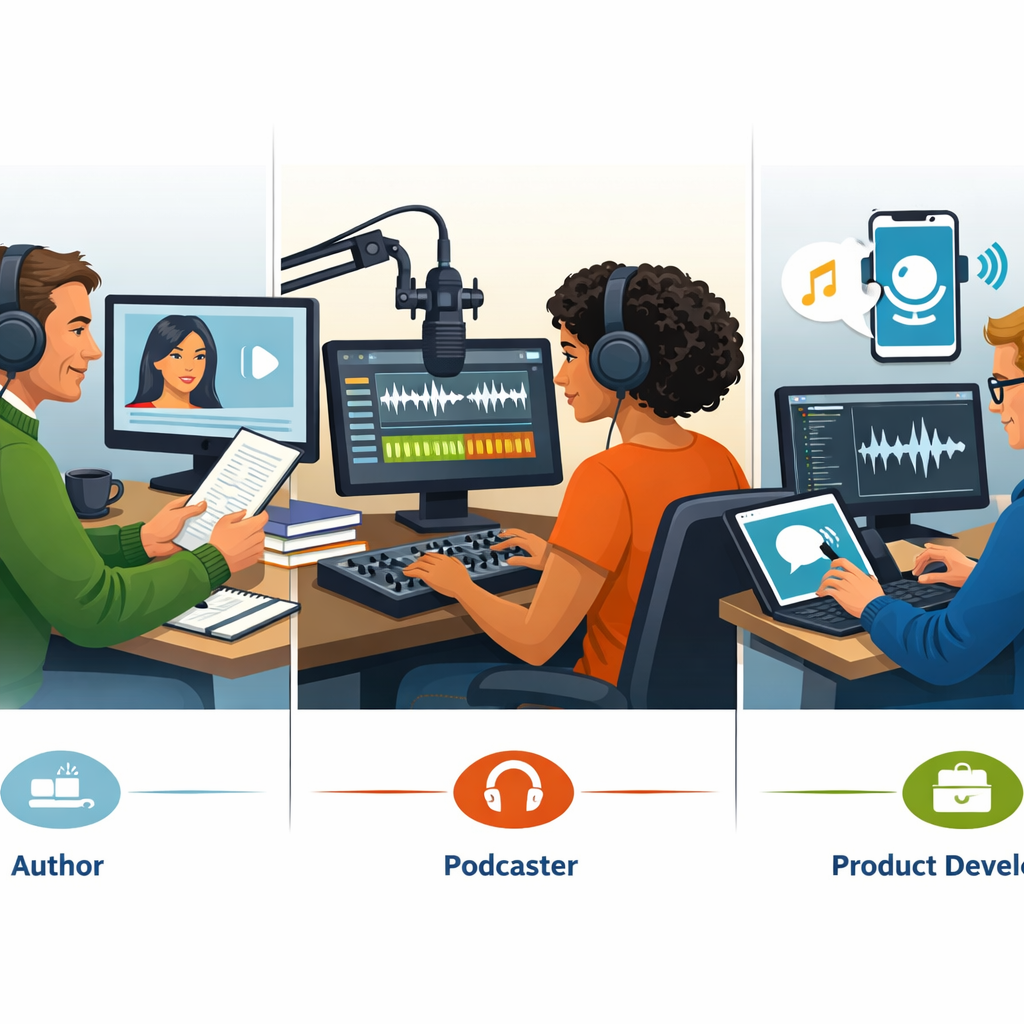
Authors can use text to speech for chapter previews, draft narration, or bonus audio versions of written content. Podcasters can use it for intros, sponsor reads, and recurring announcements. Product teams often use AI voice for onboarding, prompts, and support flows.
Authors
Create sample audio, previews, or draft narration without waiting on a full recording cycle.
Podcasters
Produce repeatable intros, transitions, and updates while keeping hosts focused on core episodes.
Product Teams
Add voice to demos, onboarding, and support flows with less setup and less delay.
What Makes Great Text to Speech Sound More Human
Emotion-Based AI Voices for Better Engagement
The biggest change in text to speech is not just cleaner pronunciation. It is better delivery. A sales video may need confidence. A lesson may need calm clarity. A support message may need warmth.
When a voice matches the situation, the audio feels more natural. When it does not, even a clear voice can sound wrong.
“Speech synthesis has evolved from rule-based systems to neural approaches that produce more natural prosody and intelligibility.”
Based on public overviews from NIST and speech synthesis references.
Control Voice Type, Pitch, and Speed
Good text to speech software gives you control. At minimum, you should be able to choose a voice, adjust speed, and shape pacing.
- Pitch and tone: Help match the brand or message.
- Speed: Useful for both short promos and detailed lessons.
- Pauses: Improve clarity and emphasis.
- Voice selection: Helps different content types sound right.
Why Language Variety Matters for Global Reach
If your audience is global, language support matters. A strong platform should support both the language and the style your audience expects.
| Capability | Why It Matters | Best Fit |
|---|---|---|
| Emotion controls | Makes scripts feel warm, urgent, calm, or persuasive | Ads, demos, storytelling |
| Speed and pacing | Improves understanding and retention | Training, lessons, support audio |
| Multiple languages | Supports localization and wider reach | Global brands, SaaS, eLearning |
| Voice variety | Keeps assets from sounding identical | Agencies, creators, multi-brand teams |
How Revoicer Helps You Create Voiceovers Faster Online
100% Online With Nothing to Download
Revoicer is browser-based, which makes it simple to start. There is no heavy setup and no need to manage desktop installs. That matters for teams with non-technical users or remote contributors.
A Scalable Alternative to Traditional Voice Recording
Traditional recording still makes sense for some flagship projects. But it can be slow and expensive when scripts change often. Revoicer is better suited to repeatable work where speed matters.
- Update ad hooks and offers without rebooking talent
- Refresh training modules after policy or product changes
- Create multilingual versions of the same asset faster
- Produce support audio and onboarding clips at scale
Built for Speed, Efficiency, and Lower Production Costs
The cost of voice production is not just the recording itself. It also includes scheduling, revisions, editing, and delays. Text to speech cuts much of that work.
For related workflow ideas, see our internal guides on features to compare in AI voice tools and emotion-based voice generation.
How to Use Text to Speech for Different Content Types

Video Sales Letters, Ads, and Social Content
Text to speech works well for fast-moving marketing content. You can test several hooks, offers, and calls to action without waiting on a new recording.
Training, eLearning, and Educational Content
Educational content needs steady pacing and clear pronunciation. A good AI voice helps listeners stay focused during longer lessons. It also gives people another way to consume material when they do not want to read on a screen.
Accessibility guidance from the W3C supports the value of media alternatives for different users and situations.
Audiobooks, Podcasts, and Customer Support Audio
Creators use text to speech for audiobook previews, podcast segments, and support audio. One major benefit is version control. If the script changes, you can regenerate the audio quickly.
What Users Say About Our Text to Speech
“We used AI voiceovers for ad testing first. The surprise was how much faster our creative team moved once voice became editable like copy.”Marketing workflow observation from our team’s client-side analysis
“For training updates, text to speech is more about speed than novelty. We can patch a lesson in one afternoon instead of waiting a week.”Common eLearning production pattern we have documented
How to Choose the Right Text to Speech Tool
Features to Prioritize Before You Buy
Many buyers focus only on the sample voice. That is not enough. The right text to speech platform should fit your real workflow.
- Natural voice quality with realistic pacing
- Emotion and tone controls for different use cases
- Language and accent coverage for localization
- Fast browser workflow for easy adoption
- Commercial usability for client or business work
- Scalability for teams that publish often
Questions to Ask About Workflow and Scalability
| Evaluation Area | What to Look For | Why It Affects ROI |
|---|---|---|
| Setup | Browser-based, easy onboarding, no heavy software | Reduces adoption friction |
| Editing | Fast script changes and re-rendering | Saves revision time |
| Localization | Multiple languages and voice options | Supports market expansion |
| Voice realism | Natural cadence, emotion, intelligibility | Improves listener trust and retention |
For a deeper comparison, you can also review our guide to top text to speech features before you buy.
Common Text to Speech Mistakes to Avoid

Using the Same Voice for Every Scenario
One voice does not fit every job. A voice that works for onboarding may sound wrong in a high-energy ad. Match the voice to the goal and audience.
Ignoring Emotion, Pacing, and Audience Expectations
Even strong tools can sound weak if the script is rushed or the tone is off. Slow down lessons. Add urgency to time-sensitive offers. Use pauses where listeners need time to process an idea.
Choosing Tools That Limit Growth
A basic tool may work for a few clips, then become a problem as your needs grow. If it lacks languages, voice variety, or easy editing, you may need to switch later.
Why Revoicer Is a Strong Choice for Text to Speech
80+ Human-Sounding Voices Across English and 40+ Languages
Based on Revoicer’s public positioning, the platform offers 80+ human-sounding voices across English and 40+ languages. That gives teams useful range without needing several tools.
Custom Emotions for More Natural Delivery
Revoicer also highlights emotional delivery. That matters for sales content, lessons, and customer-facing audio because a flat read can reduce impact.
A Practical Fit for Teams That Need Fast, Affordable Voiceovers
Revoicer’s main value is practical. It helps teams create realistic voiceovers without the usual recording delays. If your workflow depends on speed, revisions, and repeatable output, that is a strong advantage.
Best for
Marketers, educators, authors, podcasters, support teams, and product builders who need scalable voice production.
Core strengths
Online workflow, multilingual support, emotional voice options, and lower overhead than traditional recording.
Why it stands out
It focuses on realistic AI voiceovers that fit day-to-day content production, not just one-off demos.
Conclusion: Turn Written Content Into Engaging Audio
Text to speech is now a serious production tool for modern teams. The best platforms do more than read words aloud. They help brands move faster, update content with less friction, and create audio that sounds clear and useful.
If you need voiceovers for ads, training, podcasts, product walkthroughs, or support content, the right tool should save time without hurting quality. Revoicer makes a strong case because it combines realistic voices, emotional control, multilingual reach, and a browser-based workflow.
Ready to turn scripts into polished audio without the usual recording delays? Take a closer look at Revoicer and see how it fits your workflow.
Frequently Asked Questions
What is text to speech used for today?
Text to speech is used for marketing videos, eLearning, audiobooks, podcasts, product demos, support audio, accessibility, and internal training. Its biggest value is fast, scalable voiceover creation.
Can I adjust the speed or tone of AI voices?
Yes, strong text to speech tools let you adjust speed, pacing, and sometimes emotional tone. These controls help match the voice to the audience and content type.
How many languages should a good text to speech tool support?
That depends on your audience, but multilingual support is important if you localize content. Revoicer is positioned with 40+ languages, which is useful for brands and educators serving global audiences.
Can text to speech be used for audiobook production?
Yes. Many creators use text to speech for audiobook previews, draft narration, serialized releases, and internal reviews. The better the voice realism and pacing controls, the more suitable it becomes for long-form audio.
Is browser-based text to speech better than downloadable software?
For many teams, yes. A browser-based workflow reduces setup friction, makes collaboration easier, and helps non-technical users create voiceovers quickly from anywhere.
What should I avoid when choosing a text to speech platform?
Avoid platforms that sound good in demos but lack editing flexibility, emotional range, language support, or scalable workflow. Those limitations usually appear once production volume increases.