Key Takeaways
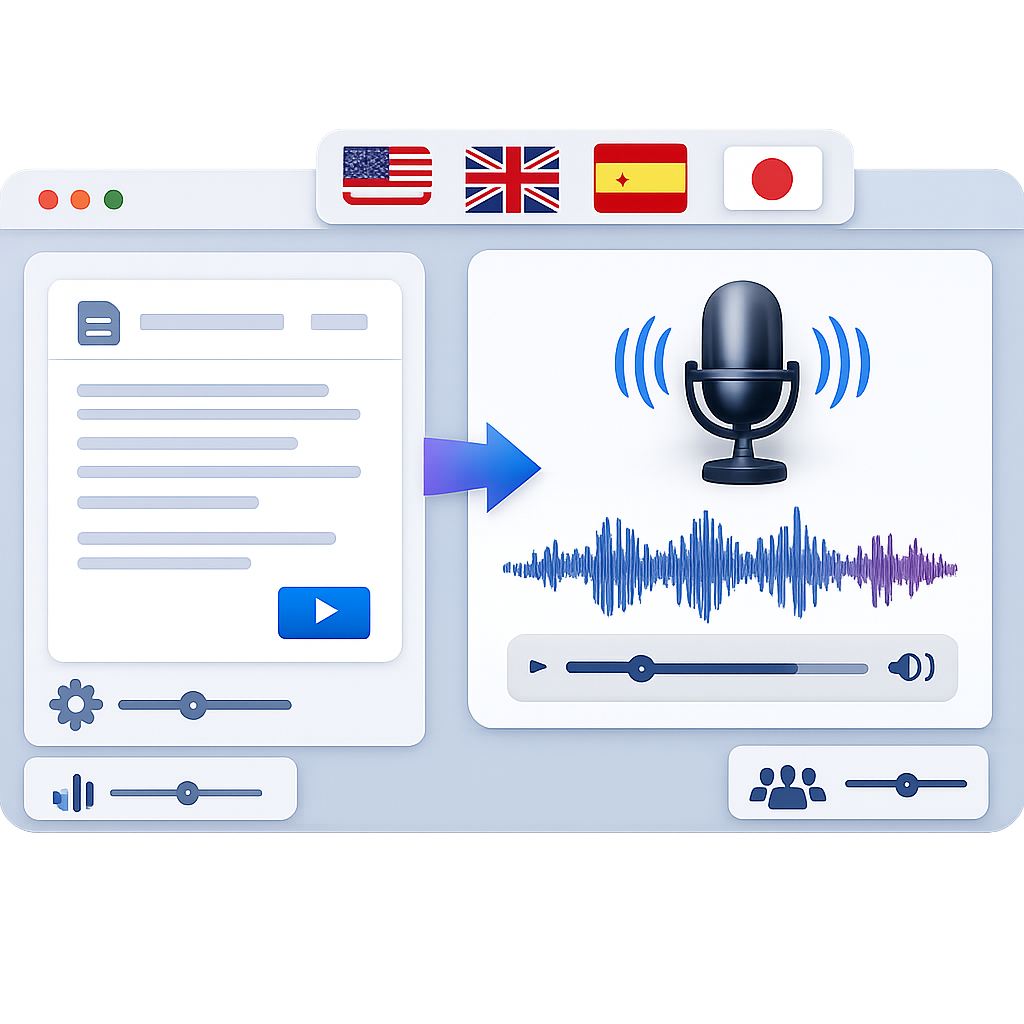
- AI voice turns text into realistic speech fast, making voiceovers easier to produce at scale.
- Modern platforms let teams control tone, pace, pitch, language, and emotion without long recording sessions.
- For marketers, educators, authors, support teams, and podcasters, a i voice can cut turnaround time and production cost while keeping quality high.
- The best tools combine human-sounding voices, browser-based access, multilingual support, and emotional delivery.
- Choosing the right platform depends on clarity, scalability, workflow fit, and future localization needs.
A I Voice Guide: Realistic Voiceovers at Scale
If you are exploring a i voice tools, you likely want a faster way to create clear, natural voiceovers. This guide explains how a i voice technology works, where it helps most, and how to choose a platform that fits your team.
Our team reviewed current product positioning, user needs, and platform capabilities across the AI voice category, including official product pages and research references from sources such as Wikipedia on speech synthesis, Google Cloud Text-to-Speech, and OpenAI research. We compared common workflow pain points across marketing, education, customer support, and podcast production to see where realistic voice generation creates practical value.
What Is AI Voice and Why It Matters
AI voice is software that turns written text into spoken audio. In simple terms, it helps teams create narration, explainers, ads, lessons, and support messages without hiring a voice actor for every update.
Why does this matter now? Content volume is growing fast. Teams need more videos, more product updates, more training, and more localized content. A scalable a i voice workflow helps meet that demand without slowing production.
Voice is also becoming a reusable content layer. Instead of treating audio as a one-time asset, teams now use a i voice across marketing, product education, and customer experience.
🎯 Faster output
Create voiceovers in minutes instead of waiting on casting, recording, and revisions.
🌍 Wider reach
Use multiple languages and accents to localize content for global audiences.
🎭 Better fit
Adjust emotion, pace, and delivery so the voice matches the message.
Explore how Revoicer approaches natural, emotional voice creation for business and creative use.
How AI Voice Technology Works
At a high level, AI voice systems convert text into audio using speech synthesis models. Older systems often sounded robotic. Newer systems use neural methods that better model rhythm, pronunciation, and tone.
According to the overview of speech synthesis, modern systems increasingly rely on deep learning to improve naturalness, timing, and intelligibility in generated speech.Source: Wikipedia, accessed May 2026
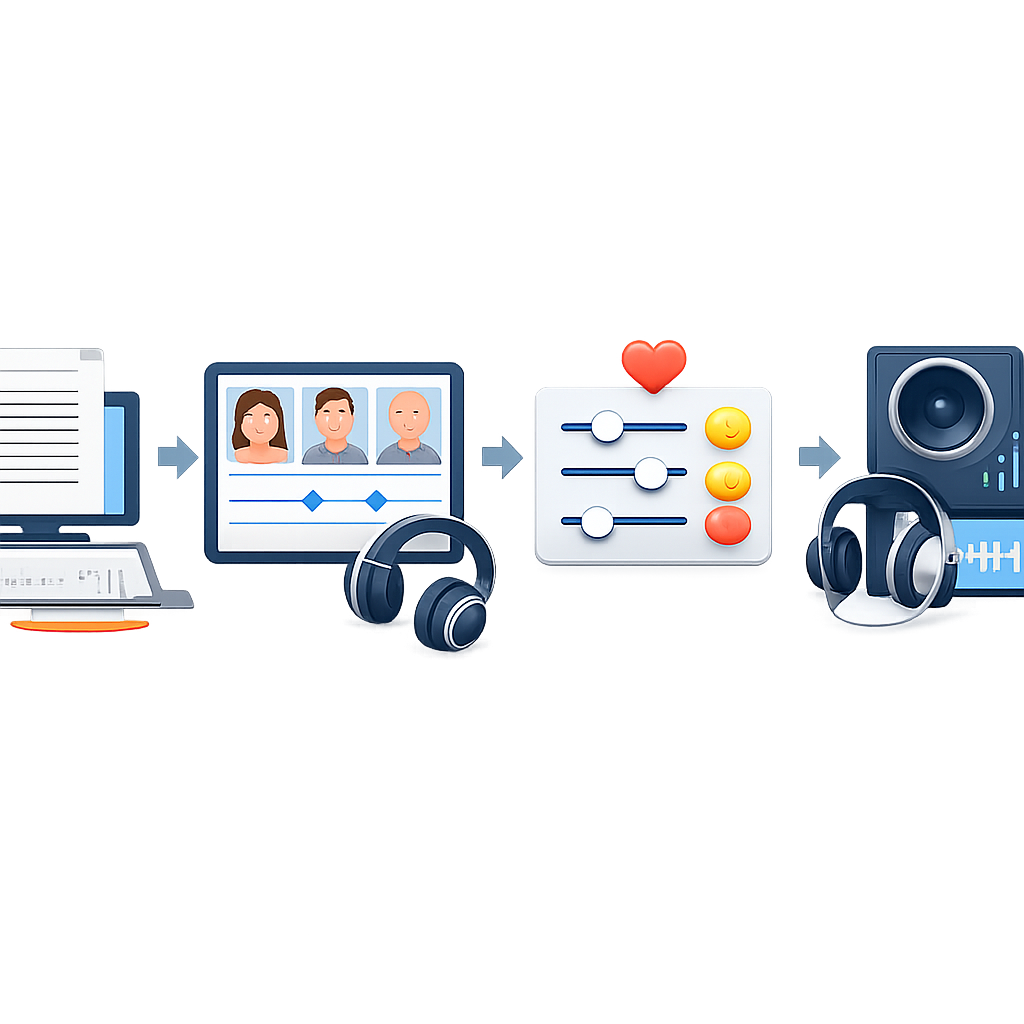
For most teams, the technical details matter less than the controls. A good a i voice platform should feel simple: paste the script, pick a voice, adjust delivery, and export.
Text Input Becomes Speech
The process starts with your script. The platform reads words, punctuation, and sentence structure. It predicts pronunciation and cadence, then generates audio that sounds like a person reading aloud.
- Input: script, dialogue, lesson text, product copy, or podcast intro.
- Processing: language detection, pronunciation modeling, and prosody shaping.
- Output: downloadable audio for video, e-learning, ads, support flows, or publishing.
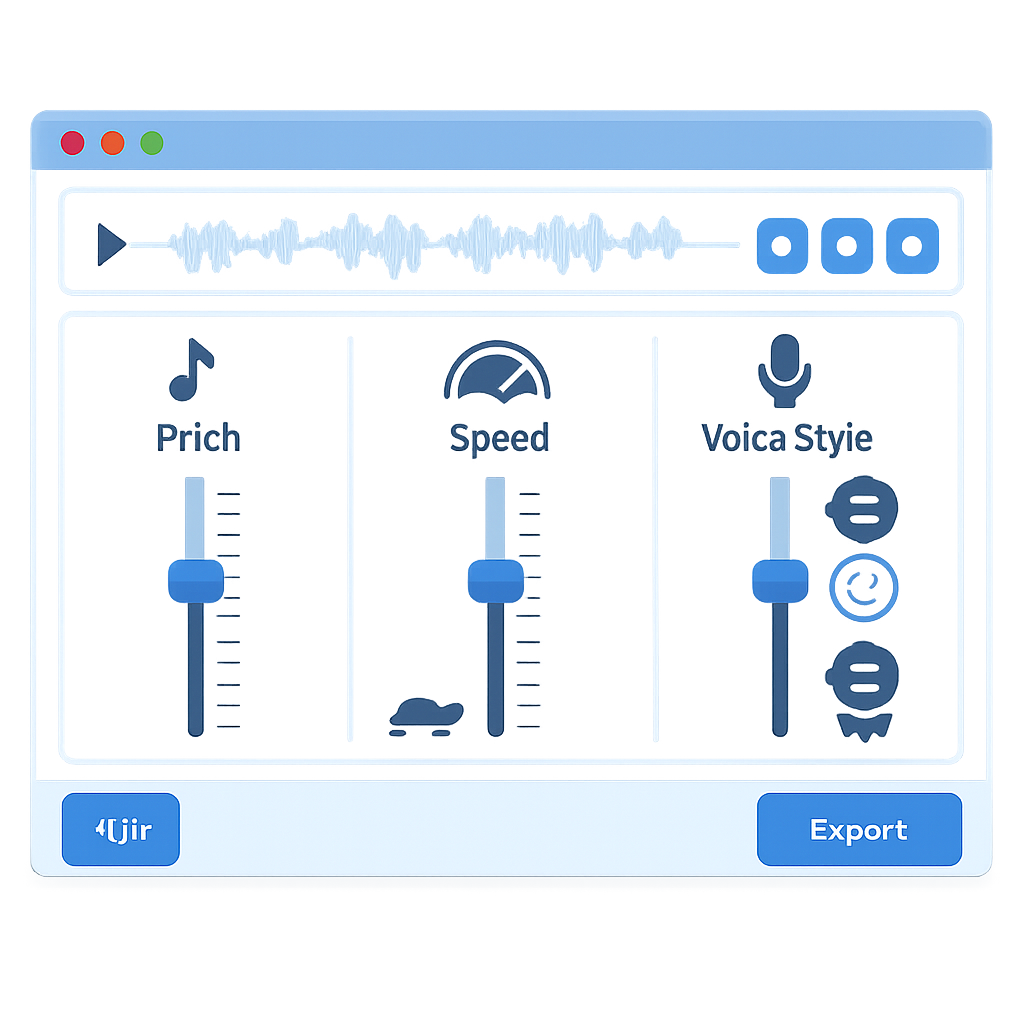
Voice, Pitch, and Speed Customization
Customization is where average tools separate from strong ones. A useful a i voice platform should let you adjust voice style, pitch, speed, pauses, and pronunciation. These settings are not just cosmetic. They improve clarity and listener trust.
Emotion-Based AI Voice Generation
Emotion is one of the biggest reasons teams adopt premium tools. A sales promo, compliance lesson, support apology, and audiobook sample should not sound the same. Emotion controls help the voice match the goal.
-
Marketing videos
Use excitement for launches, confidence for demos, and warmth for testimonials.
-
E-learning
Use steady pacing and an encouraging tone to reduce fatigue in longer lessons.
-
Customer support
Use empathy and calm delivery for updates, wait messages, and service explanations.
Benefits of Using AI Voice for Modern Content Teams
For most teams, the real value is not novelty. It is speed, flexibility, and lower production friction. A i voice helps when scripts change often and deadlines are tight.
Save Time Compared to Traditional Voiceovers
Traditional voiceovers often involve scripting, casting, scheduling, recording, editing, and pickups. That can work well for big campaigns, but it is slow for high-volume content.
With a i voice, teams can revise quickly. If legal copy changes, edit the line and regenerate the audio. If a launch date moves, update the script and export again.
Scale Content Across Formats and Teams
One script can become many assets: video narration, social clips, onboarding tours, sales enablement audio, and localized explainers. That makes a i voice useful for distributed teams that need consistent output.
Reduce Production Costs Without Sacrificing Quality
Cost savings come from fewer recording sessions, fewer revisions, and less editing overhead. The key is quality. Weak synthetic audio can hurt trust. Strong platforms solve that with better realism and emotional control.
| Workflow | Traditional Voiceover | AI Voice Workflow | Best Fit |
|---|---|---|---|
| Turnaround time | Days to weeks | Minutes to hours | Fast-moving campaigns |
| Revision cost | Often high | Usually low | Frequent updates |
| Scalability | Limited by talent availability | High across teams and languages | Localization and volume |
| Emotional nuance | Excellent with skilled actors | Strong on top platforms | Brand storytelling |
| Operational complexity | Higher | Lower | Lean teams |
Features to Look for in an AI Voice Platform
Not every tool is built for the same job. Some focus on developers. Others focus on creative media. If your goal is voiceover production, prioritize the features that affect output quality and workflow speed.
Human-Sounding Voices and Language Coverage
Naturalness is the first filter. Listen for sentence flow, breath timing, and how the tool handles punctuation. Then check language and accent coverage. If you plan to localize, this matters even more.
Google describes its service as using advanced models to generate natural-sounding speech across many voices and languages, reflecting how central language coverage has become in production-grade text-to-speech.Source: Google Cloud Text-to-Speech
Online Access With Nothing to Download
Browser-based access removes friction. It helps distributed teams collaborate and speeds up review cycles. For non-technical users, that simplicity often drives adoption.
Custom Emotions for Brand Consistency
Brand consistency is not only visual. Audio consistency matters too. Emotion controls help teams build a repeatable voice style across ads, lessons, product tours, and support flows.
Best Use Cases for AI Voice Across Industries
AI Voice for Marketers and Product Teams
Marketers use a i voice for video ads, landing page explainers, social creative, and sales assets. Product teams use it for feature tours, onboarding, release notes, and in-app guidance. The main benefit is speed.
AI Voice for Educators, Students, and Authors
Educators can turn lesson notes into audio modules. Students can review material in a listening format. Authors can create previews, chapter samples, or companion audio for digital products. A i voice also supports accessibility by making content easier to consume away from a screen.
AI Voice for Customer Support and Podcasters
Support teams use a i voice in IVR systems, status updates, onboarding calls, and multilingual prompts. Podcasters use it for intros, recurring segments, trailer variations, and ad reads that need frequent revision.
“We see the biggest gains when teams stop treating voice as a one-off asset and start using it as a reusable content layer across campaigns, education, and support.”Editorial analysis based on workflow reviews across SaaS, e-learning, and creator teams
How Revoicer Stands Out in the AI Voice Market
Revoicer is positioned for users who want realistic voiceovers without technical complexity. Its positioning focuses on emotional delivery, ease of use, and practical business output.
Built for Realistic Emotional Delivery
One of Revoicer’s clearest differentiators is its focus on emotional speech. That helps with sales videos, educational content, support messages, and narration that needs more than flat text reading.
Designed for Speed, Scale, and Simplicity
Revoicer appeals to teams that need output fast. Its browser-based workflow makes it accessible to marketers, educators, students, authors, product teams, support teams, and podcasters.
A Practical Alternative to Traditional Voice Actors
For many use cases, Revoicer is not trying to replace every premium studio performance. It offers a practical option for repeatable, high-volume voiceover needs.
- Sales and explainer videos that need frequent script changes
- Training and educational modules that require consistent narration
- Product walkthroughs and support content where speed matters most
How to Choose the Right AI Voice for Your Goals
Choosing well starts with the job the audio needs to do. A voice that works for an upbeat ad may fail in a compliance lesson. A voice that sounds strong in English may not localize well into other languages.
Match Tone to Audience Intent
Ask what the listener needs to feel. Should they trust, learn, click, relax, or act? Then choose a voice and emotion profile that supports that goal. This is where a i voice becomes strategic, not just convenient.
Prioritize Clarity, Realism, and Flexibility
-
Clarity
Can listeners understand every line without strain?
-
Realism
Does the speech sound natural across both short and long scripts?
-
Flexibility
Can your team adjust pace, emotion, and pronunciation quickly?
Plan for Multilingual Growth
Even if you publish in one language today, check whether the platform can support future localization. Growth often creates new needs fast.
Common AI Voice Mistakes to Avoid
Even strong tools can produce weak results if teams skip the basics. Most failures come from poor direction, not poor technology.
Using the Wrong Emotion for the Message
An excited voice can undermine a serious update. A flat voice can weaken a product launch. Match emotion to context.
Ignoring Pace and Pronunciation Settings
Fast speech hurts comprehension. Incorrect pronunciation hurts credibility. Always review names, acronyms, and brand terms before export.
Choosing a Tool That Cannot Scale Easily
A tool may sound good in a demo but fail when you need collaboration, multilingual output, or repeated revisions. Think beyond the first project.
Conclusion: Build Better Content With AI Voice
A i voice has moved from a novelty to a practical production tool. For teams that need faster turnaround, lower production friction, and more content variants, it offers a simple way to create polished audio at scale.
The best results come from choosing a platform that balances realism, emotional control, ease of use, and room to grow. Revoicer stands out for users who want that balance without technical overhead.
See how Revoicer can support realistic voiceovers for marketing, education, support, and product content.
For related reading, see our guides on what to look for in an AI voice generator and text to speech with emotions.
Frequently Asked Questions
What is the difference between AI voice and traditional text-to-speech?
Traditional text-to-speech often sounds more mechanical and offers fewer controls. Modern AI voice systems use advanced models to produce more natural rhythm, tone, and emotional variation.
Is a i voice useful for small teams?
Yes. Small teams often benefit the most because they need professional output without the budget or time for repeated recording sessions. A i voice helps them publish faster and update content easily.
Can AI voice work for multilingual content?
Yes, if the platform supports multiple languages and strong pronunciation controls. This is especially useful for global marketing, support, and training content.
How do I make AI voice sound more natural?
Use shorter sentences, add punctuation for pacing, adjust speed, choose the right emotion, and review pronunciation settings for names and technical terms.
When should I still use a human voice actor?
Human actors are still a strong choice for highly nuanced brand films, dramatic storytelling, and premium campaigns where live direction and unique performance are central to the result.