Key Takeaways

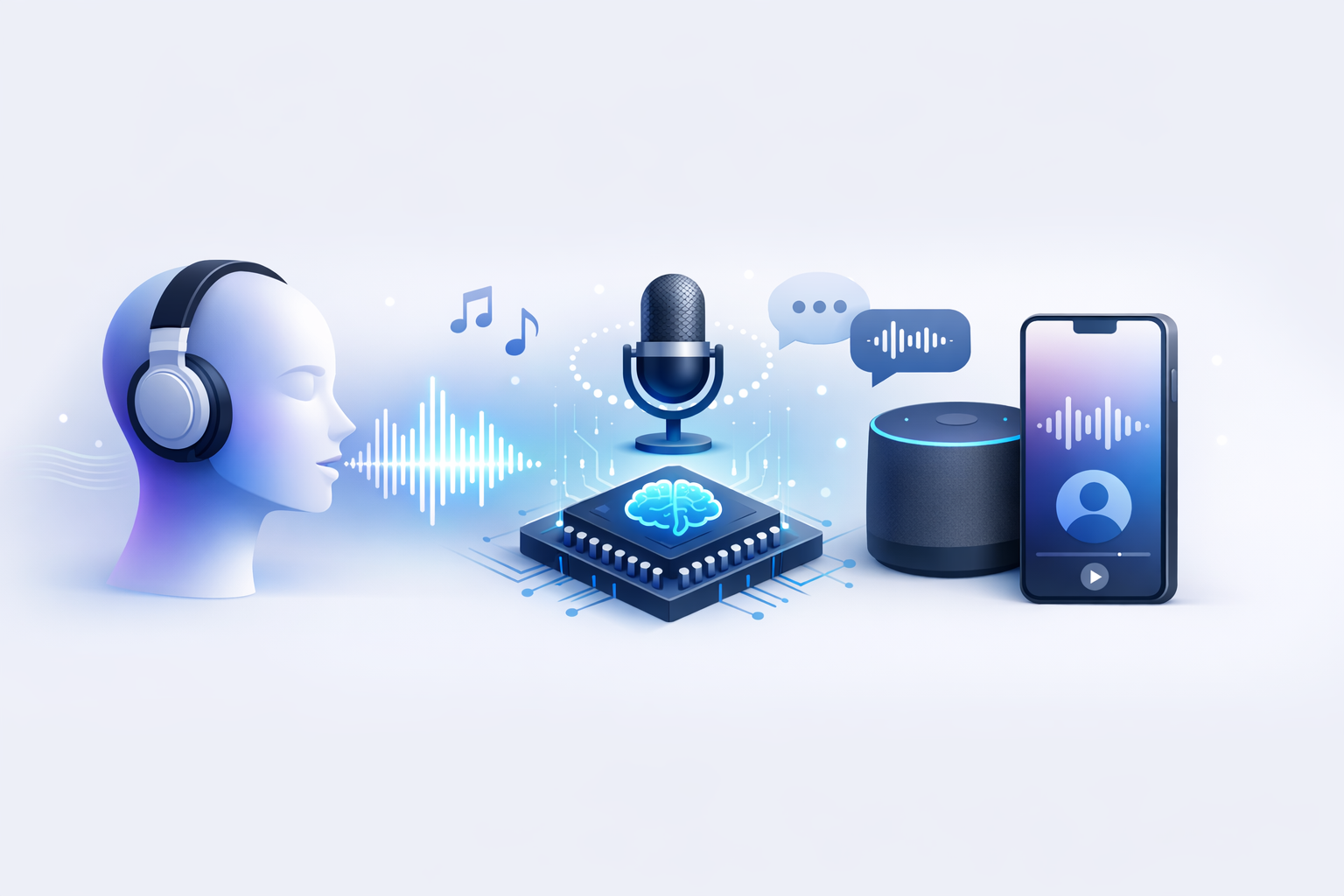
- AI voice generation turns text into natural-sounding speech for marketing, training, support, and audio content.
- The best tools balance realism, emotion control, language support, and fast editing.
- Modern systems sound better because neural models handle pacing, pauses, and pronunciation more naturally.
- Results improve when you match the voice to the audience, simplify the script, and review pronunciation before export.
- Revoicer stands out for browser-based access, emotional delivery, and a workflow built for speed.
AI Voice Generation: Benefits, Uses & Tips
AI voice generation is now a practical tool for teams that need audio fast. Brands, educators, authors, and creators use it to make voiceovers, update scripts, and publish in more languages without booking studio time for every change.
Why trust this guide: We reviewed current product capabilities, official materials, and industry sources to explain how AI voice generation fits real production work. We focused on realism, emotion control, language support, editing speed, pricing efficiency, and ease of use.
What Is AI Voice Generation and How Does It Work?
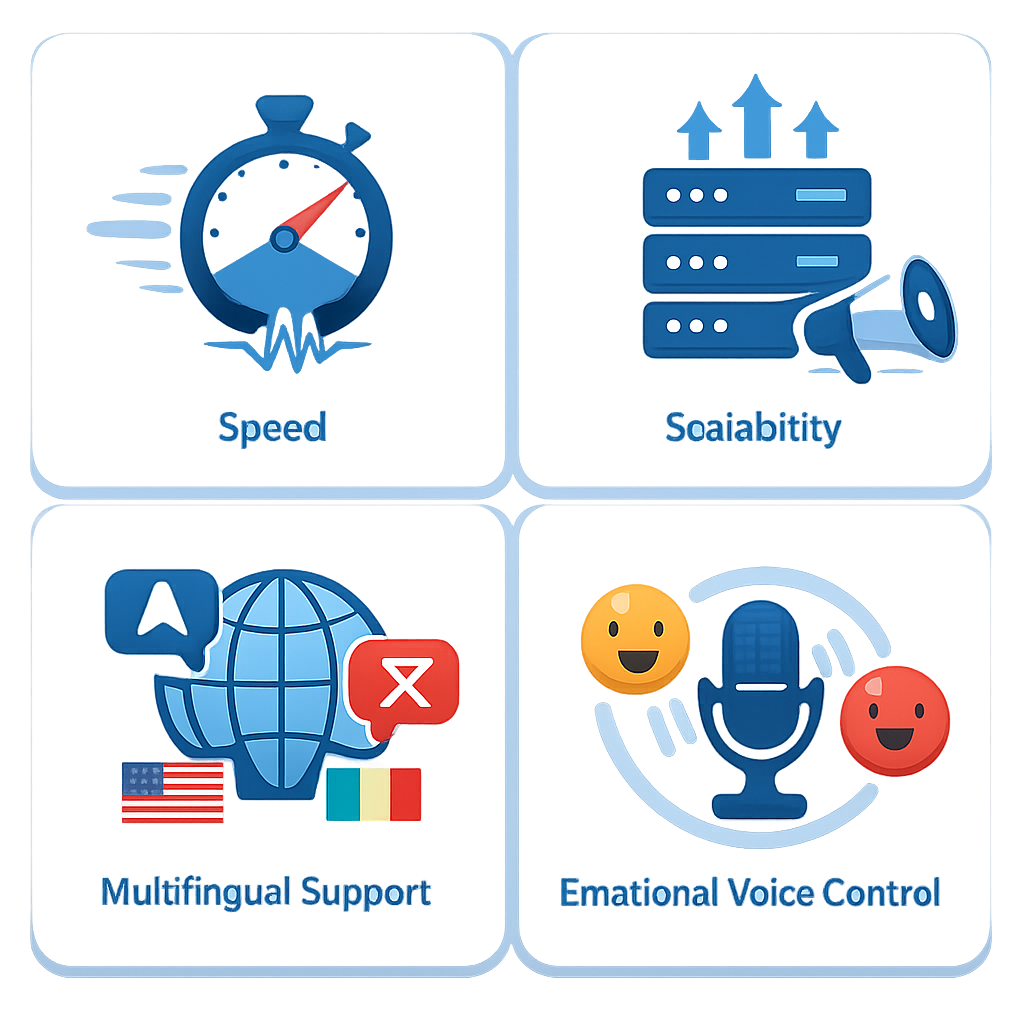
At its core, AI voice generation is software that turns written text into spoken audio. Older text readers often sounded flat or robotic. Newer systems use neural models to handle rhythm, stress, pauses, and pronunciation in a more human way.
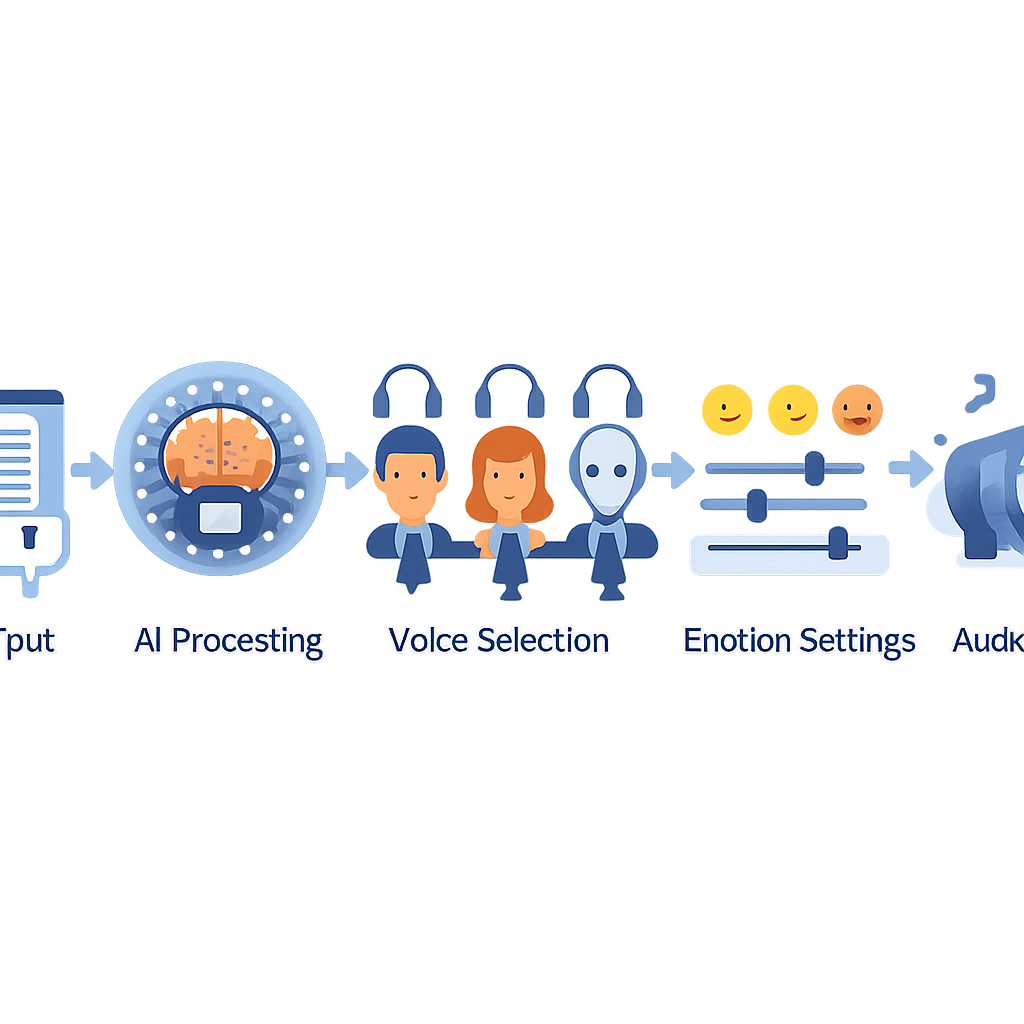
Most tools follow a simple process:
-
Input the script. Paste text or write directly in the editor.
-
Select a voice. Choose the language, accent, and style that fits the job.
-
Adjust delivery. Fine-tune speed, pauses, pitch, and pronunciation.
-
Generate and export. Review the audio, make edits, and export the final file.
Text-to-speech vs. traditional voiceover
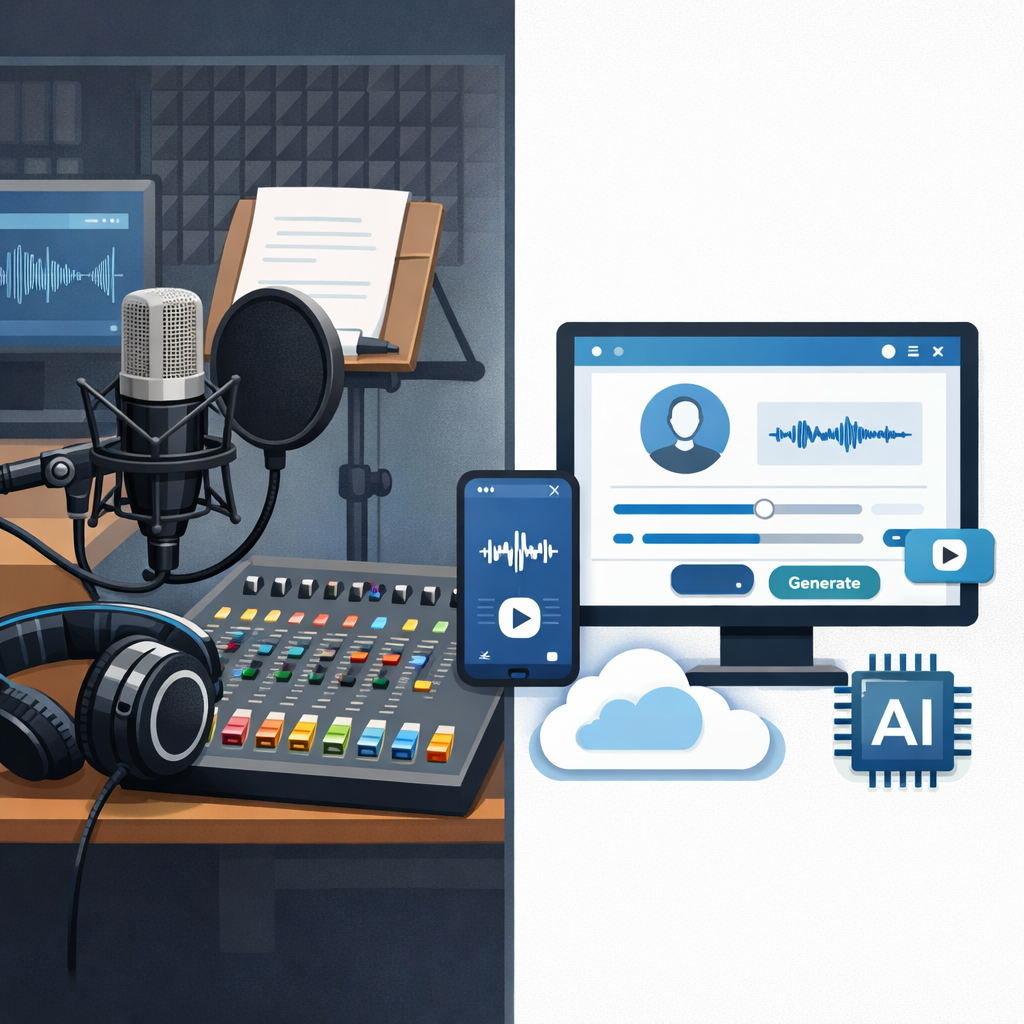
Human voice actors still matter. They bring nuance, improvisation, and unique performance. But they also require scheduling, recording, editing, and re-recording when the script changes.
AI voice generation changes that workflow. If a team needs several versions of the same message, it can edit the text and regenerate the audio in minutes. That makes it useful for testing, localization, and frequent updates.
| Factor | Traditional Voiceover | AI Voice Generation |
|---|---|---|
| Production speed | Hours to days | Minutes |
| Revisions | Usually needs re-recording | Edit text and regenerate |
| Scalability | Limited by talent and studio time | High-volume output |
| Multilingual delivery | Often needs separate talent | Available in many tools |
| Best fit | Premium storytelling | Fast, repeatable production |
How modern AI voices sound more natural
The biggest improvement came from neural text-to-speech research. According to Wikipedia’s overview of speech synthesis, modern systems rely on machine learning instead of simple rule-based playback. That helps them produce better prosody, which means more natural timing and intonation.
Google Cloud Text-to-Speech and Microsoft Azure AI Speech also describe neural voice systems that improve naturalness and pronunciation. In real use, though, the script still matters. Short sentences and clear punctuation usually produce better results.
Play Voices PreviewHear how emotional AI delivery can change your content quality.
Why AI Voice Generation Is Growing Across Industries
Teams adopt AI voice generation for one main reason: it saves time while keeping output consistent. It also makes it easier to scale content across channels and languages.
⚡ Faster production
Turn scripts into audio in minutes instead of waiting on recording sessions.
🌍 Wider reach
Create multilingual content for global audiences with less friction.
💸 Lower revision cost
Update text and regenerate instead of paying for retakes.
📈 Better testing
Try different hooks, tones, and offers without rebuilding the whole workflow.
For marketers and content teams
Marketing teams use AI voices for ad creatives, explainer videos, social clips, and landing page videos. The value is simple: more versions, faster. A team can test different openings, calls to action, or tones without booking new sessions each time.
For educators, students, and authors
Educators use AI voice generation for course narration, lesson summaries, and accessibility-friendly materials. Students can turn notes into audio for review. Authors can test audiobook samples before investing in full production.
The W3C Web Accessibility Initiative also supports offering content in multiple formats. Audio can help people who learn better by listening or need an alternative to reading.
For customer support, product teams, and podcasters
Support and product teams use voice AI for onboarding guides, IVR flows, product walkthroughs, and help content. Podcasters often use it for intros, ad reads, translated clips, or short transitions rather than replacing the host entirely.
According to Gartner, generative AI will transform customer service operations where speed and automation matter. Voice is part of that shift.Gartner newsroom, accessed 2026
Features to Look for in an AI Voice Generation Tool
Not every platform is built for the same job. Some focus on enterprise support. Others focus on creative voiceovers. If your goal is content production, keep the shortlist practical.
Emotion-based voice control
Emotion is one of the clearest differences between average and strong tools. A neutral voice may work for tutorials, but sales videos and stories often need more expression.
- Sales content: needs energy and confidence.
- Training content: needs steady pacing and clear emphasis.
- Support content: needs a calm, reassuring tone.
Language coverage and human-sounding voices
Language count alone is not enough. Test whether the voices sound natural in the languages you need. Accents, pacing, and pronunciation can vary a lot between tools.
Customization and ease of use
The best tool is the one your team will actually use. A clean editor, fast previews, simple exports, and easy script changes often matter more than a long feature list.
| Evaluation criterion | Why it matters | What to check |
|---|---|---|
| Voice realism | Improves trust and retention | Natural pauses and clean pronunciation |
| Emotion controls | Matches message to audience | Expressive settings or style presets |
| Workflow speed | Reduces bottlenecks | Browser editor and quick revisions |
| Language support | Helps scale globally | Multiple languages and accents |
| Cost efficiency | Keeps output sustainable | Pricing that fits your volume |
How Revoicer Approaches AI Voice Generation
Revoicer is built for users who want realistic AI voiceovers without a technical setup. Based on its product materials, the platform focuses on emotional delivery, fast creation, affordability, and browser-based access.
Built for realistic emotional delivery
Many tools can read text. Fewer can make the message feel warm, urgent, calm, or persuasive. That matters because tone affects both comprehension and conversion.
Designed for speed, scale, and cost efficiency
For recurring content, speed and predictable cost matter more than novelty. Revoicer lets users revise scripts quickly and create more versions of the same asset without rebooking talent.
100% online with no downloads required
Browser-based access is a practical advantage for lean teams. It reduces setup friction and makes collaboration easier for non-technical users.
“The biggest productivity gain with AI voice generation is not just recording faster. It is removing the cost of revisions. Teams can edit a sentence instead of rebooking a session.”Editorial analysis based on voiceover workflow testing
Best Use Cases for AI Voice Generation
The best use cases are the ones that need frequent updates, multiple versions, or broad distribution. That is where AI voice generation often delivers the strongest return.
Video sales letters and marketing videos
Sales videos depend on pacing and tone. AI voices help teams test different hooks, offers, and lengths without restarting the whole production process.
Training, e-learning, and explainer content
Training content changes often. Policies update, products evolve, and lessons get revised. AI voice generation works well here because the audio can change as quickly as the script.
Audiobooks, podcasts, and product walkthroughs
Long-form content needs extra care because listeners spend more time with the voice. Test longer passages, not just short samples. Product walkthroughs are more forgiving and often benefit from fast updates.
How to Choose the Right AI Voice for Your Content
Choosing the right voice is about fit, not personal taste. The same voice can work well for onboarding and fail in a high-energy ad.
Match tone to audience intent
Ask what the listener needs to feel: informed, reassured, motivated, or curious. Then choose a voice that supports that goal.
Adjust pitch and speed for clarity
Fast speech can feel energetic, but too much speed hurts comprehension. Slow speech can feel thoughtful, but too much drag loses momentum.
- Use slower pacing for technical instructions.
- Use slightly faster pacing for short ads and social clips.
- Insert pauses before key benefits or next steps.
Plan for multilingual delivery
If you expect to expand globally, choose a tool that supports localization from the start. Test the same script in each target language before you commit.
Common Mistakes to Avoid With AI Voice Generation
Even strong tools can produce weak results if the workflow is messy. Most problems come from script issues or poor voice selection.
Using the wrong emotion for the message
A cheerful voice on a serious support message feels off. An overly dramatic voice on a tutorial sounds unnatural. Emotion should support the message.
Ignoring pronunciation, pacing, and script flow
Brand names, acronyms, and product terms often need manual review. Read the script aloud before you generate the audio. If it sounds awkward when spoken, it will likely sound awkward in the final output.
Choosing tools based only on price
The cheapest option can cost more in time if the audio quality is weak or the editing process is slow. Look at total workflow value, not just the monthly fee.
Conclusion: Make AI Voice Generation Work for Your Brand
AI voice generation is now a real production advantage for teams that need speed, consistency, and scale. The best results come from treating voice as part of strategy: choose the right tone, write for listening, test variants, and use a tool that makes revisions easy.
Revoicer is especially relevant for users who want emotional realism and a low-friction workflow. If you create marketing videos, training assets, onboarding content, or product explainers, a browser-based solution can save time and keep output consistent.
Explore Revoicer’s voice options and pricing
Ready to evaluate whether Revoicer fits your workflow? Review the available voice styles, emotional delivery options, and pricing details to see how it matches your content needs.
Get Revoicer Right Now!See voice options and pricing for scalable, browser-based AI voiceovers.
Frequently Asked Questions
What is AI voice generation used for?
AI voice generation is used for marketing videos, e-learning, product demos, customer support audio, audiobooks, podcasts, and accessibility-friendly content. It is especially useful when teams need fast revisions or multilingual output.
Does AI voice generation sound realistic now?
Yes. Many modern tools sound much more natural than older text-to-speech systems. Realism depends on the voice model, emotion controls, pronunciation handling, and script quality.
Is AI voice generation better than hiring a human voice actor?
Not always. Human voice actors are still best for highly nuanced storytelling. AI voice generation is often better for speed, scale, frequent updates, testing, and cost-efficient production.
How do I make AI-generated speech sound more human?
Use short sentences, natural punctuation, and clear transitions. Choose a voice that matches audience intent, then adjust pacing, pitch, pauses, and pronunciation before exporting.
Can AI voice generation help with multilingual content?
Yes. Many tools support multiple languages and accents, which makes localization faster. Always test each target language for natural pacing and pronunciation.
What makes Revoicer a good fit for non-technical users?
Revoicer is designed as a 100% online tool with no downloads required, which simplifies setup. Its focus on emotional delivery and quick voiceover creation also makes it practical for marketers, educators, authors, and creators.
For related guidance, see our voice feature comparison guide and emotion-focused text-to-speech article.