AI Text-to-Speech for Realistic Voiceovers
Key Takeaways
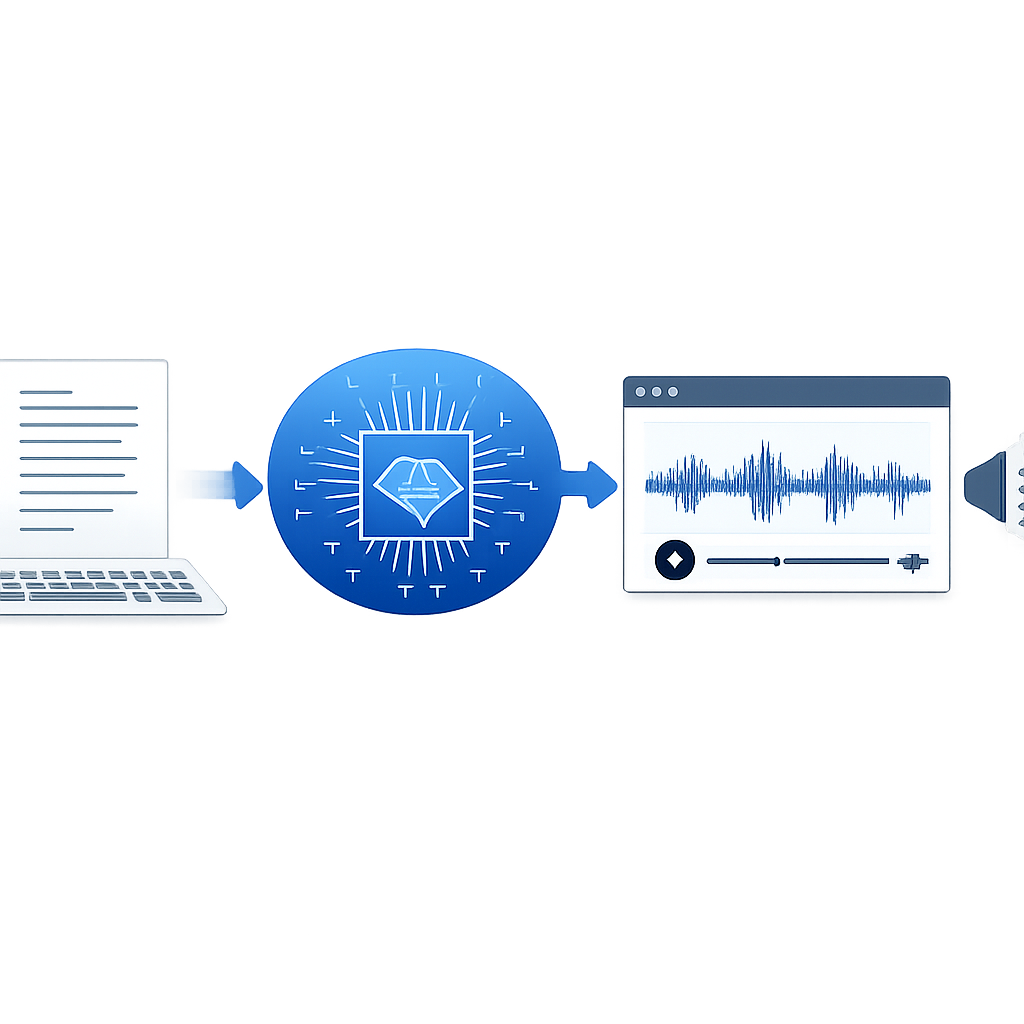
- AI text-to-speech turns written scripts into natural audio with neural speech models.
- Modern tools sound better because they handle pacing, pauses, emphasis, and pronunciation with more context.
- Teams use it to create ads, lessons, demos, support audio, and multilingual content much faster than studio workflows.
- The best platforms balance realistic voices, easy editing, browser access, and strong language support.
- Revoicer is built for users who want fast, polished voiceovers without complex recording software.
AI text-to-speech is now a practical way to create voiceovers for marketing, training, publishing, and support. It saves time, cuts revision costs, and helps teams publish audio at scale.
Why trust this guide: Our team reviewed product pages, official documentation, and independent research from sources including NIST, Google Cloud Text-to-Speech documentation, and Wikipedia’s speech synthesis overview. We focused on real buyer needs, not hype.
What Is AI Text-to-Speech and How Does It Work?
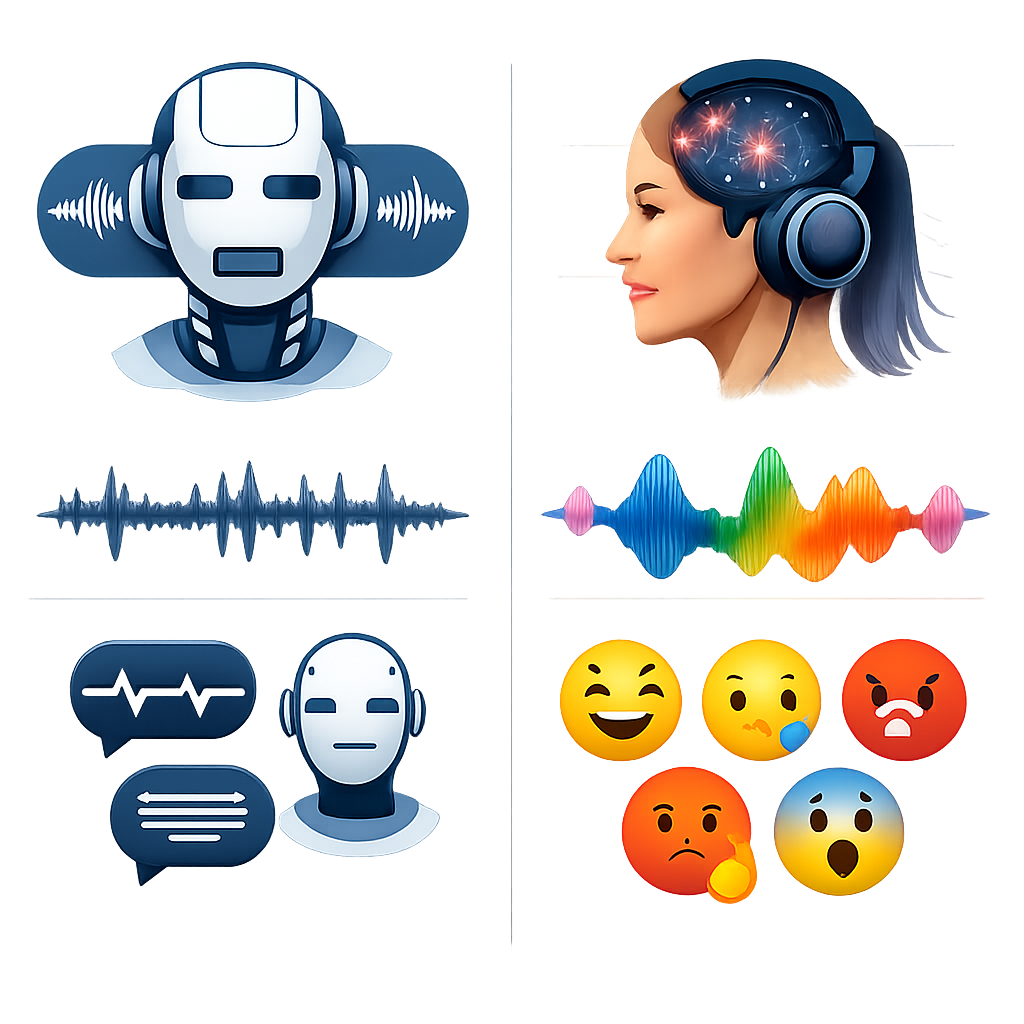
AI text-to-speech converts written words into spoken audio. Older systems often sounded stiff because they relied on fixed rules and small sound libraries. Newer systems use neural models trained on large speech datasets, so they can produce smoother rhythm, clearer pronunciation, and more natural pauses.
Most tools follow four simple steps:
- Text analysis: the system reads punctuation, sentence structure, numbers, and abbreviations.
- Linguistic conversion: words are mapped into phonemes and stress patterns.
- Prosody generation: the model decides pace, pitch, emphasis, and pauses.
- Audio synthesis: a neural vocoder creates the final waveform.
“Speech synthesis is the artificial production of human speech.” Modern systems increasingly use deep learning to improve naturalness and expressive control.Source: Wikipedia, Speech Synthesis
You do not need to understand the technical stack to choose well. What matters is simple: does the tool sound good, is it easy to edit, and can your team use it without friction?
Want a fast way to turn scripts into polished audio? A browser-based tool can help you move from draft to voiceover in minutes.
How AI Text-to-Speech Creates More Human-Sounding Audio
The biggest improvement in ai text-to-speech is realism. Good systems do not read every line in the same flat tone. They react to context, punctuation, sentence length, and speaking style.
Context-aware phrasing
A question, headline, and disclaimer should not sound the same. Better models adjust delivery to fit the line.
Natural pauses
Well-placed pauses make audio easier to follow in lessons, demos, and long narration.
Better pronunciation
Modern engines handle names, dates, currencies, and acronyms more accurately.
Expressive delivery
Emphasis and tone help listeners stay engaged and understand the message faster.
Why Emotion Matters in AI Voice Generation
Emotion changes how a message feels. A sales video may need warmth and confidence. A training lesson may need calm clarity. A product update may need a neutral, direct tone. Flat narration can weaken strong copy, while the right delivery can make it easier to trust and remember.
Voice Customization: Pitch, Speed, and Style
Useful tools give you more than a voice picker. They let you shape the read for the format and audience.
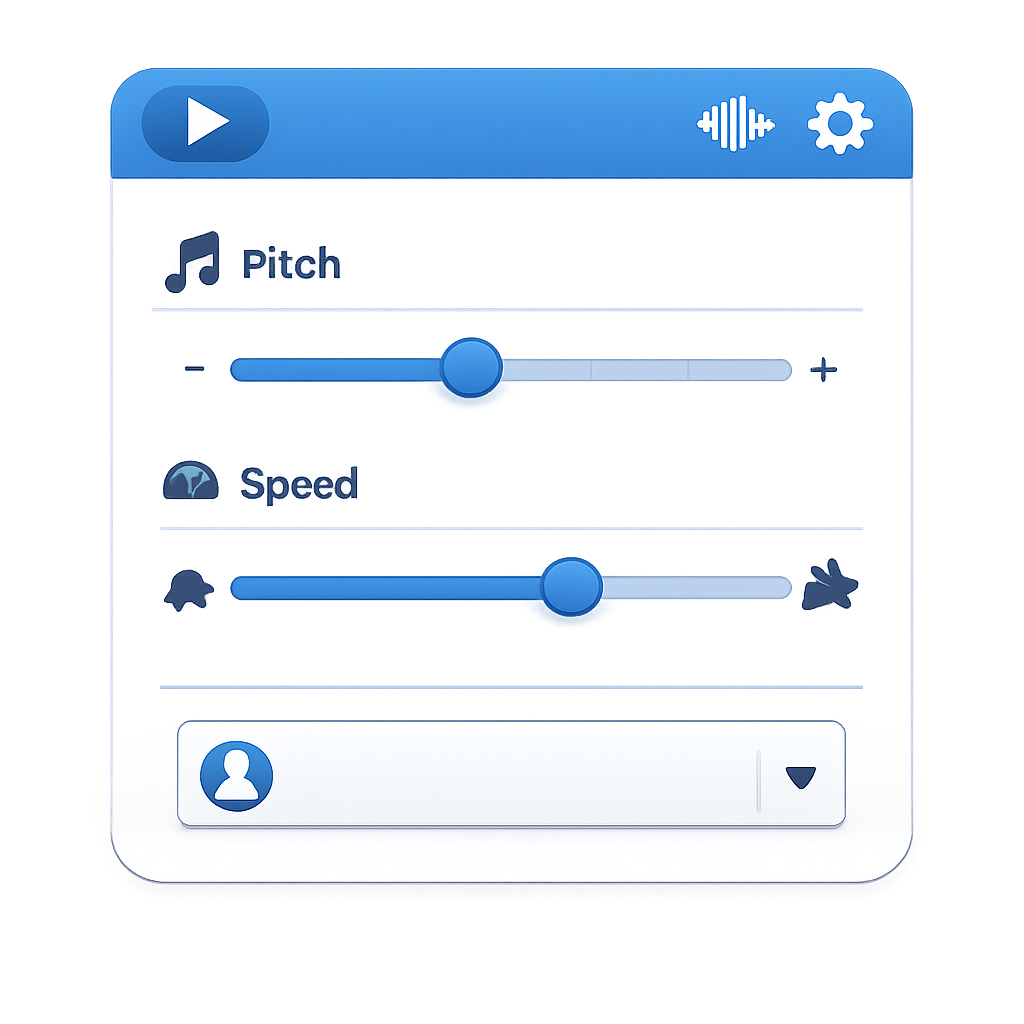
- Pitch: helps match brand personality.
- Speed: useful for explainers, training, and accessibility.
- Style: supports conversational, serious, upbeat, or narrative delivery.
- Pauses: helps sync audio with slides or video scenes.
- Pronunciation editor: fixes product names, technical terms, and local names.
These controls matter even more when you localize content. A voice that works in English may need a different pace or tone in another language.
Top Use Cases for AI Text-to-Speech Across Industries
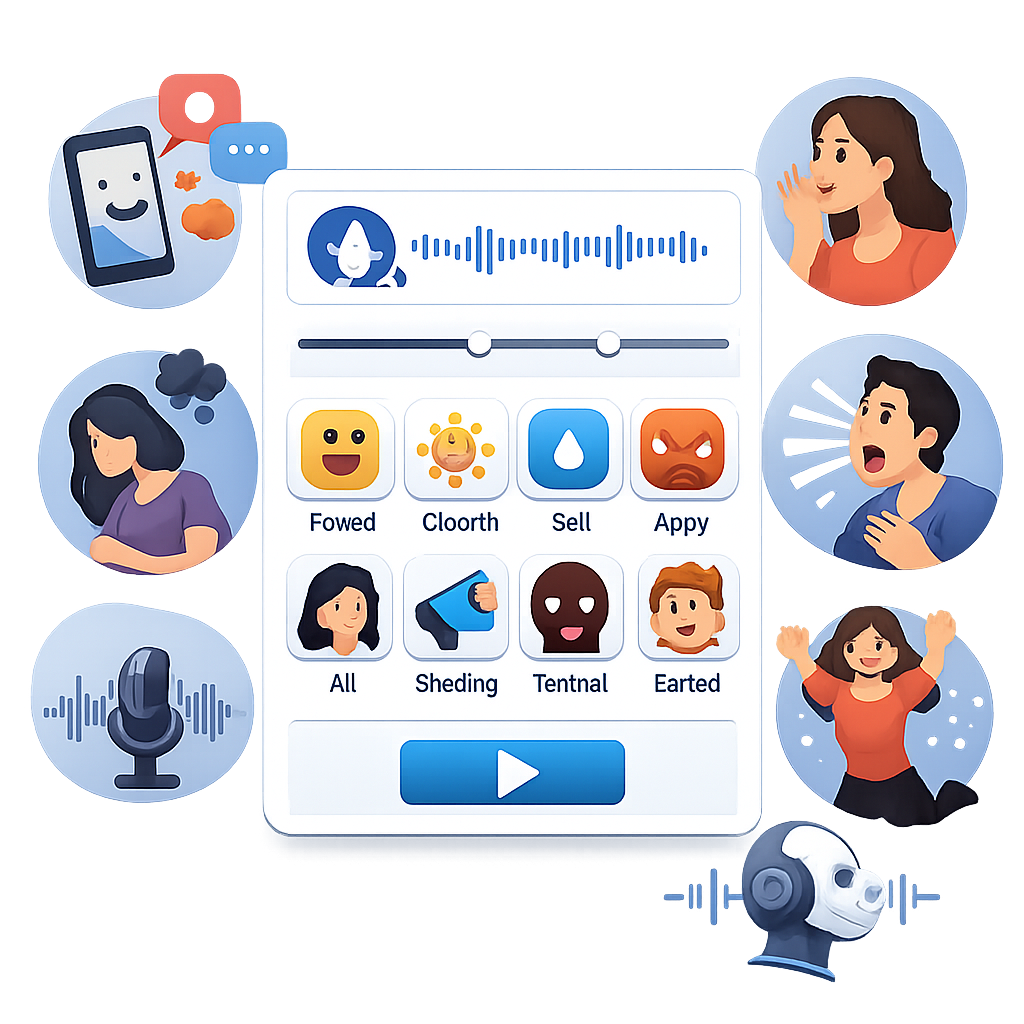
AI text-to-speech works across many teams because the core value is the same: faster production and easier updates.
For Marketing and Sales Content
Marketing teams use AI voiceovers for product videos, paid ads, landing page explainers, demo walk-throughs, and social clips. When the offer changes, they can update the script and export a new version fast.
This is useful when teams need many variants. A campaign with multiple hooks, audiences, and offers can require dozens of voiceover versions. AI makes that volume easier to manage.
For Education, Training, and eLearning
Training teams need clear narration and frequent updates. AI-generated audio helps them turn lesson plans, onboarding decks, and compliance modules into spoken content without asking one person to record every revision.
- Course narration
- Language learning drills
- Accessibility support for written materials
- Corporate onboarding
- Software training libraries
According to the W3C Web Accessibility Initiative, alternatives for audio and video improve access for users with different needs. Text-to-speech can support that broader accessibility effort.
For Podcasts, Audiobooks, and Content Production
Authors, publishers, and creators use AI voices for intros, trailers, previews, draft narration, and multilingual clips. It may not replace every human performance, but it can speed up many production tasks.
| Use Case | What Matters Most | Why AI Voice Helps | Example Outcome |
|---|---|---|---|
| Paid ads | Speed, emotion, variants | Generate many hooks fast | More ad tests |
| eLearning | Clarity, consistency, updates | Revise modules without re-recording | Faster rollouts |
| Audiobook drafts | Long-form comfort, pacing | Create preview or working narration | Shorter production cycle |
| Customer support | Multilingual output, standard tone | Produce IVR and help content at scale | Consistent voice across regions |
| Product demos | Sync, pronunciation, ease of use | Match narration to screen recordings | Quicker launch videos |
Key Features to Look for in an AI Text-to-Speech Tool
Some platforms are built for developers. Others are made for marketers, teachers, and creators who want a simple workflow. If your goal is polished narration without technical overhead, focus on the basics first.
Large Voice Library and Language Support
A strong voice library helps you match the speaker to the audience and use case. A calm training voice is different from an energetic promo voice. Good language support also means natural rhythm and pronunciation, not just translated words.
Browser-Based Access With Nothing to Download
Browser access reduces friction. There is no software setup, no local rendering bottleneck, and less training for new users. That matters because tools only create value when teams actually use them.
“The best speech tools are not just accurate. They are usable by real teams under real deadlines.”Our editorial evaluation methodology, March 2026
“Speaker technologies are evaluated on intelligibility, naturalness, and robustness, not just novelty.”According to research and benchmarking priorities referenced by NIST
Scalability and Cost Efficiency Compared to Traditional Voiceovers
Traditional voiceovers still make sense for premium brand work and complex character performance. But for recurring business content, AI text-to-speech often wins on speed, cost, and revision flexibility.
| Factor | Traditional Voiceover | AI Text-to-Speech |
|---|---|---|
| Turnaround time | Often days | Often minutes |
| Revisions | Requires re-recording | Edit text and re-export |
| Versioning | Cost rises with each version | Easy to create multiple variants |
| Localization | Needs more talent coordination | Faster multilingual production |
| Team access | Producer-led workflow | Accessible to non-technical users |
One overlooked benefit is revision resilience. If your scripts change often, AI voiceovers become more valuable because updates are simple and fast.
How to Choose the Right AI Text-to-Speech Solution
The right tool depends on your workflow. A developer may care about APIs. A course creator may care about ease of use. A marketer may care most about emotional styles and quick testing.
Use a simple scorecard before you buy:
1. Audio quality
Does the voice stay natural over several minutes, not just in a short sample?
2. Editing speed
Can a non-technical user create, revise, and export quickly?
3. Emotional range
Are there styles for promo, teaching, narration, and support?
4. Scale
Can it support multiple languages, teams, and repeat workflows?
Questions to Ask Before You Buy
- Will this tool sound good in both short-form and long-form content?
- How many voice styles and languages are available?
- Can our team use it in the browser without downloads?
- How easy is it to correct pronunciation and pacing?
- Does it fit our real use case: ads, eLearning, demos, podcasts, or support?
- Will revisions stay fast when scripts change often?
Why Revoicer Stands Out for Fast, Emotional Voiceovers
Revoicer is aimed at users who want realistic voiceovers online without a heavy production stack. Its main appeal is speed, emotional delivery, and ease of use for commercial, educational, and creator workflows.
- Emotional delivery: useful for ads, explainers, and storytelling.
- Broad usability: relevant for marketers, educators, authors, podcasters, and support teams.
- Online workflow: create voiceovers in the browser.
- Fast revisions: edit the script and regenerate audio quickly.
Who Revoicer Is Best For
Revoicer is a strong fit for people who need output fast and often:
- Marketers creating ads, VSLs, demos, and social content
- Educators and trainers building lessons and onboarding
- Authors and publishers producing previews and narration drafts
- Customer support teams standardizing voice content at scale
- Podcasters and creators generating intros and supporting audio
How to Create Voiceovers Online With Revoicer
If your goal is speed, the workflow should stay simple.
-
Paste your script.
Use short paragraphs for better pacing and easier edits.
-
Select a voice and style.
Choose the voice that fits your audience, then adjust tone or speed.
-
Preview and refine.
Listen for awkward pauses, product names, or sections that need more energy.
-
Export and publish.
Download the audio and place it into your video, LMS, podcast, or support workflow.
For best results, write for the ear. Short sentences and clear punctuation usually produce better AI narration.
Final Thoughts
AI text-to-speech is no longer a novelty. It is a useful production tool for teams that need realistic voiceovers with less delay and easier scaling.
If you want emotional delivery, browser-based simplicity, and fast revisions, Revoicer is worth a close look.
Ready to turn scripts into realistic voiceovers without slowing down your workflow? Explore Revoicer and see how quickly you can move from text to finished audio.
Frequently Asked Questions
What is AI text-to-speech used for?
It is used for ads, product demos, eLearning narration, audiobooks, podcasts, customer support audio, accessibility support, and multilingual content production.
Can AI text-to-speech sound realistic enough for professional voiceovers?
Yes. Modern neural systems can sound highly natural, especially for business content, training, explainers, and short-form media. Quality still varies by tool, script, and voice selection.
Is AI text-to-speech better than hiring a voice actor?
Not in every case. Human actors still excel in premium brand storytelling and complex dramatic performance. AI is often better for speed, revisions, versioning, and scalable everyday production.
What features matter most in an AI voice tool?
Look for realistic voices, emotional range, language support, pronunciation controls, browser-based access, easy exporting, and a workflow that non-technical users can handle quickly.
Who should use Revoicer?
Revoicer is a strong fit for marketers, educators, students, authors, podcasters, customer support teams, and product-focused creators who need fast, affordable, realistic voiceovers online.