AI Generated Voice: Benefits, Uses, and How It Works
Key Takeaways
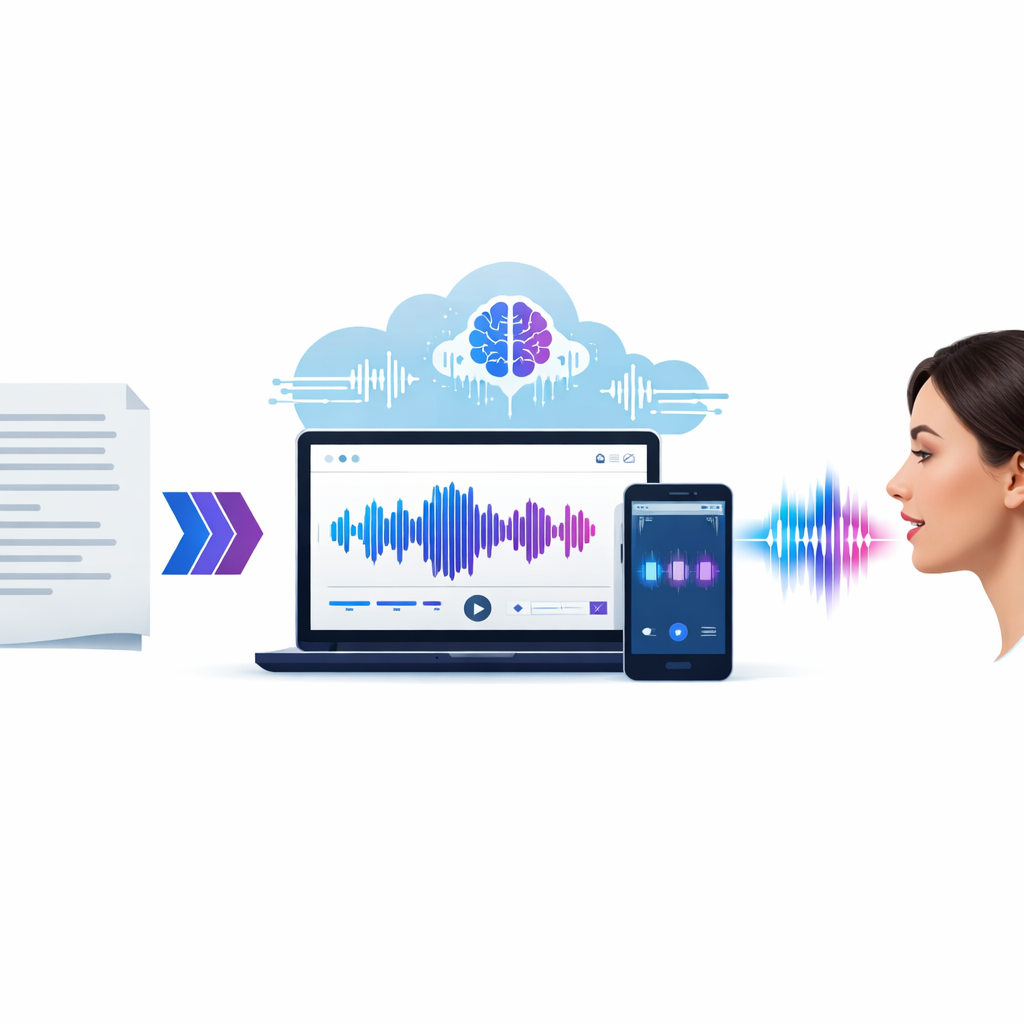
- AI generated voice tools turn text into natural speech fast, which helps teams publish video, audio, support, and training content with less effort.
- The best platforms combine realistic voices, emotion control, language options, and simple editing in one browser-based workflow.
- Marketers, educators, authors, developers, support teams, and podcasters benefit most when they need scale, consistency, and lower production costs.
- Choosing the right voice means matching tone, speed, pitch, and localization to the audience and the script.
- Revoicer stands out for its 80+ English voices, 40+ languages, emotion controls, and online workflow.
An ai generated voice can now sound polished enough for ads, lessons, explainers, audiobooks, and support content. For teams that need speed, it is no longer a novelty. It is a practical production tool.
Why trust this guide: Our team reviewed leading voice AI platforms, official product pages, documentation, and market coverage patterns to compare what matters in real projects: realism, emotion control, editing speed, localization, workflow simplicity, and value. We also cross-checked technical claims against sources such as Wikipedia’s speech synthesis overview, Google Cloud Text-to-Speech documentation, and OpenAI audio model announcements.
What Is an AI Generated Voice?
An ai generated voice is synthetic speech created by machine learning models trained on human recordings. Modern systems do more than stitch sounds together. They model pronunciation, rhythm, pauses, and intonation so speech sounds smoother and more natural.
That matters because voice content now appears everywhere. Brands use it for product demos, YouTube videos, onboarding, e-learning, sales pages, in-app guides, podcasts, and multilingual support. AI voice tools help create that content at scale.
🎯 Fast production
Turn a script into audio in minutes instead of booking studio time.
🌍 Broad reach
Create localized voiceovers for global audiences with less effort.
🎛️ Easy control
Adjust pacing, tone, emphasis, and emotion to fit the message.
How AI Generated Voice Technology Works
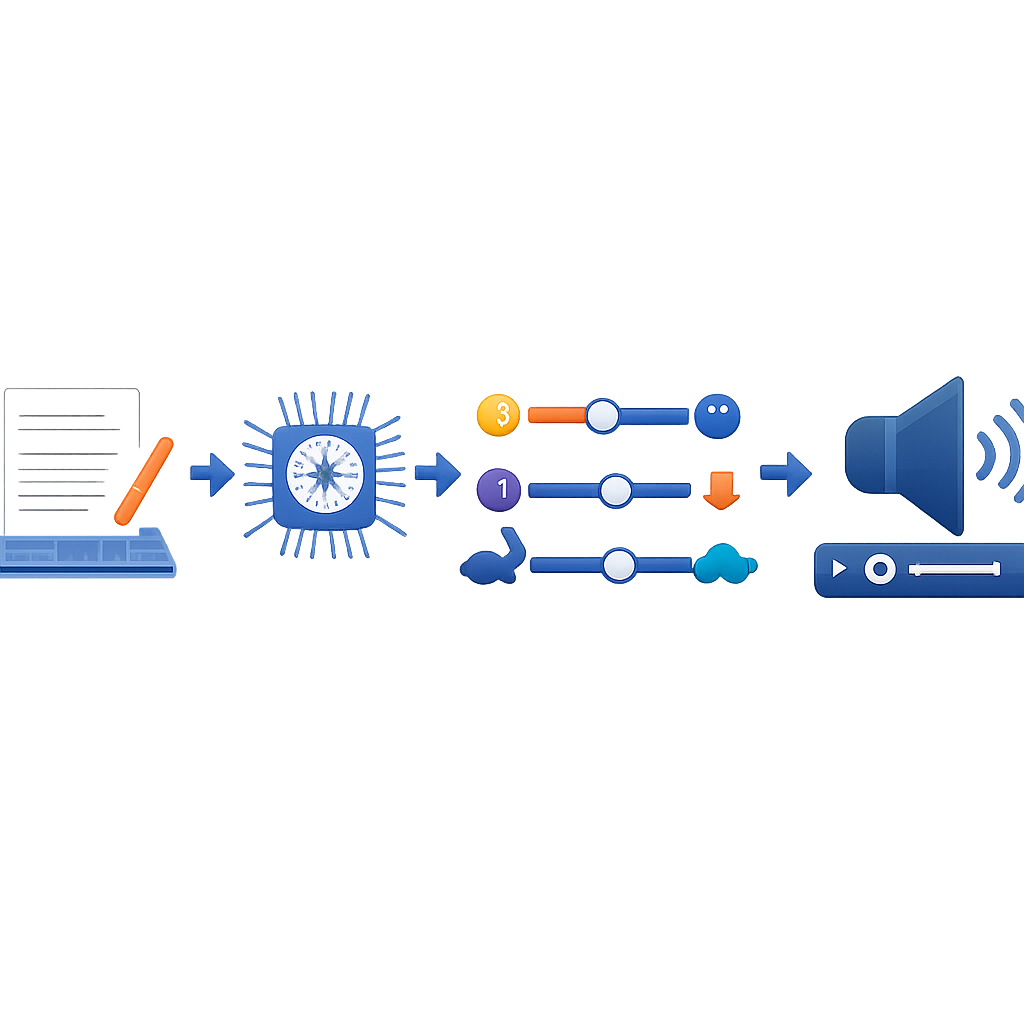
At a high level, the process has four stages:
-
Text analysis: The platform reads your script and checks punctuation, sentence structure, and likely pronunciation.
-
Linguistic modeling: It predicts stress, pauses, and phrasing based on context.
-
Voice synthesis: A trained model generates speech in the selected voice.
-
Output tuning: You refine pitch, speed, style, and emotion before export.
According to speech synthesis references, modern neural systems sound more natural than older methods because they produce smoother timing and better prosody.
According to Google Cloud Text-to-Speech, neural voices are designed to produce more natural-sounding speech by modeling human intonation and cadence more accurately than traditional systems.
Google Cloud documentation
Why AI Generated Voice Is Replacing Traditional Voiceovers
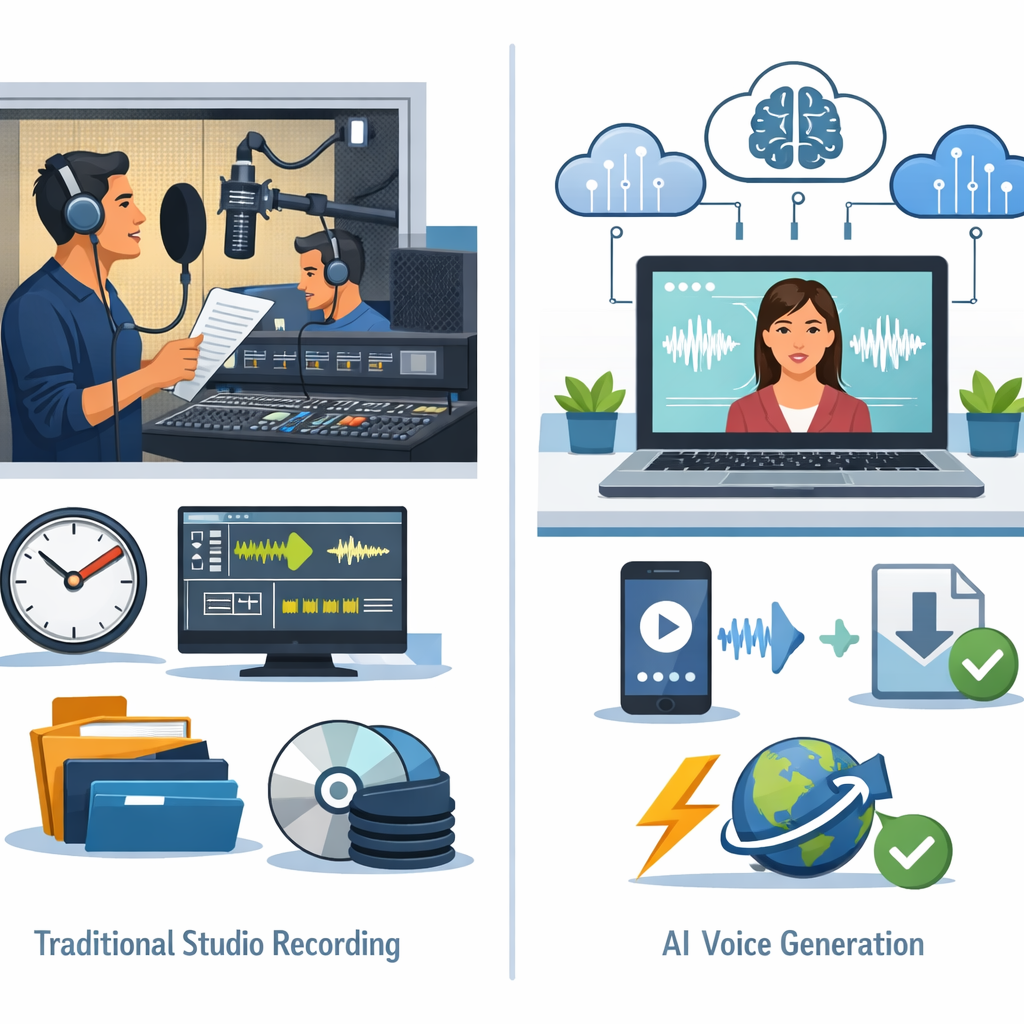
Traditional voiceover production still has a place, especially for premium campaigns. But for recurring content, many teams now prefer an ai generated voice because it cuts delays, lowers cost, and makes revisions easier.
Speed and Scalability for Growing Content Needs
If your team creates daily tutorials, weekly promos, onboarding flows, or regional variants, speed becomes a real advantage.
- Instant revisions: Update one line without rebooking talent.
- Batch creation: Produce multiple versions for tests, channels, or languages.
- Consistent delivery: Keep the same voice style across campaigns or modules.
Cost Efficiency Without Complex Recording Workflows
Cost is not only the actor fee. It also includes retakes, editing time, file handling, and project coordination. An ai generated voice often reduces those hidden costs.
| Workflow factor | Traditional voiceover | AI generated voice workflow |
|---|---|---|
| Turnaround time | Hours to days | Minutes to hours |
| Revisions | May require new takes | Usually handled by editing text |
| Scalability | Harder across many assets | Well suited to repeatable production |
| Localization | Needs more talent coordination | Often available in one platform |
| Technical setup | Mic, room, editing tools | Often fully online |
Key Features to Look for in an AI Generated Voice Tool
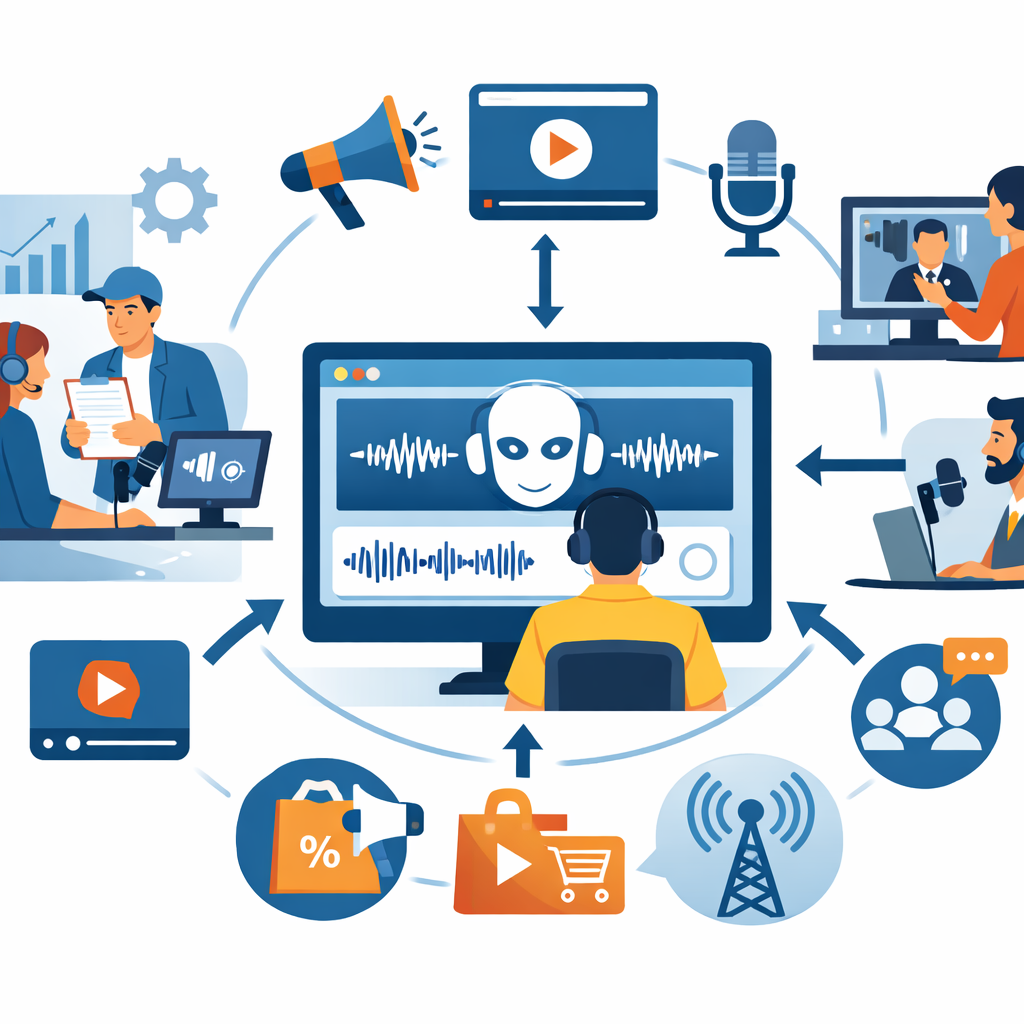
Not every tool that sounds good in a demo works well every day. The best ai generated voice platform is the one that fits your scripts, audience, and workflow.
Emotion-Based Voice Generation for More Natural Delivery
Emotion control is one of the biggest differences between average output and convincing output. A sales video, a bedtime story, a support prompt, and a training lesson should not sound the same.
- Friendly or conversational tone
- Energetic delivery for promotions
- Calm pacing for learning content
- Warm narration for stories and audiobooks
Language, Voice, and Playback Customization
If your audience spans regions, customization is not optional. You need voice options that fit accent, tone, and context. You also need controls for pacing and pronunciation.
Voice variety
Enough options for ads, explainers, narration, and support prompts.
Language coverage
Support for multilingual projects and localized delivery.
Pitch and speed
Important for matching script style and audience expectations.
Pronunciation handling
Useful for brand names, technical terms, and product vocabulary.
Online access
Browser-based editing removes setup friction.
Export simplicity
Fast file generation helps teams publish quickly.
Who Benefits Most From AI Generated Voice?
Any team that needs repeatable audio without repeatable hassle can benefit. The value just shows up in different ways.
Use Cases for Marketers, Educators, and Authors
Marketers use an ai generated voice for sales videos, ad variants, landing page explainers, product promos, and social clips. They can revise text and export again instead of recording from scratch.
Educators and students use AI voice for lesson summaries, microlearning modules, accessibility-friendly study aids, and language practice.
Authors use it for audiobook drafts, chapter previews, and promotional trailers. Human narration may still win for some long-form projects, but AI is useful for fast testing and publishing.
Use Cases for Support Teams, Developers, and Podcasters
Support teams can create IVR prompts, help center audio, onboarding messages, and multilingual updates quickly.
Developers use it for apps, demos, prototypes, assistants, and product walkthroughs.
Podcasters often use AI voice for intros, segment transitions, ads, translated promos, and backup narration.
We have seen teams cut voice production time from several days to a single working session simply by moving script revisions and audio generation into one browser-based workflow.
Editorial analysis based on SaaS content production workflows
How Revoicer Stands Out in AI Generated Voice Creation
Revoicer is built for users who want natural-sounding voiceovers without the complexity of traditional recording. Its pitch is simple: realistic voices, emotion controls, and a fully online app designed for speed.
80+ Human-Sounding Voices in English and 40+ Languages
Revoicer highlights 80+ human-sounding voices in English and support for 40+ languages. That gives teams room to match voice style to audience and region.
- Localized sales videos and product explainers
- Training modules for different learner groups
- Podcast promos and intros with consistent branding
- Support messages for multilingual audiences
100% Online App With Custom Emotions and No Downloads
Revoicer also emphasizes a 100% online app. No local software, no complex audio chain, and no studio-style setup. That makes it a good fit for non-technical users who care most about output and speed.
| Evaluation criteria | Why it matters | Revoicer fit |
|---|---|---|
| Human-sounding voices | Improves trust and listening comfort | 80+ English voices highlighted |
| Language support | Supports localization | 40+ languages highlighted |
| Emotion controls | Makes delivery more natural | Custom emotions emphasized |
| Workflow simplicity | Speeds adoption across teams | 100% online, no downloads |
| Best fit users | Clarifies practical value | Marketers, educators, authors, support teams, developers, podcasters |
Note: Product details above are based on the Revoicer sales page and positioning at the time of writing. For the latest plan information, always check the official offer page directly.
How to Choose the Right AI Generated Voice for Your Project
Choosing an ai generated voice is less about finding the most dramatic demo and more about matching the voice to the job. A good choice should support the message, not distract from it.
Match Voice Tone to Audience Intent
- Sales content: confident, upbeat, and clear
- Education: calm, patient, and easy to follow
- Storytelling: expressive and warm
- Support or onboarding: reassuring, direct, and neutral
If the script is technical, clarity matters more than personality. If the script is promotional, energy matters more. If the script is instructional, pacing matters most.
Adjust Pitch, Speed, and Style for Better Results
-
Slow down dense scripts: Tutorials and lessons usually sound better slightly slower than ad copy.
-
Reduce exaggerated enthusiasm: Over-energetic delivery can hurt trust in B2B or educational content.
-
Use punctuation intentionally: Commas, line breaks, and shorter sentences improve rhythm.
-
Test on real devices: A voice that sounds great on headphones may feel too sharp on phone speakers.
Common Mistakes to Avoid With AI Generated Voice
Most poor results come from setup mistakes, not bad technology. Teams often blame the tool when the real issue is voice selection, script quality, or localization mismatch.
Using the Wrong Emotion or Delivery Style
A cheerful voice for a serious onboarding message can sound careless. A flat voice for a product launch can sound lifeless. The wrong emotional setting creates friction even when pronunciation is correct.
Ignoring Localization and Audience Expectations
Localization is more than translation. Accent, phrasing, pacing, and cultural expectations all affect how natural the audio feels. Review whether the selected voice matches regional norms, especially for customer-facing content.
Is AI Generated Voice Right for Your Business?
If your team creates recurring audio and wants faster turnaround, lower coordination overhead, and easy revisions, an ai generated voice platform is worth serious consideration.
When a Paid AI Voice Platform Makes Sense
A paid platform makes sense when voice content supports growth, training, support, or customer experience.
- Frequent voiceovers for ads, demos, or sales funnels
- Repeatable narration for courses or internal training
- Multilingual output without separate recording teams
- Fast revisions as scripts evolve
Next Steps: Explore Revoicer and View Pricing
Revoicer is a strong fit for users who want realistic voices, emotional control, broad language coverage, and a simple online workflow. If your priority is practical voice creation without studio friction, it is worth reviewing its voice options and pricing details directly.
Frequently Asked Questions
What is an ai generated voice used for?
An ai generated voice is used for video narration, ads, e-learning, audiobooks, support prompts, onboarding, podcasts, app experiences, and localized content. It is especially useful when teams need fast revisions and consistent output.
Can an ai generated voice sound natural enough for business content?
Yes. Modern neural speech systems can sound very natural, especially when the script is well written and the platform offers emotion, pacing, and pronunciation controls.
How do I choose the best ai generated voice for my audience?
Match the voice to audience intent first. Use calm narration for education and support, more energy for promotions, and expressive tone for storytelling. Then refine pitch, speed, and pacing.
Is AI voice better than hiring a voice actor?
Not always. Human actors still excel in highly directed, performance-heavy projects. But AI voice is often better for fast, scalable, repeatable content where revision speed and cost efficiency matter more.
Why do some AI voiceovers still sound robotic?
The most common reasons are poor script formatting, unnatural sentence structure, the wrong emotional preset, or weak localization. Shorter sentences and better punctuation often improve results.
What makes Revoicer different from other AI voice tools?
Revoicer emphasizes practical business use: 80+ human-sounding English voices, 40+ languages, custom emotions, and a 100% online workflow with no downloads.
Related reading: explore our guides on choosing the best AI voice generator and which text-to-speech features matter most if you want a broader comparison framework.