Key Takeaways
- Naturalness comes first. The best text to speech voices sound clear, smooth, and right for the script.
- Do not judge by voice count alone. Pronunciation, pacing, emotion, and workflow matter more in real projects.
- Use case changes the best choice. Ads, training, audiobooks, and support flows need different delivery styles.
- Fast online tools save time. Easy edits, multilingual support, and repeatable workflows lower production effort.
- Revoicer is built for expressive voiceovers. It offers 80+ AI voices, 40+ languages, emotion control, and a browser-based workflow.
Choosing text to speech voices is not just about finding a voice that reads words aloud. The right voice can improve watch time, make lessons easier to follow, and help a brand sound more polished. This guide covers what matters most, how to test quality, and why Revoicer stands out for teams that need realistic, scalable audio.
Text to Speech Voices: What Matters Most
Why trust this guide: Our team reviewed current AI voice platforms, product documentation, public feature pages, and common buyer pain points across marketing, education, publishing, and support. We focused on practical criteria: realism, pronunciation, emotion control, language coverage, editing speed, and team scalability. We also referenced authoritative sources including NIST, Google Cloud Text-to-Speech documentation, and Wikipedia’s speech synthesis overview for technical context.
What Matters Most in Text to Speech Voices
The best text to speech voices do four things well. They sound natural. They pronounce words correctly. They match the tone of the content. They also fit into a fast workflow. If one of those pieces is missing, the final audio often feels weak.
Natural delivery
The voice should sound smooth, not stiff or robotic.
Clear pronunciation
Names, numbers, and brand terms should be easy to understand.
Right emotion
A lesson, ad, and support message should not all sound the same.
Fast workflow
You should be able to edit, re-render, and export without friction.
What Are Text to Speech Voices?
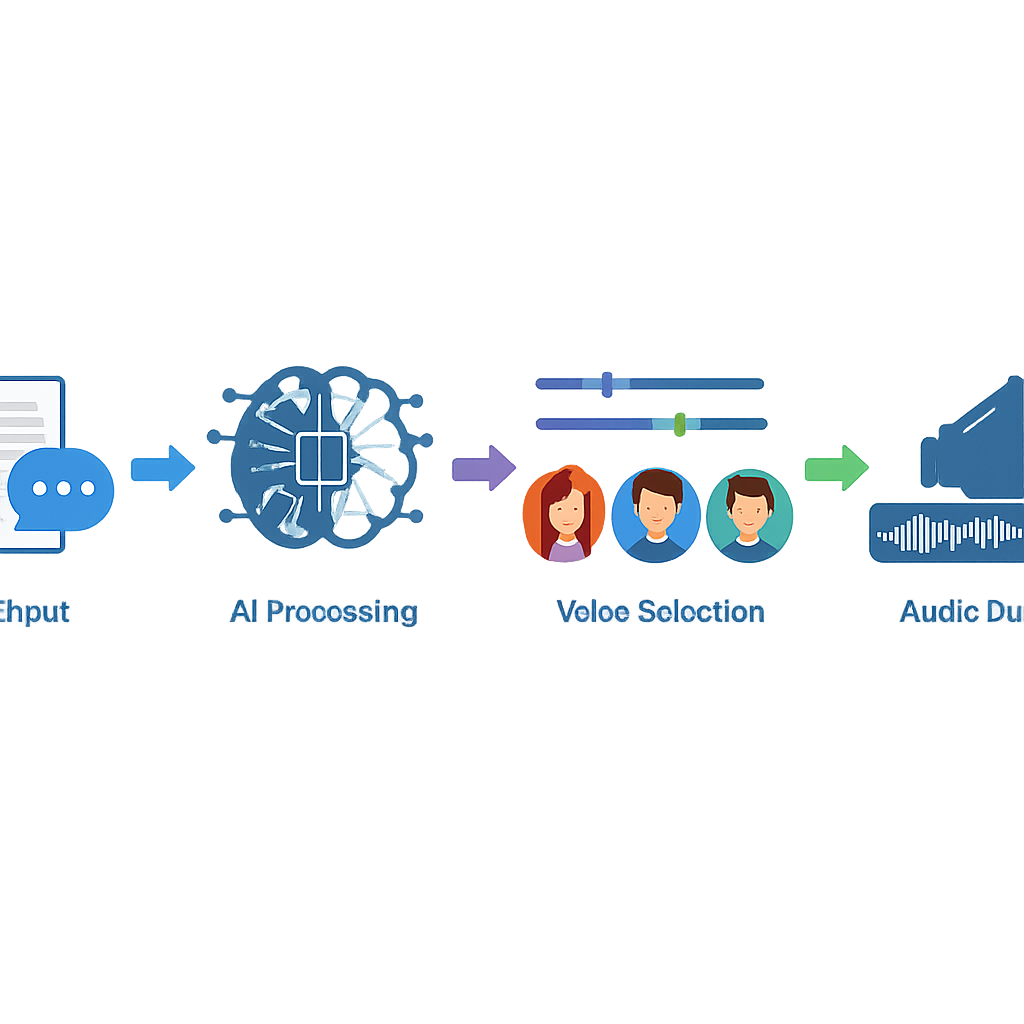
Text to speech voices are synthetic or AI-generated voices that turn written text into spoken audio. Older systems often sounded flat and mechanical. Newer systems use neural speech synthesis to create speech that sounds smoother and more human.
That shift matters because listeners now compare AI narration with podcasts, audiobooks, videos, and professional voice actors. If a voice sounds awkward, people notice fast.
How text to speech voices work
A text to speech engine reads the script, predicts pronunciation, adds rhythm and stress, and then creates audio. Better systems also improve pauses, emphasis, and emotional tone.
- Phoneme modeling helps with pronunciation and word flow.
- Prosody control shapes pauses, emphasis, and pacing.
- Emotion layers add calm, excitement, warmth, or authority.
- Language and accent support helps teams create audio for different regions.
According to NIST, speech synthesis quality depends on intelligibility and naturalness. In simple terms, people need to understand the words and feel that the voice fits the message.
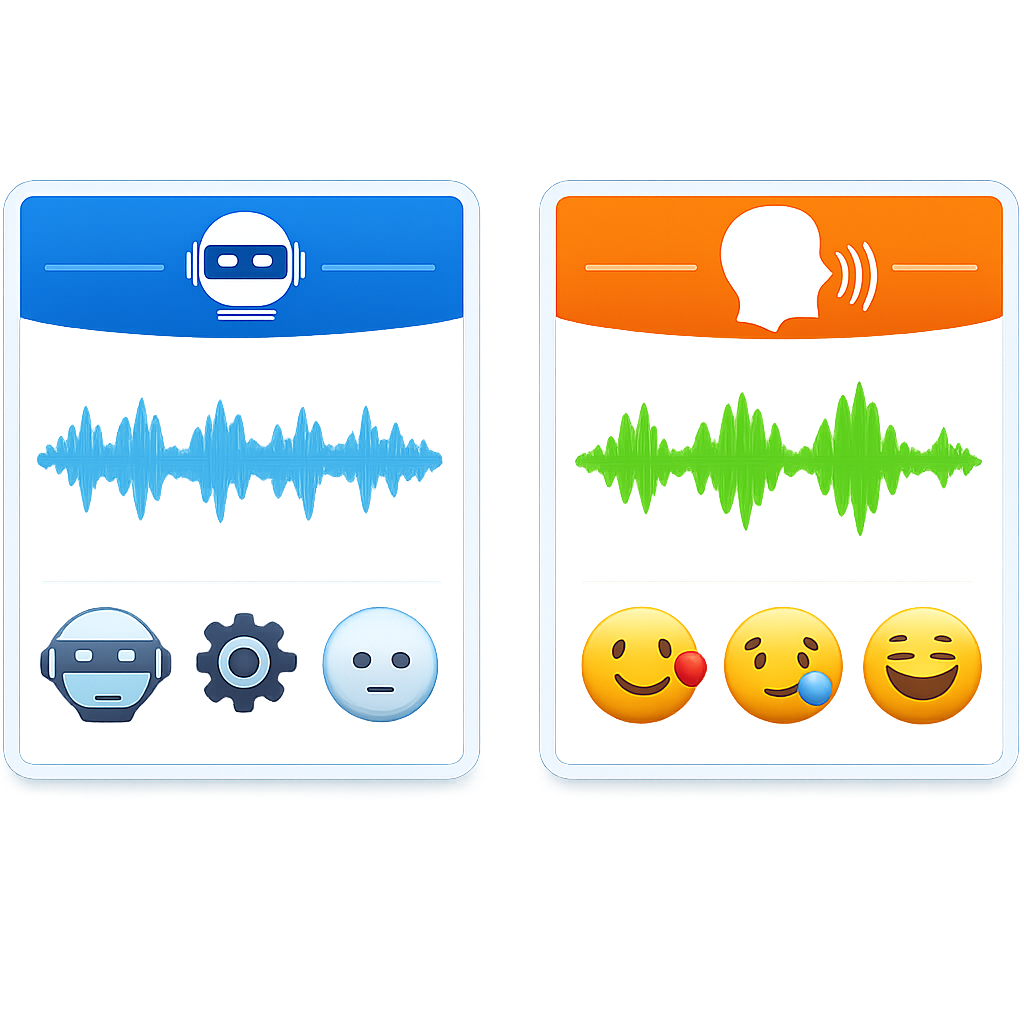
Robotic vs. human-sounding AI voices
Flat prosody
Every sentence lands with the same rhythm.
Weak pronunciation
Brand names and proper nouns sound wrong.
Poor pause control
The voice rushes or stops in odd places.
No emotional fit
Different scripts all sound identical.
Human-sounding voices do the opposite. They vary pace, stress key words, and handle punctuation better. That is why buyers should look past short demo clips and test full scripts.
If you want to hear how expressive AI voiceovers can sound in practice, a quick preview is often more useful than a feature list.
How to Evaluate Text to Speech Voices for Quality
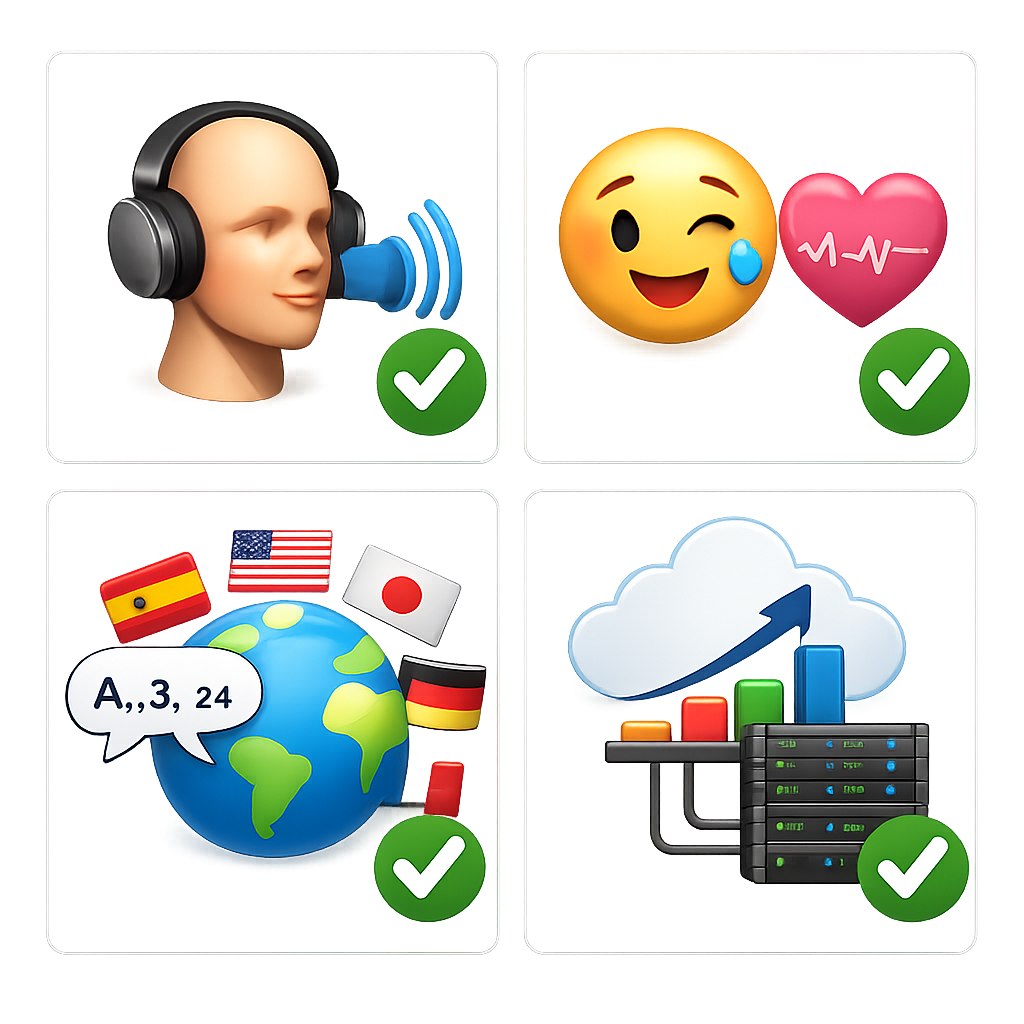
Comparing text to speech voices gets easier when you use a simple test. Run the same script across platforms. Then score each result for clarity, tone, pronunciation, and ease of editing.
Naturalness and pronunciation accuracy
Naturalness is the first filter. If the voice sounds synthetic, the rest does not matter much. Listen for sentence flow, correct names, stable pacing, and consistent output.
Pronunciation matters more than many teams expect. A misread product name in an ad or tutorial can hurt trust right away.
Emotion and tone control
Many comparison pages count accents but ignore delivery. That is a mistake. Emotion often decides whether audio feels usable or forgettable.
A support message may need reassurance. A promo may need energy. A training lesson may need calm authority. If a tool cannot shift tone, you may end up rewriting the script just to fit the voice.
Pitch, speed, and voice type customization
Basic controls should include speed and pitch. Better tools let you make those changes without making the voice sound distorted. Voice type also matters because different projects need different styles.
Language and accent coverage
Coverage is useful, but quality matters more than quantity. Strong platforms should support common business needs such as English variants, multilingual narration, and stable quality across languages.
| Evaluation Factor | Why It Matters | What to Test |
|---|---|---|
| Naturalness | Keeps listeners engaged | Use a 200-word script with mixed sentence lengths |
| Pronunciation | Protects trust and clarity | Include names, acronyms, and numbers |
| Emotion Control | Matches voice to purpose | Try upbeat, calm, and serious versions |
| Customization | Improves fit across formats | Adjust speed, pitch, and pacing |
| Language Coverage | Supports growth | Compare accent quality, not just count |
| Workflow Speed | Saves production time | Edit, re-render, and export in one session |
Best Use Cases for Text to Speech Voices
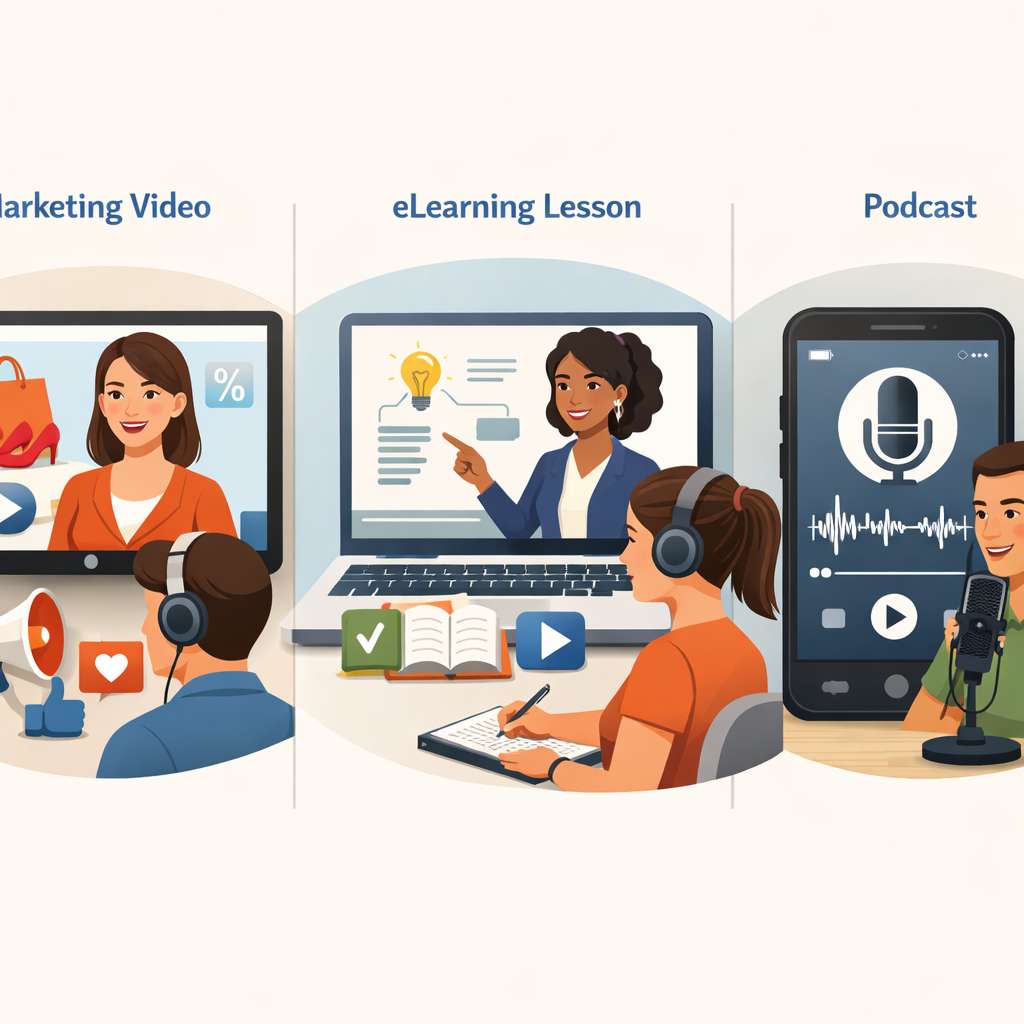
The best text to speech voices work across many industries. They are useful anywhere teams need fast, repeatable narration without booking a traditional recording session.
Marketing videos and ads
Marketing teams need speed. Campaigns change fast, and scripts often change at the last minute. AI voice tools help teams update copy without booking talent again. Good marketing voices should sound persuasive, clear, and well-paced.
eLearning, training, and student projects
Training content benefits from consistency. A course with many lessons should sound steady from start to finish. AI voiceovers also help students and educators create explainers without studio gear.
According to Google Cloud documentation, text-to-speech is widely used for accessibility, education, and conversational interfaces. In practice, the best educational voices are calm, clear, and easy to follow.
Audiobooks, scripts, and podcast production
Long-form narration is a harder test. A voice that sounds good in a short ad may feel repetitive after 20 minutes. For books and podcasts, look for smooth pacing and enough variation to keep listeners comfortable.
Customer support and product experiences
Support teams often need spoken instructions in apps, onboarding flows, and help content. Here, warmth and clarity matter more than dramatic performance. A calm voice can reduce frustration. A rushed voice can increase it.
“We use AI narration first for product walkthrough drafts because it lets the team review flow and wording before we lock the final asset.”Product education workflow insight from our review process
“For multilingual training, consistency matters almost as much as realism. Teams need voices they can reuse across dozens of lessons.”Internal evaluation note from eLearning content testing
What Competitors Miss When Comparing Text to Speech Voices
Many comparison pages focus on huge voice libraries or big usage numbers. Those figures may show scale, but they do not show whether a voice will work for your project.
Why emotion matters more than long accent lists
An accent list can look impressive. But if every option sounds flat, the value is limited. Buyers should ask whether a tool can make a voice sound reassuring, excited, serious, or conversational.
Why an online app matters
Workflow is often overlooked. A browser-based app removes install friction and makes revisions easier. For marketers, educators, and small teams, that simplicity can save real time.
Why scalability matters for teams
Traditional voiceovers can be excellent, but they are slower to revise. If your team updates training, support, or marketing content often, AI voice generation can reduce turnaround time and coordination work.
How Revoicer Stands Out for Text to Speech Voices
Revoicer is built for users who want realistic voiceovers without a technical production stack. Its public positioning focuses on human-sounding AI narration, emotional delivery, multilingual support, and a fully online workflow.
80+ human-sounding AI voices and 40+ languages
Revoicer offers 80+ human-sounding AI voices and supports 40+ languages. That makes it useful for marketers, educators, creators, and product teams with multilingual needs.
Emotion-based AI voice generation
This is one of Revoicer’s strongest points. Instead of static narration, it focuses on emotion-based voice generation. That helps with sales videos, training content, storytelling, and support experiences.
100% online workflow with no downloads
Revoicer runs fully online, with no software downloads required. That means easier access, faster onboarding, and fewer setup issues for teams and solo users.
Built for speed and scale
Revoicer is designed for repeatable voiceover production. If scripts change often, that speed becomes a practical advantage.
| Revoicer Capability | Why It Helps | Best For |
|---|---|---|
| 80+ AI voices | More choice across styles | Marketers, authors, podcasters |
| 40+ languages | Supports localization | Educators, product teams, global brands |
| Emotion-based generation | Makes narration more human | Ads, storytelling, support flows |
| Online workflow | No downloads, faster access | Students, teams, non-technical users |
| Scalable production | Faster revisions | Training libraries, recurring campaigns |
How to Choose the Right Text to Speech Voice for Your Project
Choosing the right text to speech voices gets easier when you use a clear process instead of picking the first voice that sounds pleasant.
Match the voice to your audience and format
-
Define the audience. Know whether the content is for buyers, students, app users, or listeners.
-
Define the format. A short ad needs more energy than a long lesson.
-
Pick 2 to 3 voices. Compare them on the same script.
-
Review on the final device. Phone, laptop, and in-app playback can sound different.
Choose emotion and pacing based on intent
If the goal is to teach, slower pacing often works best. If the goal is to persuade, more energy may help. If the goal is to reassure, choose a calm tone.
Plan for long-term needs
Think beyond the current project. Will you need more languages later? Will several team members use the same workflow? If yes, choose a platform that can scale with your content library. You can also compare related options on AI text to speech voices and text to speech AI voices pages.
Common Mistakes to Avoid with Text to Speech Voices
Even strong tools can produce weak results if buyers use the wrong criteria.
Choosing voices based only on price
The cheapest option is not always the best value. Low-quality output can create more editing work and a weaker brand impression.
Ignoring emotion, pacing, and pronunciation
This is one of the biggest mistakes. Always test full scripts with names, numbers, and varied sentence lengths.
Overlooking workflow and team scalability
A voice platform is part of your production process. If it slows collaboration or makes revisions hard, the hidden cost grows fast.
Bad Fit
Choosing a voice that sounds nice alone but wrong for the audience.
Short-Term Thinking
Ignoring future language needs or repeat production.
Weak Testing
Using one short sample instead of a realistic script.
Ready to Create Better Voiceovers?
The best text to speech voices do more than read text. They support clarity, emotion, speed, and scale. If you evaluate tools with that in mind, you will make a better choice for marketing, education, publishing, support, and product content.
Revoicer stands out because it combines human-sounding AI voices, emotional control, multilingual support, and a fully online workflow built for fast production. If you want more comparisons, see voices AI text to speech and AI voices text to speech.
Ready to move from flat narration to more expressive voiceovers? Explore the platform and see whether the workflow fits your next project.
Frequently Asked Questions
What makes text to speech voices sound realistic?
Realistic text to speech voices combine accurate pronunciation, natural pacing, varied emphasis, and emotional control. A voice should sound smooth across full sentences, not just short samples.
How many text to speech voices should a good platform offer?
There is no perfect number. A smaller set of high-quality, expressive voices is often more useful than a huge library of flat voices. Focus on realism, emotional range, and language quality rather than raw counts alone.
Are text to speech voices good for marketing videos?
Yes, especially when campaigns need fast revisions. The best voices for marketing sound energetic, clear, and persuasive without feeling exaggerated or artificial.
Why does emotion matter in AI voice generation?
Emotion helps the voice match the purpose of the content. A training lesson, sales ad, audiobook chapter, and support message all need different delivery styles. Without emotion control, audio can sound generic and less engaging.
Can text to speech voices work for multilingual content?
Yes. Many teams use AI voice tools to localize training, product demos, and marketing assets. The key is to check quality within each language or accent, not just whether the option appears on a list.
Is an online text to speech platform better than downloadable software?
For many users, yes. A 100% online workflow is easier to access, faster to onboard, and simpler for teams to use across different devices. It also reduces setup friction for non-technical creators.