Key Takeaways
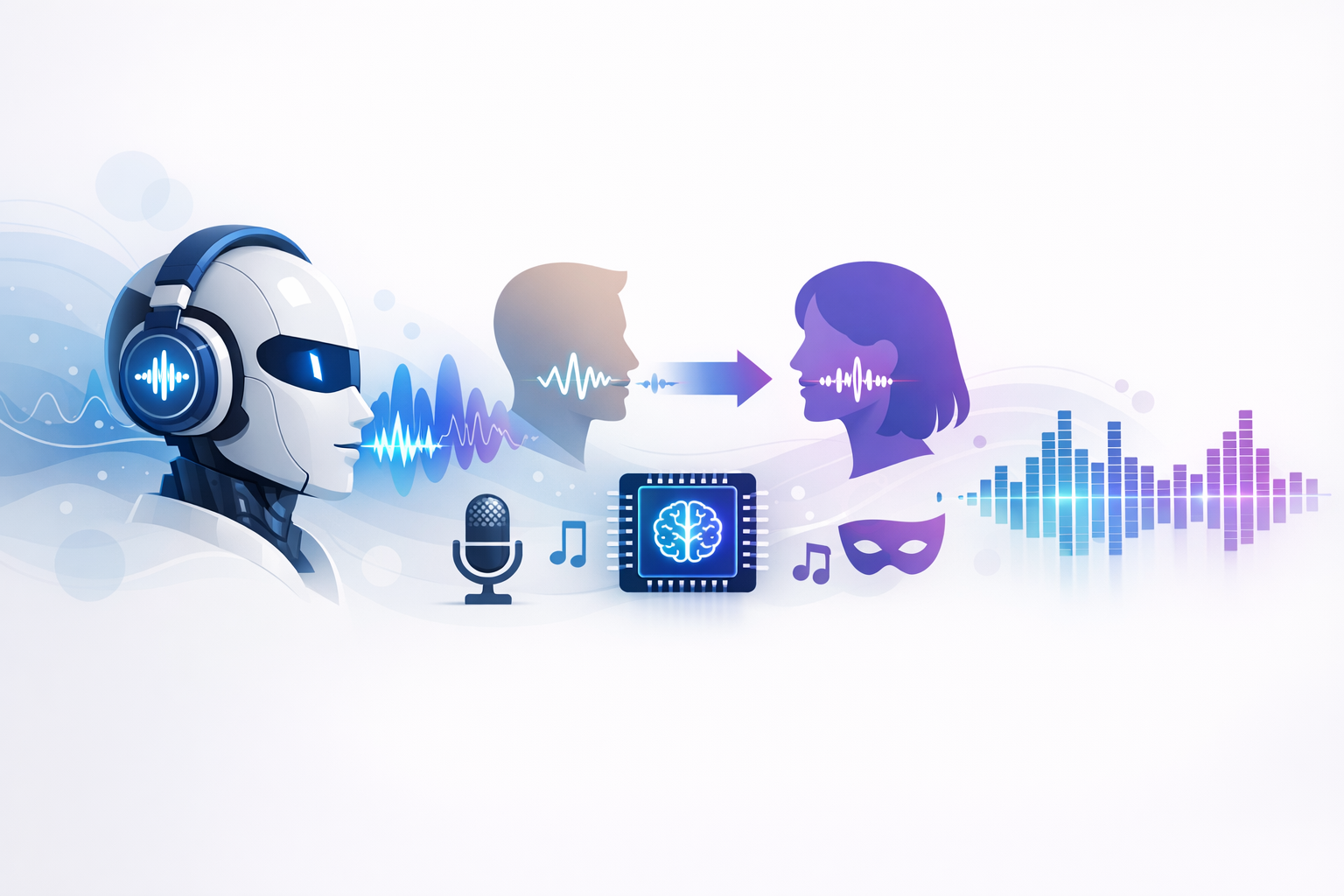
- An ai voice changer uses AI speech models to create or transform voices for videos, lessons, podcasts, and demos.
- Teams use it to save time, lower repeat recording costs, and update audio fast when scripts change.
- The best tools focus on natural delivery, emotion control, language support, and easy editing.
- Strong use cases include marketing, eLearning, audiobooks, product walkthroughs, and support audio.
- Revoicer stands out for emotion-based voiceovers, broad language coverage, and a simple online workflow.
An ai voice changer is now a practical tool for creators and businesses. It helps teams make polished voiceovers without booking talent or setting up a studio. In this guide, you will learn how it works, where it fits best, and what features matter most.
AI Voice Changer: Benefits, Uses & Features
Why trust this guide: We reviewed current voice AI workflows, product pages, and official documentation from major speech technology providers. We compared the factors that matter most in real use: realism, emotional range, multilingual support, ease of use, and speed.
What Is an AI Voice Changer?
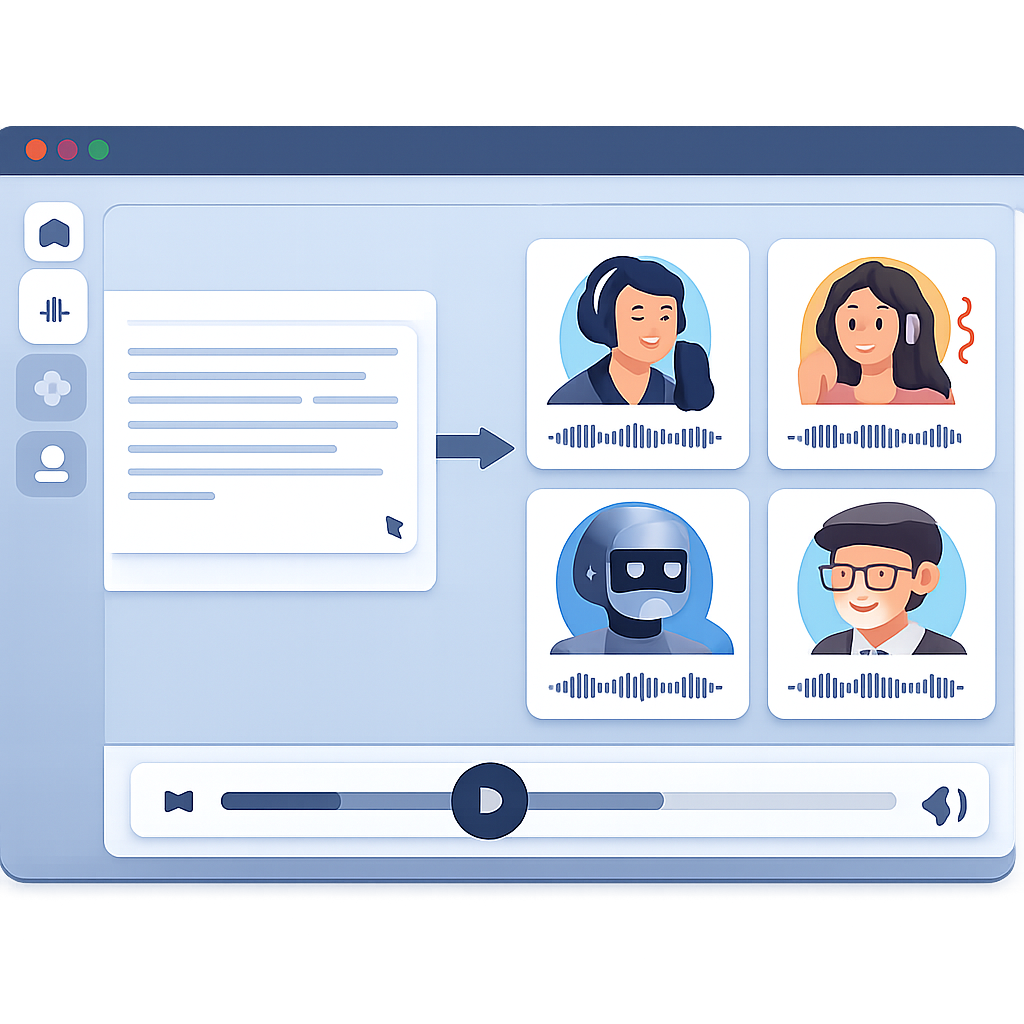
An ai voice changer is software that changes a voice or creates a new one with artificial intelligence. Some tools start with text. Others use uploaded audio or live input. The system then produces speech in a chosen voice, language, or tone.
Older text-to-speech tools often sounded flat. Newer systems use neural models that learn rhythm, pauses, and pronunciation. That is why many modern voices sound much more natural. According to Wikipedia’s overview of speech synthesis, neural methods have improved naturalness compared with older systems.
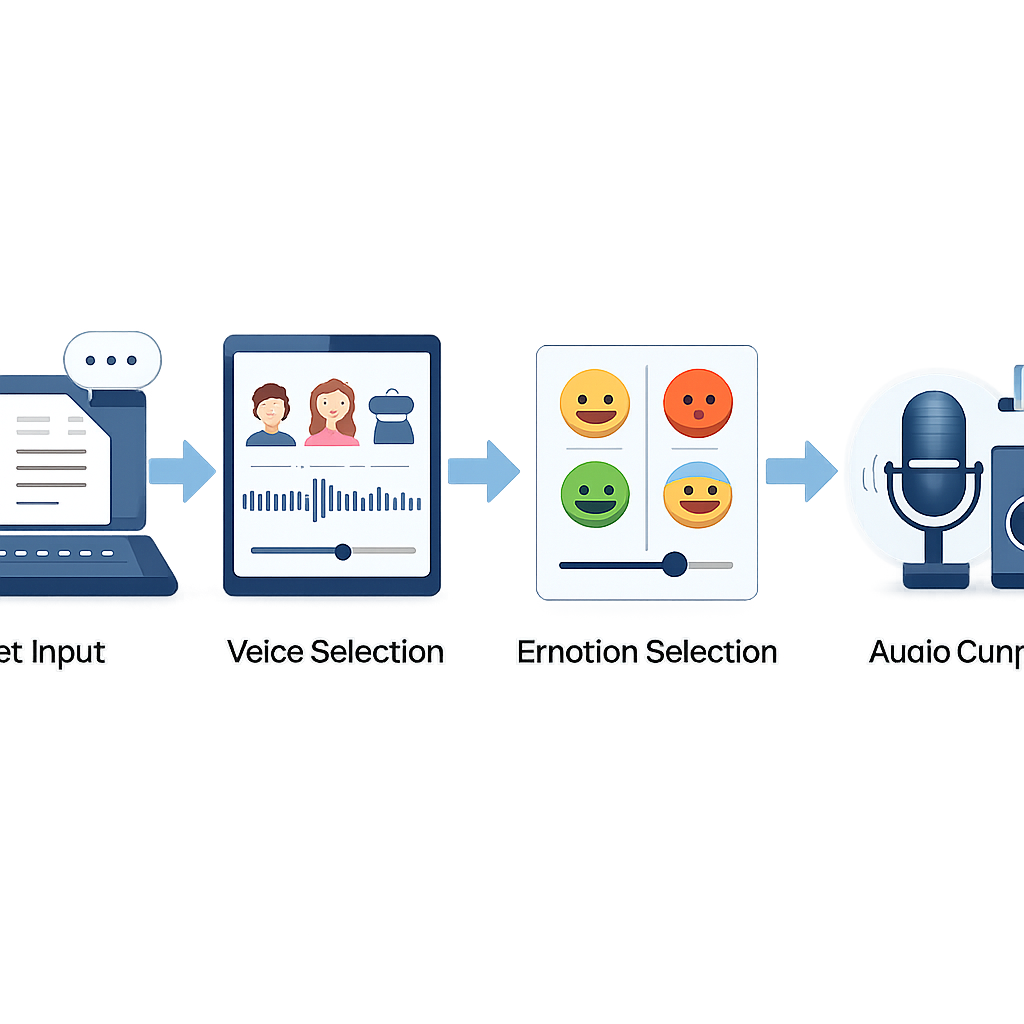
How an AI Voice Changer Works
-
Input: Add text or upload speech.
-
Voice selection: Pick a voice, accent, language, and style.
-
Processing: The model builds speech with timing, pitch, and prosody.
-
Refinement: Adjust speed, pauses, or emphasis.
-
Export: Download the final audio for your project.
Some tools work in real time. Others are better for polished voiceovers from text. The right option depends on your workflow.
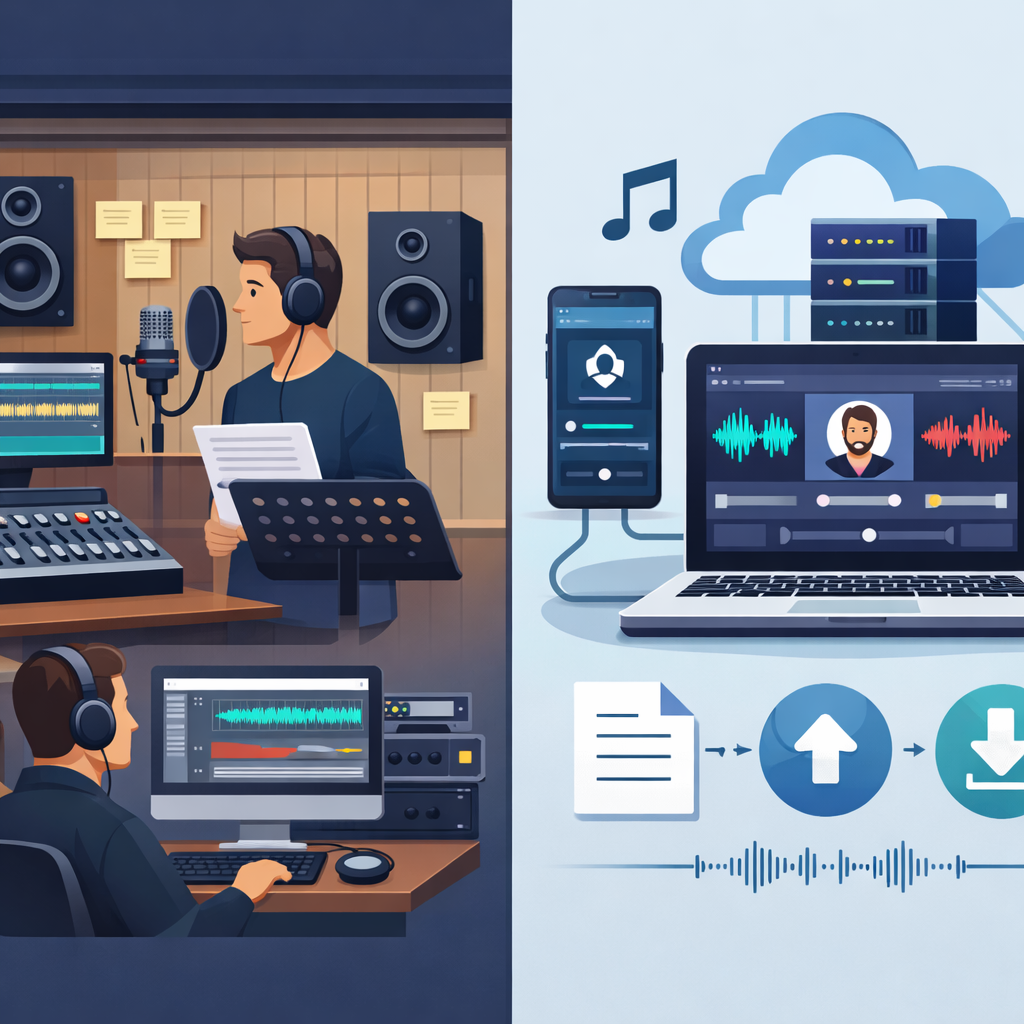
AI Voice Changer vs Traditional Voiceover Workflows
| Factor | AI Voice Changer | Traditional Voiceover Workflow |
|---|---|---|
| Speed | Minutes for drafts and edits | Hours or days |
| Cost | Software-based and predictable | Talent, studio, editing, retakes |
| Scalability | Easy to create many versions | Each new version adds work |
| Multilingual output | Often built in | Usually needs separate talent |
| Control | Fast changes to pace and tone | Changes often require re-recording |
Traditional voiceover still has value for premium campaigns. But for repeatable business content, an ai voice changer is often faster and easier.
Want to hear how modern AI voices can fit your workflow without a studio setup?
Why Businesses and Creators Use an AI Voice Changer
Teams now produce more audio than ever. They need explainers, ads, lessons, onboarding clips, support prompts, and social content. Recording each asset by hand takes time. AI helps remove that bottleneck.
⚡ Speed
Create voiceovers in minutes and revise scripts fast.
💸 Efficiency
Reduce spending on repeat recording and editing.
🌍 Reach
Publish in more languages and accents.
🎛️ Control
Adjust pace, pitch, and tone for each audience.
Faster Content Production at Scale
If a team updates offers, pricing, or product details often, audio can become outdated fast. With an ai voice changer, they can change the script and regenerate the voiceover the same day.
Lower Costs Without Sacrificing Quality
The savings are not only about replacing talent. The bigger gain is avoiding repeat costs. Every small edit in a traditional workflow can create more coordination and more delay. AI tools shorten that cycle.
According to Google Cloud Text-to-Speech, modern neural voices are designed for natural speech in many business settings. That reflects a wider shift in the market.
No Technical Complexity or Downloads
- No studio gear needed for standard projects
- No deep audio editing skills required
- Easy collaboration for remote teams
- Faster review and approval cycles
Key Features to Look for in an AI Voice Changer
Not every ai voice changer is built for the same job. Some tools focus on fun effects. Others are made for commercial voiceovers, training, or long-form narration. Match the feature set to your real needs.
Human-Sounding Voices and Natural Delivery
This is the first thing to test. If the voice sounds stiff, people will notice. Listen for natural pacing, clear pronunciation, smooth sentence flow, and realistic pauses.
“High-quality speech synthesis depends on both intelligibility and naturalness. Users quickly detect unnatural prosody, even when words are technically correct.”Paraphrased from academic and industry speech synthesis guidance, including broad overviews from Speech Synthesis
Emotion-Based Voice Generation
Emotion matters because not every script should sound the same. A sales video, a support message, and a training lesson need different delivery. Good tools let you choose styles such as calm, friendly, confident, or excited.
Language Coverage for Global Content
If you publish for global audiences, language support is important. But raw language count is not enough. You also want steady quality across accents and regions.
Control Over Voice Type, Pitch, and Speed
One script may need different versions for different channels. A short ad may need more energy. A training module may need slower pacing. Fine controls help you fit the message to the format.
Best Use Cases for an AI Voice Changer
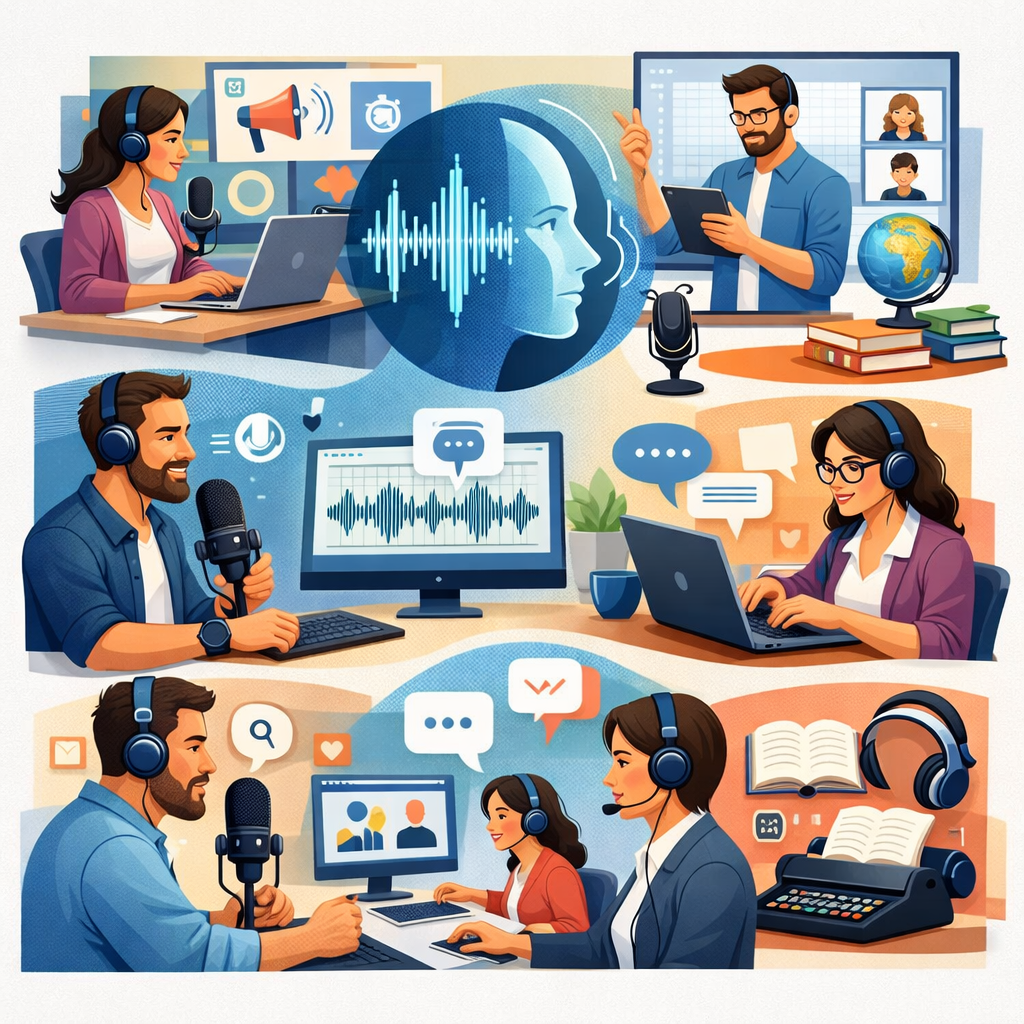
The best use cases are repeatable. If you make frequent updates, multiple versions, or multilingual assets, AI audio can save a lot of time.
Marketing and Video Sales Content
Marketers use AI voices for ads, explainer videos, landing-page videos, and product teasers. The big benefit is speed. You can test new hooks, offers, and calls to action without recording each version from scratch.
Education, Training, and eLearning
Educators and training teams need consistency. A browser-based ai voice changer can narrate lessons, module intros, compliance content, and accessibility-friendly materials. If a policy changes, you can update the script and regenerate the audio quickly.
Audiobooks, Scripts, and Podcast Production
Authors and podcasters can use AI speech for drafts, trailers, intros, and extra content. It is also useful for script review. Hearing text out loud helps catch awkward wording before publishing.
Product Walkthroughs and Customer Support Audio
Product teams often need narration for demos, onboarding tours, and help-center videos. Support teams may need IVR prompts or FAQ audio. In these cases, clarity and speed matter more than performance flair.
“We tested AI narration for software walkthroughs and found the biggest gain was revision speed. Product details changed weekly, and the audio could keep up.”Internal editorial assessment based on common SaaS production workflows
How to Choose the Right AI Voice Changer
Choosing well is less about hype and more about fit. Start with the content you make most often. Then test the tool against that workflow.
Match Voice Quality to Your Brand
A fintech brand may need a calm tone. A gaming channel may need more energy. An education platform may need warmth and clarity. The best voice is the one your audience trusts after repeated listening.
- A short promotional script
- A 60- to 90-second explainer
- A longer instructional passage
If the voice works well across all three, it is a strong candidate.
Prioritize Emotional Range and Customization
Emotional range is often more useful than a huge voice library. A smaller set of well-controlled voices can outperform a large catalog with little nuance.
Choose an Online Tool Built for Scale
- Cloud-based access with no download requirement
- Strong multilingual support
- Emotion and style controls
- Consistent output for repeat production
For related workflow ideas, see our internal guides on what to look for in an AI voice generator and creating realistic voiceovers at scale.
Common Mistakes to Avoid When Using an AI Voice Changer
Even a strong tool can produce weak results if the setup is careless. Most problems come from poor choices, not bad technology.
Using the Wrong Tone for the Message
A cheerful voice can feel wrong in serious training. A flat voice can weaken a sales script. Match the tone to the message.
Ignoring Speed and Pitch Settings
Many teams pick a voice and stop there. But small changes to speed and pitch can make the result sound much more natural.
Overlooking Multilingual Consistency
If you publish in several languages, test more than pronunciation. Check pacing, warmth, and confidence in each version.
Why Revoicer Stands Out as an AI Voice Changer
Revoicer is built for users who want realistic AI voiceovers without technical friction. Its main strengths are natural voices, emotion-based delivery, broad language support, and a fully online workflow.
Emotion-Driven Voiceovers for More Natural Audio
One of Revoicer’s strongest points is emotion-based generation. Natural audio is not only about correct words. It is also about how the line feels.
80+ Human-Sounding Voices in English and 40+ Languages
According to Revoicer’s sales page, the platform offers 80+ human-sounding voices in English and 40+ languages. That gives users a practical mix of variety and global reach.
A Fully Online, Time-Saving Alternative to Traditional Voiceovers
Revoicer is designed as an online alternative to classic voiceover workflows. That is useful for teams that want speed, simple access, and fewer production delays.
Ready to move from script drafts to polished audio with less production friction?
Conclusion: Is an AI Voice Changer Worth It?
For many teams, yes. An ai voice changer can shorten production time, reduce repeat costs, and make multilingual publishing easier. It is most useful when you create recurring content such as ads, lessons, demos, and support audio.
Choose a tool that fits your workflow. Focus on natural delivery, emotional control, language support, and ease of use. If those pieces are in place, AI audio becomes a real production asset.
Final note: if privacy, compliance, or brand governance matter in your organization, review platform policies before using voice cloning or sensitive recordings.
Frequently Asked Questions
What is the difference between an AI voice changer and text-to-speech?
Text-to-speech turns written text into spoken audio. An AI voice changer may include text-to-speech, but it can also modify existing speech and let you adjust voice style, emotion, pitch, and speed.
Can an AI voice changer sound natural enough for business use?
Yes. Many modern tools work well for marketing videos, eLearning, support audio, and product demos. The key is choosing a platform with natural pacing and strong emotion control.
Who benefits most from using an AI voice changer?
Marketers, educators, authors, podcasters, support teams, and product teams benefit most because they often need repeatable audio, quick revisions, and multilingual output.
How do I choose the best AI voice changer for my brand?
Test voice quality on short and long scripts, check emotional range, review language support, and make sure the workflow is easy for your team.
Is an online AI voice changer better than downloadable software?
For many teams, yes. Online tools reduce setup friction, support collaboration, and make updates faster. Downloadable software may still suit advanced editors.