Best Text to Speech Tools for Realistic Audio
Key Takeaways
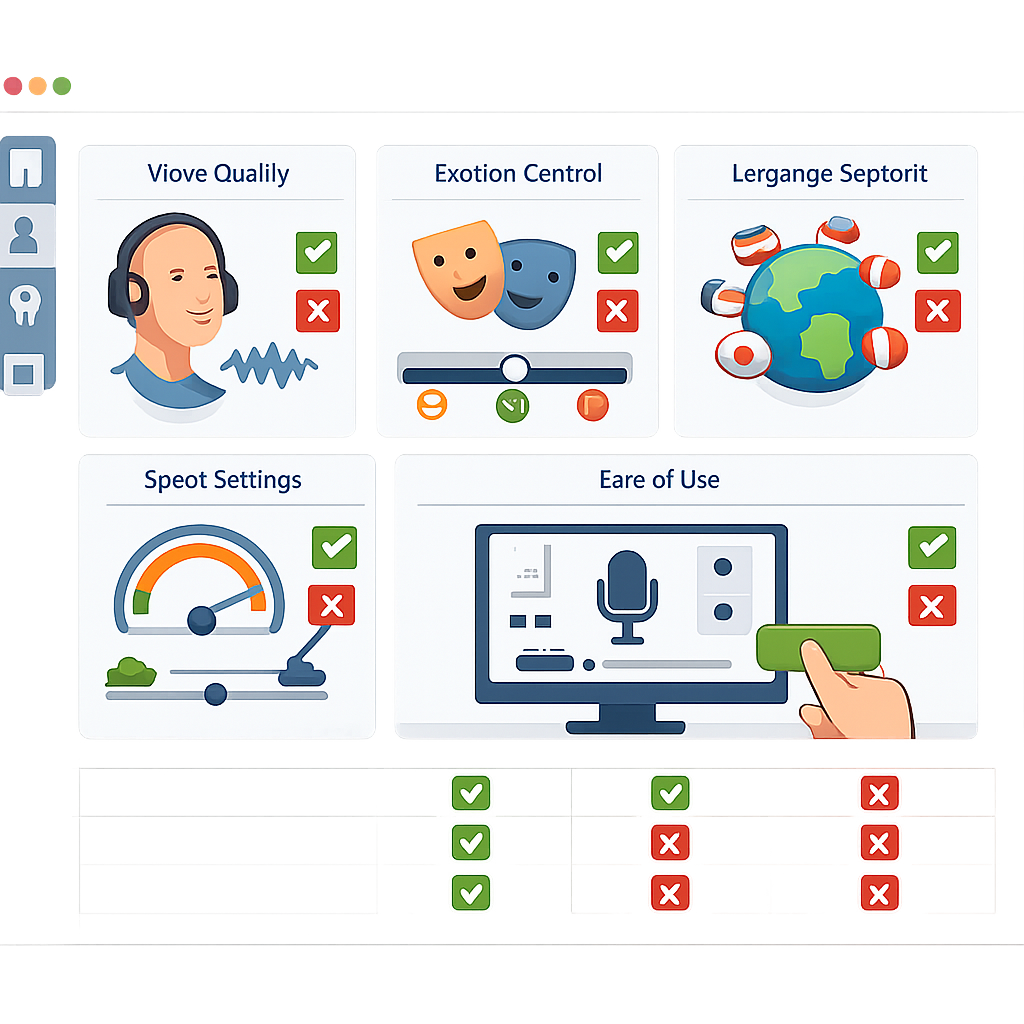
- The best text to speech tools now compete on realism, tone control, and speed, not just basic voice output.
- For videos, lessons, podcasts, and support content, browser-based AI voice platforms often beat studio workflows on turnaround and cost.
- Voice quality depends on pacing, emphasis, accent options, and emotional range more than raw voice count.
- Revoicer stands out for users who want human-sounding voices, multilingual support, and a simple online workflow.
- The best buying choice comes from matching features to your use case, content volume, and long-term needs.
If you are searching for the best text to speech tool, focus on more than a short demo. The right platform should sound natural, fit your workflow, and stay consistent across many projects.
We reviewed this category from a practical angle. We looked at voice quality, ease of use, control, and how well each type of tool supports real production work.
What Makes the Best Text to Speech Tool?
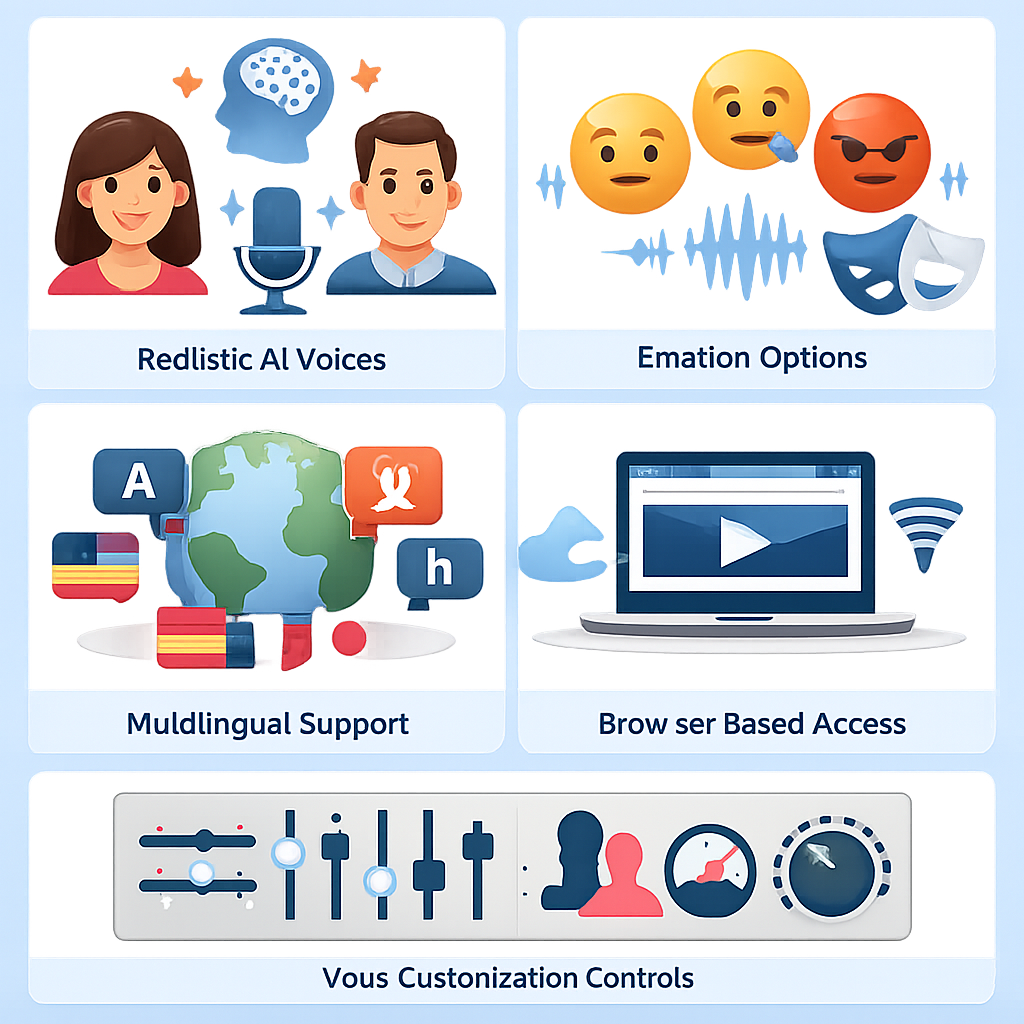
The best text to speech platform does three things well. It sounds natural. It saves time. It gives you enough control to shape the final read.
A strong tool should work across explainers, ads, lessons, product walkthroughs, and longer narration. Some tools sound good in one sample line but become flat in full scripts.
🎙️ Realism
Natural pauses, believable pacing, and emotional delivery matter more than a huge voice list.
⚙️ Control
Pitch, speed, emphasis, voice type, and emotion settings help match the script to the goal.
🚀 Workflow
Fast editing, browser access, and simple exports reduce delays for busy teams.
🌍 Reach
Strong language and accent coverage helps brands scale without hiring many voice actors.
The best platforms also support repeatable quality. That matters if you publish often and need the same standard every time.
Want to hear what modern emotional AI voices can sound like in a production workflow?
Core Features to Look for in Best Text to Speech Software
Many buyers compare tools by price first. That is common, but it can lead to the wrong choice. Start with the features that affect output quality and team speed.
Voice Quality Benchmarks That Competitors Often Miss
Many comparison pages say “human-like voices” and stop there. A better review looks at details such as:
- Pause realism: Does the voice pause where a human would?
- Sentence variation: Does every line end the same way?
- Long-form stability: Can the voice stay natural over several minutes?
- Emotion consistency: Can the tone stay calm, upbeat, serious, or urgent without sounding forced?
Ease of Use for Non-Technical Teams
The best text to speech software should not require audio engineering skills. Marketers, teachers, and creators need a clean editor, quick previews, and easy exports. Browser-based tools often win because they remove setup friction.
Language Coverage and Accent Flexibility
If your audience spans regions, accent options matter almost as much as language count. A global brand may need US, UK, and Australian English, plus other languages for localized campaigns.
Customization Controls That Improve Output
Basic TTS can read words. Better TTS can perform them. Look for controls that adjust speed, pitch, emphasis, and delivery style. These settings often make the difference between rough output and publish-ready audio.
| Feature | Why It Matters | Best For |
|---|---|---|
| Emotion controls | Improves fit for marketing, storytelling, and training | Marketers, authors, educators |
| Multiple languages | Supports localization without extra recording teams | Global brands, course creators |
| Browser-based editor | Reduces setup time and simplifies collaboration | Non-technical teams |
| Voice parameter controls | Fine-tunes delivery for clarity and realism | Video creators, podcasters |
| Consistent voice library | Keeps brand audio uniform across many assets | Support and product teams |
Voice Realism: Why Emotion and Tone Matter
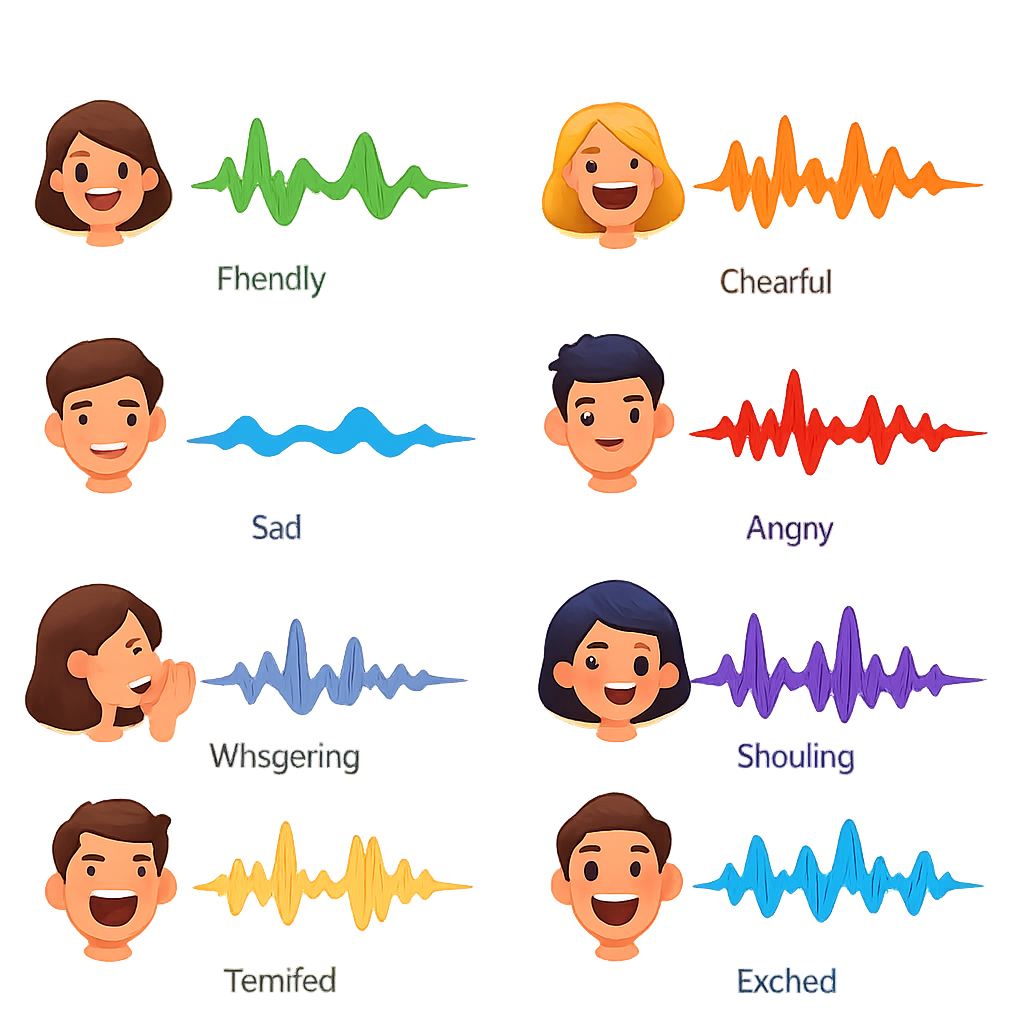
Realism is not only about sounding human. It is about sounding right for the moment. A product demo needs clarity. A children’s lesson needs warmth. A sales video may need energy. The best text to speech tools give you that range.
Using Emotional AI Voices for Marketing and Storytelling
Emotion-based AI voices are useful in ads, social videos, onboarding, and narrative content. A flat read can hurt retention. A better-matched tone can make the same script more engaging.
According to Microsoft’s Azure AI Speech documentation, neural text-to-speech is designed to create more natural prosody and intonation than older concatenative or parametric systems.Microsoft Azure AI Speech, accessed April 2026
Consistency Across Large Content Libraries
One big advantage of AI voice platforms is consistency. Human voice actors can be excellent, but availability, room tone, and delivery can vary over time. For teams with large libraries, consistent AI output can be a major benefit.
How to Choose the Best Text to Speech for Your Use Case
The right platform depends on what you make and how often you make it. Use cases matter more than hype.
For Marketers and Video Creators
Prioritize emotional range, production speed, and voice variety. If your team creates ads, product videos, or social content, you need voices that can shift between promotional and educational styles fast.
For Educators and Students
Clarity matters most. Look for stable pacing, easy pronunciation, and multilingual support for accessibility.
For Authors, Podcasters, and Course Creators
Long-form quality is key. Test chapter-length or episode-length scripts. The best option for this group should stay natural and make revisions easy.
For Customer Support and Product Teams
Consistency and scale come first. You may need voiceovers for onboarding, help center videos, release walkthroughs, and feature explainers. Repeatable quality matters more than dramatic flair.
-
Step 1: List your top content types, such as ads, lessons, demos, or podcast intros.
-
Step 2: Estimate monthly volume. A team making 50 clips per month has different needs than a solo creator making 3.
-
Step 3: Test the same script in at least two emotional styles and two pacing settings.
-
Step 4: Check export speed, edit simplicity, and whether teammates can use it without help.
Best Text to Speech for Scaling Content Production

For growing teams, the best text to speech solution is often the one that removes the most overhead. Recording sessions, retakes, scheduling, and post-production can slow content output. AI voice generation shortens that process.
Faster Turnaround Without Recording Sessions
If a team produces many episodes, lessons, or product videos each month, even small time savings add up. That is one reason AI voice tools are attractive for recurring content.
Lower Production Costs for Growing Teams
Traditional voiceovers can be worth the cost for flagship campaigns. But they can become expensive for routine assets. AI voice platforms can reduce repeated studio bookings and revision cycles.
Multilingual Content Without Hiring Multiple Voice Actors
Localization is one of the clearest business cases for modern TTS. Instead of finding separate talent for each market, teams can create multilingual versions in one workflow. According to Google Cloud and Microsoft Azure, enterprise TTS adoption continues to center on scalable, multilingual output.
Workflow Simplicity and Accessibility
Online tools also improve access. Team members can create or revise audio from a browser, which helps distributed teams and fast-moving content calendars.
We have seen the biggest productivity gains when teams stop treating voice as a separate production department and make it part of the content workflow.Editorial analysis from our review process
Neural TTS has moved from novelty to utility. The practical winners are tools that let non-specialists create publishable audio quickly.Based on our cross-category evaluation, April 2026
Text to Speech Comparison: Browser-Based AI vs Traditional Voiceovers
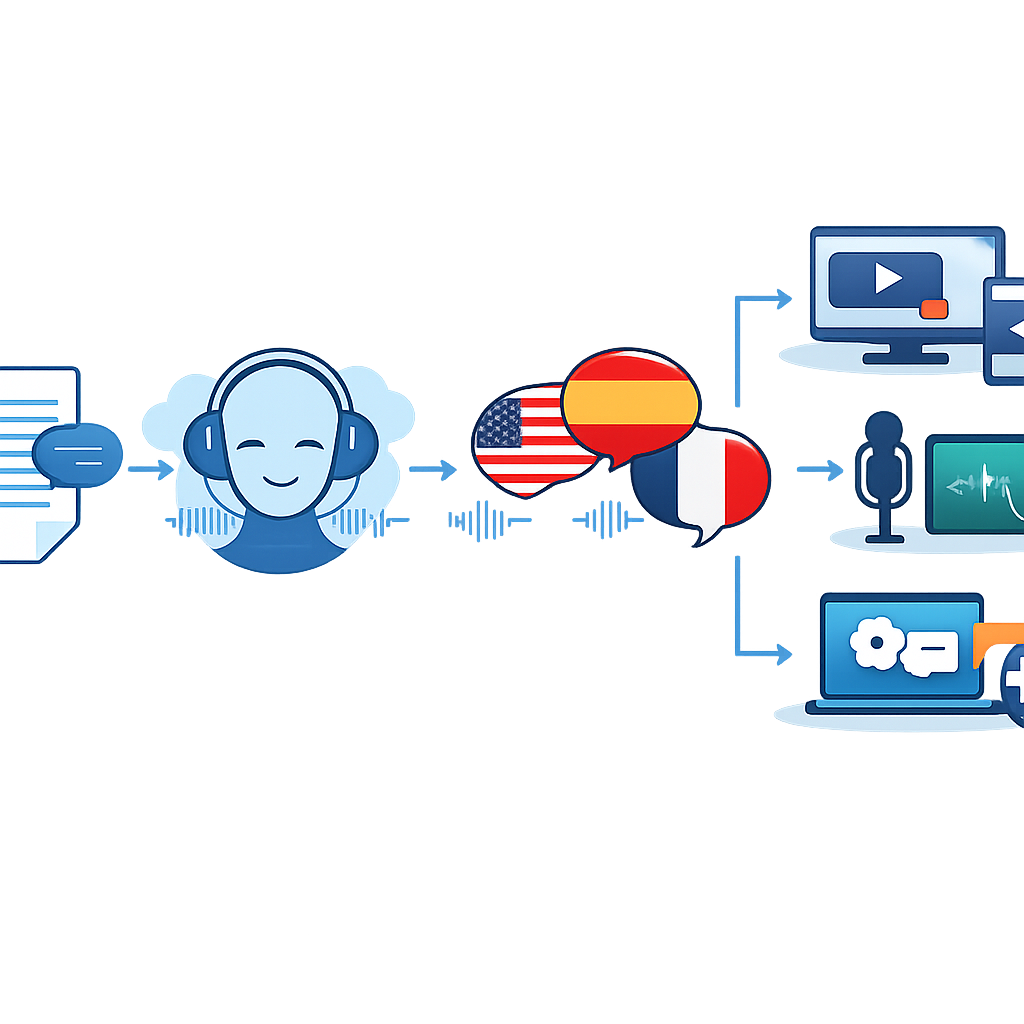
Many buyers make the wrong comparison here. AI voice tools are not always trying to replace premium voice actors in every case. Often, they replace slow and repetitive production steps.
When Traditional Voiceovers Still Make Sense
High-budget brand films, celebrity campaigns, and highly nuanced dramatic performances may still benefit from human talent. If the emotional performance is the main value, traditional voiceover can still be the better fit.
| Criteria | Browser-Based AI TTS | Traditional Voiceover |
|---|---|---|
| Speed | Minutes to draft and revise | Days to schedule, record, and edit |
| Cost for recurring content | Usually lower over time | Usually higher with repeated sessions |
| Localization | Fast if multiple languages are supported | Requires separate talent per language |
| Consistency | High across large libraries | Can vary by session and setup |
| Peak emotional nuance | Strong and improving | Still strongest for elite custom performance |
For most business content, AI covers the practical middle ground well. That includes explainers, e-learning, support content, sales assets, and narration-heavy videos.
Why Revoicer Stands Out Among the Best Text to Speech Tools
Among tools aimed at business users and creators, Revoicer stands out because it focuses on realistic output and ease of use. Its positioning is simple: create human-sounding AI voiceovers quickly, online, and with emotional range.
Emotion-Based AI Voice Generation
One of Revoicer’s strongest differentiators is emotion-based AI voice generation. That matters for marketers, storytellers, and educators who need more than a neutral read.
80+ Human-Sounding Voices in English and 40+ Languages
Revoicer highlights a broad voice library with 80+ human-sounding voices in English and support for 40+ languages. For teams serving multiple markets, that can reduce the need for fragmented tools and outside talent.
100% Online App With No Download Required
A fully online app is a practical advantage. There is no local setup, no audio workstation learning curve, and less friction for distributed teams.
Custom Voice Type, Pitch, Speed, and Emotions
Revoicer also emphasizes controls for voice type, pitch, speed, and emotions. Those are the settings many non-audio specialists need to improve output fast.
That mix makes Revoicer a strong option for anyone seeking the best text to speech choice for practical, repeatable production.
For related strategy reading, you can also explore AI voice content workflows and multilingual video localization.
How to Evaluate Pricing, Value, and Long-Term Fit
Price matters, but value matters more. A cheaper tool that needs manual cleanup or slows your team can cost more over time.
Questions to Ask Before You Buy
- Will this tool still fit if our content volume doubles?
- Can non-technical teammates create polished audio on their own?
- Does the voice quality stay natural in long-form content?
- Can we support multiple languages and accents from one platform?
- Do customization controls save time or create more work?
How to Match Features to Business Goals
If your goal is faster campaign production, prioritize emotional voices and quick editing. If your goal is support scale, prioritize consistency and browser access. If your goal is educational access, prioritize clarity and language coverage.
As of 2026, the strongest buying decisions come from matching the platform to the production model, not chasing the longest feature list. That is why the best text to speech choice for a solo author may differ from the best option for a support team or SaaS marketing department.
Final Summary
The best text to speech tools are no longer simple utility apps. They are production systems. The right one should sound realistic, support emotional delivery, simplify workflows, and scale with your content needs.
For users who want realistic AI voiceovers without technical friction, Revoicer stands out with emotion-based voices, broad language support, browser-based access, and practical controls for everyday production.
Ready to evaluate a tool built for realistic, scalable voice creation?
Frequently Asked Questions
What is the best text to speech tool for realistic audio?
The best choice depends on your use case, but the strongest tools combine natural voice quality, emotion controls, easy editing, and multilingual support. For business users and creators, Revoicer is a strong option because it focuses on realistic output and simple browser-based workflows.
Is browser-based text to speech good enough for professional content?
Yes, for many use cases. Browser-based AI voice tools are now suitable for explainers, training content, marketing videos, support assets, and course narration. Traditional voiceovers still make sense for high-end dramatic or brand-critical performances.
Why do emotion settings matter in text to speech?
Emotion settings help the voice match the purpose of the script. A sales video, onboarding guide, and educational lesson each need a different tone. Emotional control makes AI narration sound more engaging and less robotic.
How many languages should a good text to speech tool support?
That depends on your audience, but broad language and accent support is valuable if you publish for multiple regions. It helps teams localize content faster and avoid managing separate voice vendors.
Can text to speech save money compared with hiring voice actors?
For recurring content, often yes. AI voice platforms can reduce recording, scheduling, retakes, and revision costs. The savings are usually strongest for teams producing frequent videos, lessons, demos, and multilingual assets.