Key Takeaways
- An ai voice maker turns written scripts into realistic voiceovers in minutes, with no studio setup or downloads required.
- The best tools combine natural speech, emotion controls, multilingual voices, and easy online editing for teams that publish often.
- Marketers, educators, authors, support teams, product developers, and podcasters benefit most because they need speed, consistency, and lower production costs.
- Compared with traditional voiceovers, AI tools win on turnaround time, repeatability, and localization, especially for high-volume content.
- Revoicer stands out for a fast online workflow, flexible voice styles, and scalable voice creation across many use cases.
An ai voice maker helps you create polished voiceovers without booking talent, recording many takes, or waiting days for edits. If you make ads, lessons, demos, audiobooks, or support audio, it can turn a slow process into a fast one.
Why trust this guide: We reviewed the current AI voice market through practical needs: realism, emotion control, language coverage, editing speed, online access, and scalability. We also compared common workflows with traditional studio production and referenced sources such as Wikipedia on speech synthesis, Google Cloud Text-to-Speech, and Microsoft Azure AI Speech.
AI Voice Maker: Create Realistic Voiceovers Fast
What Is an AI Voice Maker and How Does It Work?
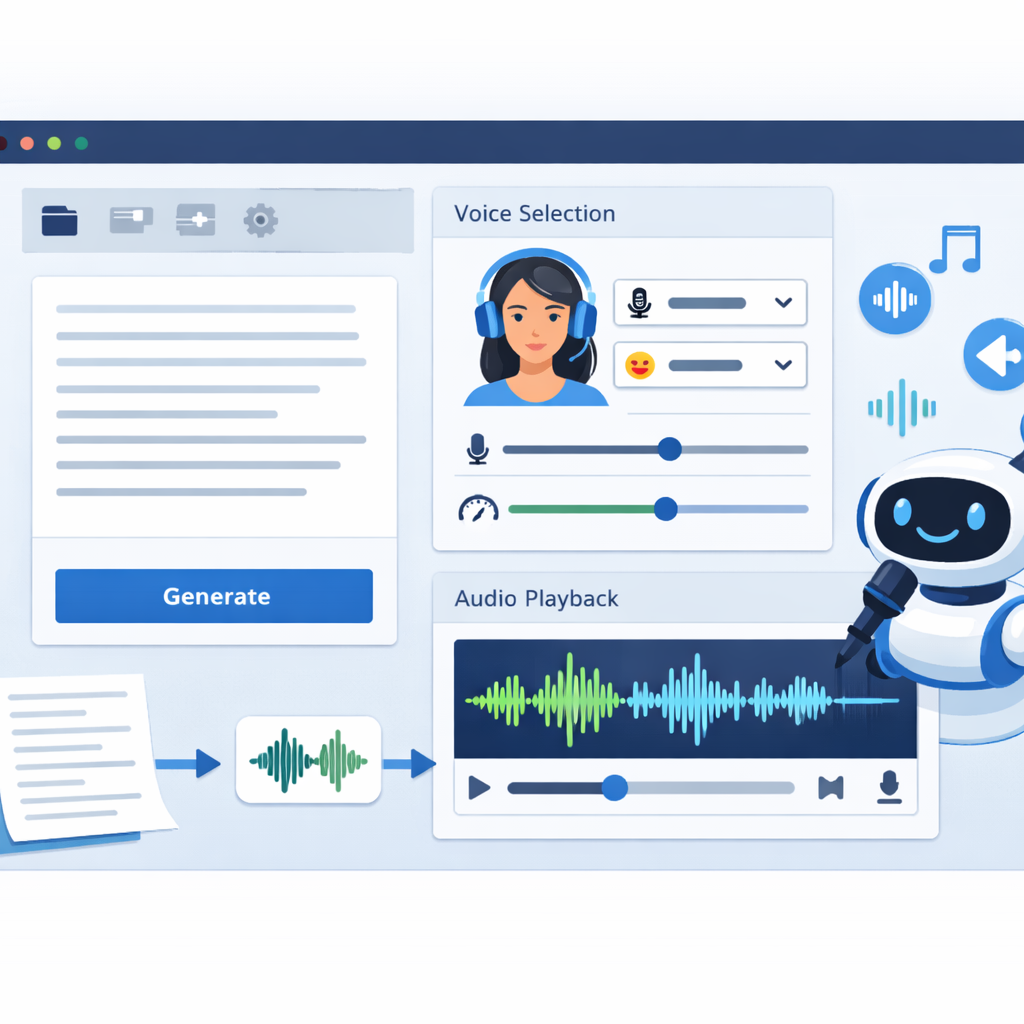
An ai voice maker is software that turns text into spoken audio with modern speech synthesis. You paste in a script, choose a voice, adjust a few settings, and export the file. The process feels simple, but the software uses trained models to handle pronunciation, timing, and tone.
Today’s tools do more than basic text-to-speech. Many can keep pronunciation consistent, support several languages, and help teams create and update audio in one place.
Text-to-speech technology made simple
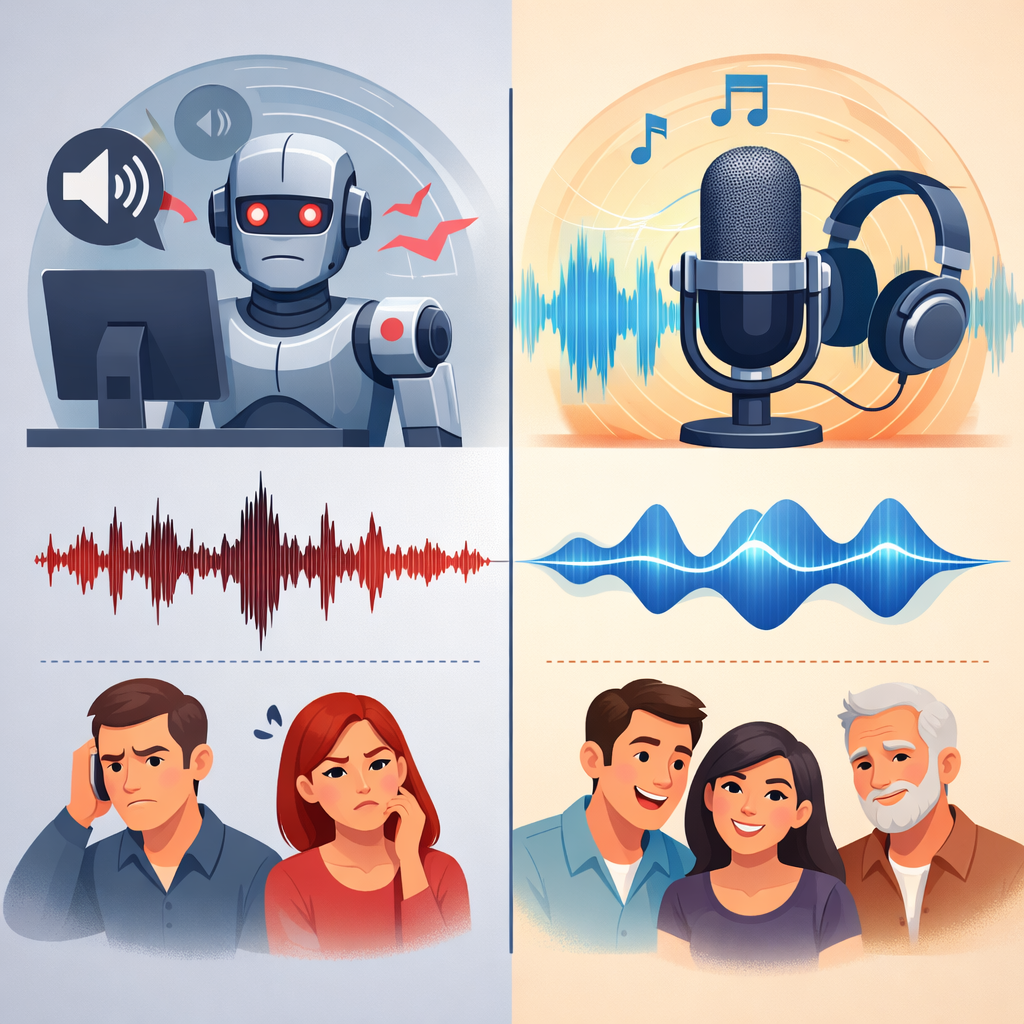
Text-to-speech, or TTS, has improved a lot. Older systems often sounded robotic. Newer neural systems sound smoother and more human. As noted in speech synthesis research summaries, modern models handle rhythm, pauses, and emphasis much better than older rule-based engines.
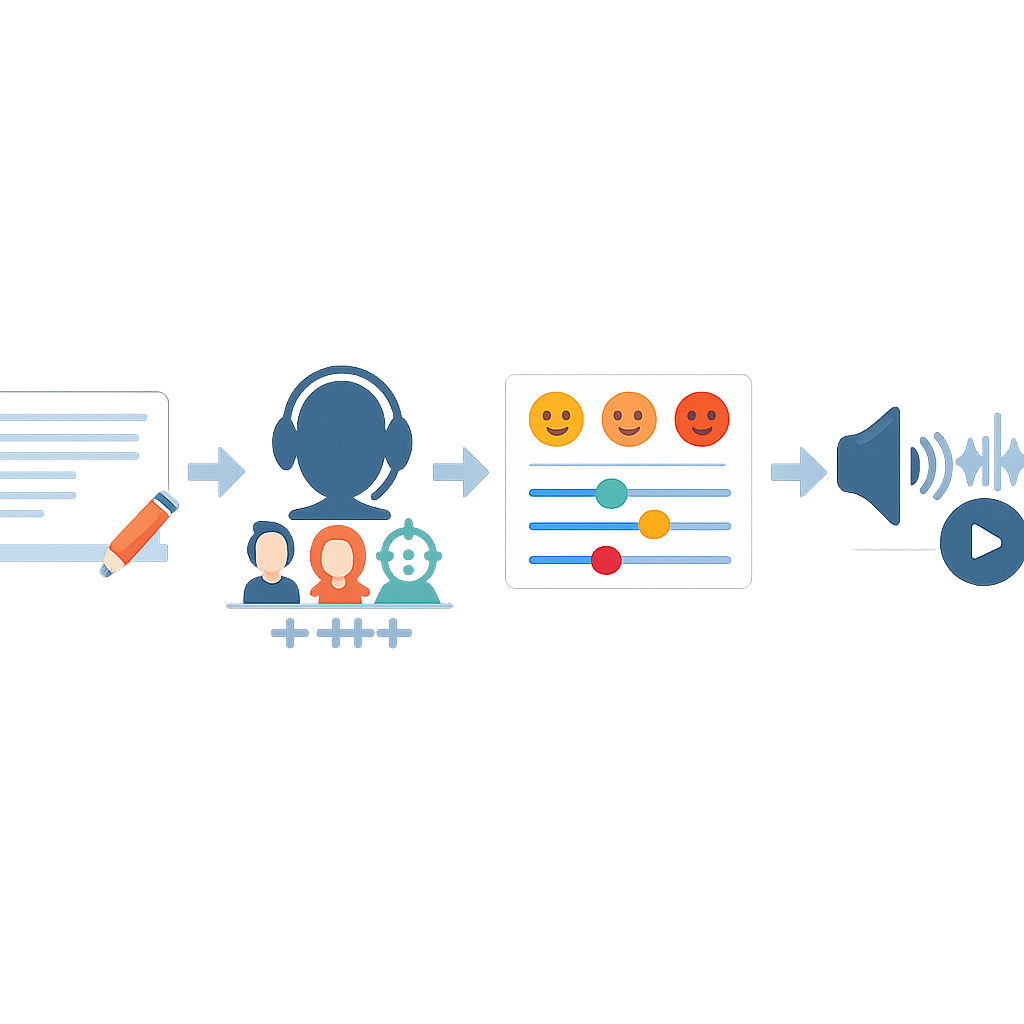
- Input: Add a script or dialogue.
- Voice selection: Pick a speaker style, accent, or language.
- Refinement: Adjust speed, pitch, pauses, and emotion.
- Output: Export audio for video, apps, courses, or support flows.
Platforms from Google Cloud and Microsoft Azure show how common this technology has become in business tools.[1][2]
Why realistic voices matter for engagement
Realism matters because listeners notice bad audio fast. A flat voice can make a good script feel weak. A natural voice can make the same script easier to trust and easier to follow. This matters in sales videos, onboarding, training, and podcasts.
“Neural text-to-speech can generate more natural-sounding speech than earlier concatenative or parametric approaches by modeling prosody and acoustic patterns end to end.”
Based on current documentation and technical overviews from Google Cloud Text-to-Speech and Microsoft Azure AI Speech
The best results usually come from tools that let you shape delivery. Emotion, pacing, and emphasis often matter as much as the voice itself.
Want to hear how a modern ai voice maker can speed up content production without a recording studio?
Who Benefits Most from Using an AI Voice Maker?
AI voice tools now help many kinds of teams. They are not only for creators. They also support training, product onboarding, localization, and customer support.
🎯 Marketing Teams
Need fast ad variants, VSLs, social clips, and multilingual campaigns.
🎓 Education
Need course narration, lesson summaries, and accessible learning content.
🎙️ Media Creators
Need repeatable production for podcasts, audiobooks, and demos.
🛎️ Support & Product
Need IVR, onboarding, explainer audio, and consistent voice experiences.
Marketers and content creators
Marketing teams often need many versions of the same message. One campaign may need several hooks, different tones, and more than one language. An ai voice maker helps them test ideas quickly without rebooking talent for every change.
Educators, students, and authors
Teachers and course creators use AI voiceovers to narrate lessons, explain slides, and make content easier to access. Students can turn notes into audio summaries. Authors can test audiobook samples before paying for full production.
Customer support teams, product developers, and podcasters
Support teams use synthetic voices for IVR menus, queue updates, and help content. Product teams use them in demos and onboarding. Podcasters use them for intros, ad reads, or draft narration before final recording.
Top Features to Look for in an AI Voice Maker
Not every tool is equally useful. Some sound good but are hard to edit. Others offer many voices but weak controls. The best ai voice maker balances realism, flexibility, and ease of use.
Emotion-based AI voice generation
Emotion controls help a voice fit the message. A product demo needs clarity. A sales script may need energy. A training lesson needs calm delivery. Without emotion settings, many scripts sound flat.
80+ human-sounding voices in 40+ languages
Voice and language range matter for localization and audience fit. A global team may need one voice for ads, another for support, and another for tutorials. Strong language support also helps brands stay consistent across markets.
Custom voice type, pitch, speed, and emotions
Good controls save time. You should be able to adjust:
- Pitch for warmth or authority
- Speed for clarity or urgency
- Pauses for pacing and emphasis
- Emotion for empathy, confidence, or excitement
- Voice type to match your brand and audience
100% online access with no download required
Web-based access keeps the workflow simple. Teams can log in, edit scripts, generate audio, and export files from a browser. That is useful for remote teams and non-technical users.
| Feature | Why it matters | Best for |
|---|---|---|
| Emotion controls | Makes scripts sound persuasive, empathetic, or energetic instead of flat | Ads, VSLs, courses, storytelling |
| 40+ languages | Supports localization without hiring separate voice talent per market | Global brands, support teams, SaaS companies |
| 80+ voices | Gives better audience matching and brand fit | Agencies, creators, educators |
| Browser-based workflow | Speeds up collaboration and removes setup friction | Remote teams, non-technical users |
| Pitch and speed controls | Improves comprehension and delivery style | Training, demos, long-form narration |
AI Voice Maker vs Traditional Voiceovers
Traditional voiceovers still fit some premium projects. But for most business content, an ai voice maker is faster and easier to scale.
Speed and scalability advantages
Traditional production often means casting, scheduling, recording, retakes, editing, and approvals. AI can reduce that to one browser session. If the script changes, you update the text and generate new audio.
Cost efficiency for growing teams
Cost is not only the first recording. It also includes revisions, alternate versions, and localization. Teams that publish often usually save more with AI because they avoid repeated recording costs.
Consistency across projects and languages
Consistency is one of AI’s biggest strengths. The same voice can appear across tutorials, ads, onboarding, and support content. That is harder to maintain when several freelancers or agencies are involved.
“Cloud voice platforms now support neural voices, style tuning, and multilingual output at scale, making them practical for production systems rather than just demos.”
Summary based on product documentation from Google Cloud and Microsoft Azure
How to Choose the Best AI Voice Maker for Your Needs

The right tool depends on your goals. A solo creator may care most about speed. A support team may care more about language coverage. A product team may want easy updates and stable output.
Match features to your use case
-
List your formats. Decide if you need ads, lessons, IVR, podcasts, or demos.
-
Estimate monthly volume. High volume makes editing speed more important.
-
Map your audience. Region, language, and tone affect which voices feel credible.
-
Test revision flow. Script changes are common, so the tool should make them easy.
Evaluate realism, emotion, and language support
Before you choose a platform, test a real script. Include explanation, transitions, and a call to action. If localization matters, test more than one language too.
Look for a simple online workflow
If non-technical users will use the tool, keep the workflow simple. Browser-based editing, clear exports, and easy voice settings reduce training time.
Best Use Cases for an AI Voice Maker

The best use cases combine frequent updates with repeat production. That is where an ai voice maker creates the most value.
Video sales letters, ads, and social media content
Performance marketers need speed. AI voiceovers make it easier to test multiple hooks, intros, and calls to action. If one angle fails, the script can be changed fast.
eLearning, course narration, and training materials
Courses often need updates as products, policies, or lessons change. AI narration helps educators revise content without rebuilding the whole recording process.
Audiobooks, podcasts, product demos, and IVR content
Long-form narration benefits from voice consistency and pacing control. Product demos benefit from clear delivery. IVR systems benefit from reliable multilingual updates.
“For launch videos, we care less about studio ritual and more about iteration speed. If we can rewrite a script after feedback and regenerate the voice in the same session, the team moves faster.”
Internal workflow insight from our content operations review
“Training content ages quickly. A browser-based ai voice maker makes updates realistic for lean teams that cannot re-record every module.”
Observation from our eLearning content analysis
Why Revoicer Is a Smart Choice for Scalable Voiceovers
Revoicer is built for users who want realistic voice creation without a complex setup. Its positioning focuses on fast, browser-based voiceover generation for marketers, educators, authors, support teams, developers, and podcasters.
Built for fast, affordable, and realistic voice creation
That mix matters. Speed alone is not enough if the audio sounds synthetic. Realism alone is not enough if editing is slow. Revoicer aims for a practical middle ground.
Flexible voices and emotions for different audiences
Different content needs different delivery. A sales video, a training lesson, and a support message should not sound the same. Flexible voices and emotional variation make that easier.
Explore pricing and product details
If your goal is scalable voiceover production with less friction, Revoicer is worth a closer look. Review the current product details, voice options, and workflow to confirm fit.
Key Takeaways
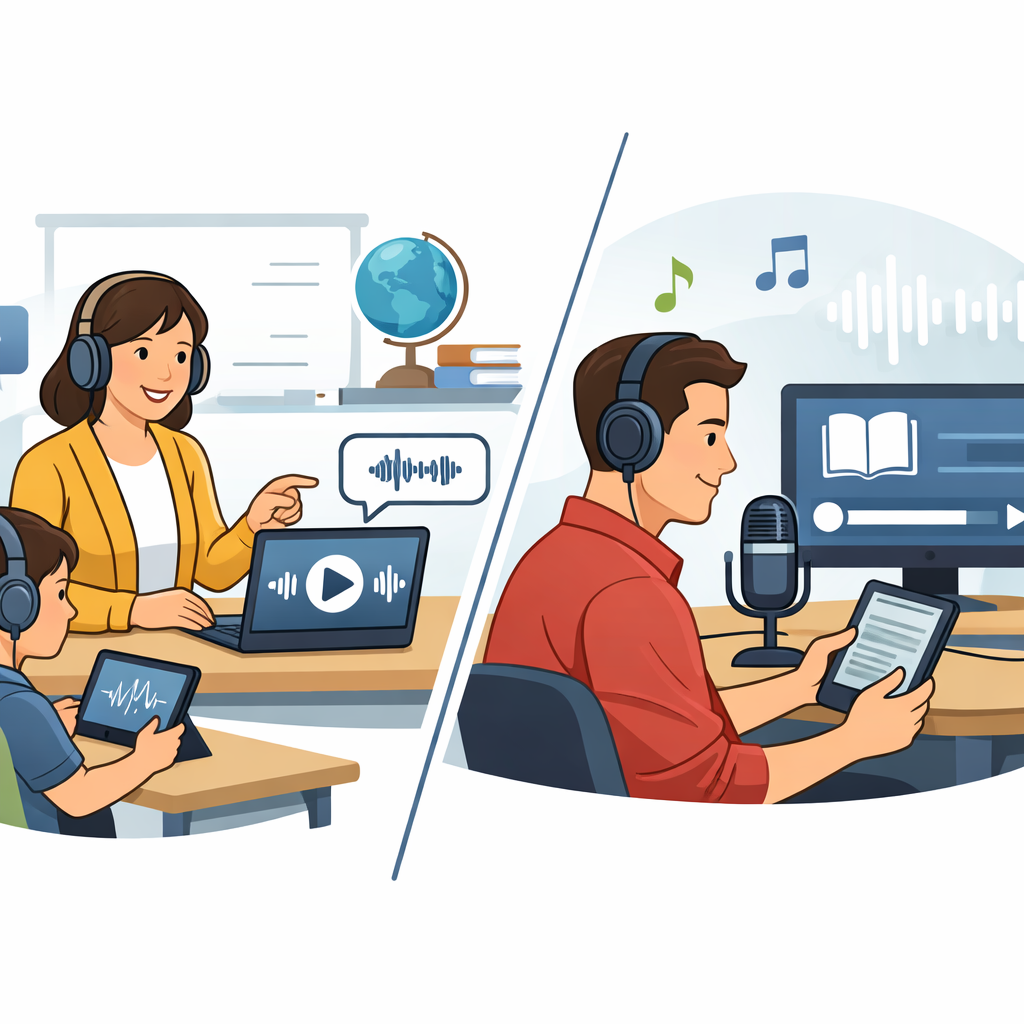
An ai voice maker is now a practical tool for content, education, support, and product communication. The best platforms combine realistic speech, emotional range, multilingual support, and a fast online workflow.
If you publish often, localize content, or revise scripts regularly, AI voice generation can save time and improve consistency. Revoicer is a strong option for teams that want an easy path to scalable voiceovers.
Ready to compare voices, review product details, and see whether Revoicer fits your workflow?
Frequently Asked Questions
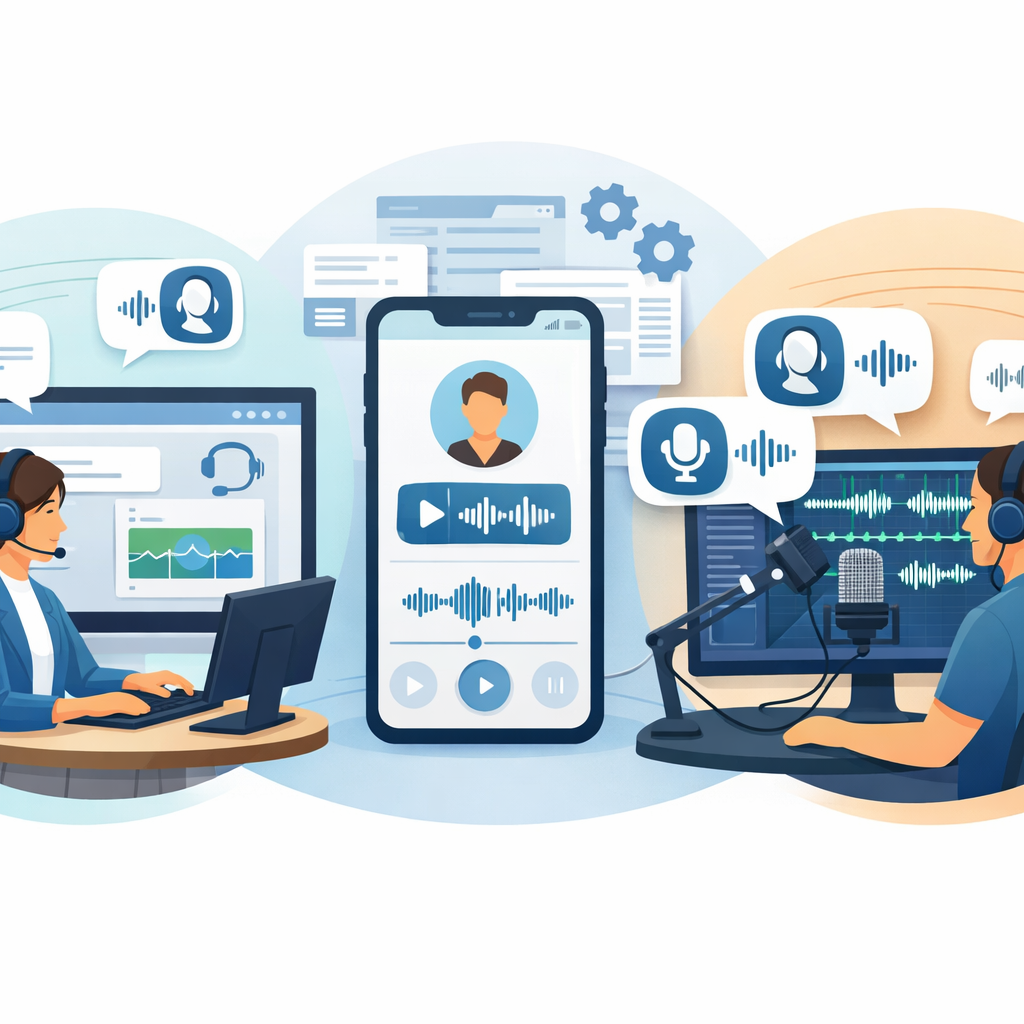
What is an ai voice maker used for?
An ai voice maker is used to turn text into spoken audio for ads, video sales letters, social content, eLearning, audiobooks, podcasts, product demos, IVR systems, and support content.
Can an ai voice maker sound natural enough for professional content?
Yes. Modern neural speech systems can sound highly realistic, especially when the platform includes emotion, pacing, pitch, and pronunciation controls. Quality still varies by tool, so testing real scripts is important.
Is AI voice generation better than hiring a traditional voice actor?
It depends on the project. Traditional voice actors remain valuable for highly nuanced or premium performance work. AI voice generation is often better for speed, scale, revisions, and multilingual production.
What features matter most when choosing an ai voice maker?
Focus on realism, emotional range, language support, voice variety, browser-based access, and editing controls for pitch, speed, and pacing. Workflow simplicity matters just as much as sample quality.
Who benefits most from using Revoicer?
Revoicer is a strong fit for marketers, educators, students, authors, customer support teams, product developers, and podcasters who need fast, realistic, and scalable voiceovers without technical complexity.
[1] Google Cloud Text-to-Speech documentation: https://cloud.google.com/text-to-speech
[2] Microsoft Azure AI Speech documentation: https://learn.microsoft.com/en-us/azure/ai-services/speech-service/text-to-speech